User Interface (UI)
76 T2-C User Guide
Fast Backward/Forward Web Button
Moves the label web fast backward/forward. The movement speed is defined in the HOME
> Settings > User Preferences menu. See “Settings menu” on page 63.
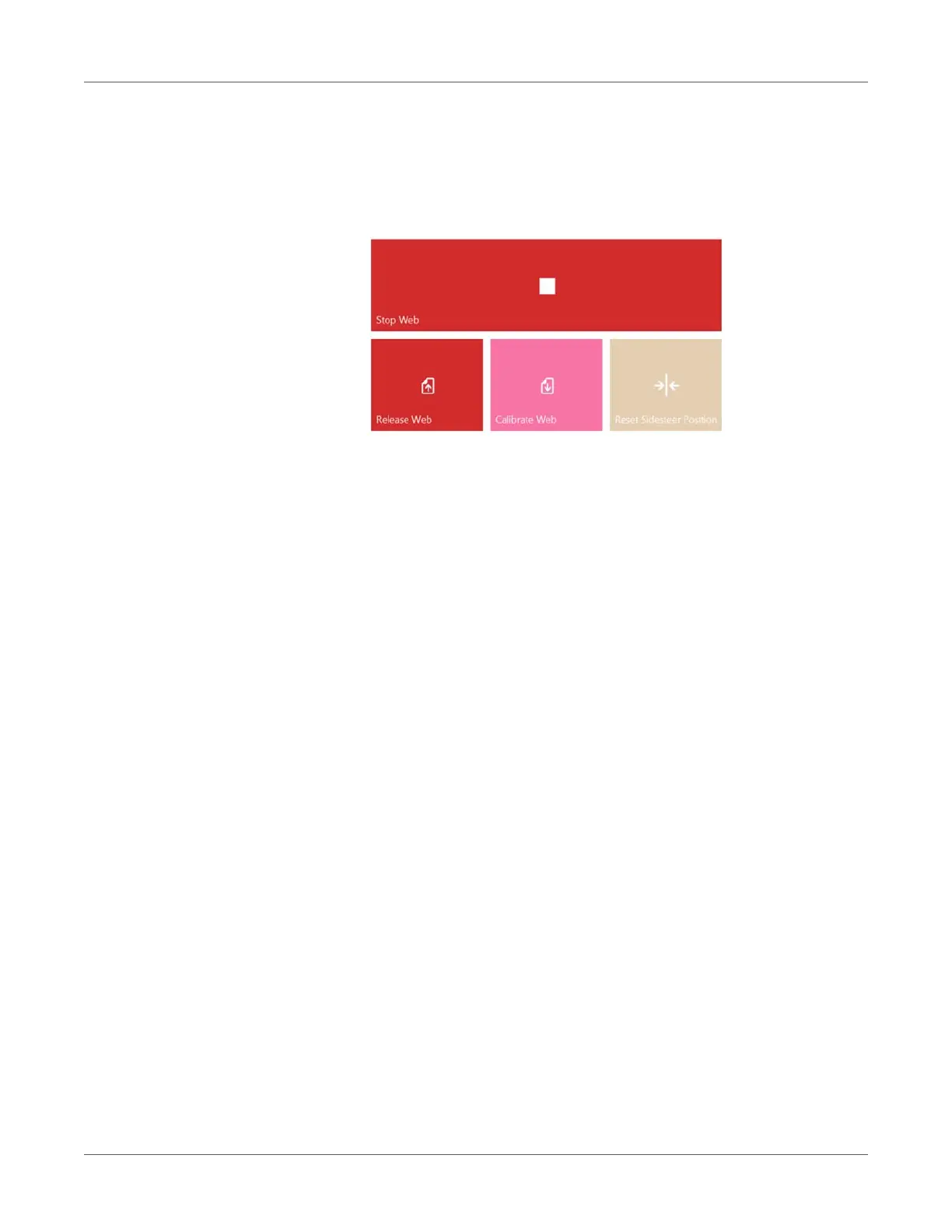
Note: When using the web moving buttons in the top row, the screen switches to the Stop
Web button instead of forward/backward buttons until web movement is stopped.
Release Web Button
Releases tension on the label web, allowing users to change label roll.
Calibrate Web Button
Calibrates and sets proper tension for the label web.
Note: Printing only starts when the web status is Ready (calibrated) in the right status bar.
See “Right side status bar” on page 61.
Reset Sidesteer Position Button
Moves the unwinder core to the default horizontal position. This function is needed when a
new label roll is loaded onto the unwinder core to align the label edge and label edge sensor
to the printhead's left edge. See “Adjusting the label edge sensor” on page 35.
Note: This function is only active when the web state is Not Calibrated. Otherwise the
button is grayed out and inactive.


 To Next Page