Loading the label material
T2-C User Guide 37
Splicing and changing the label roll
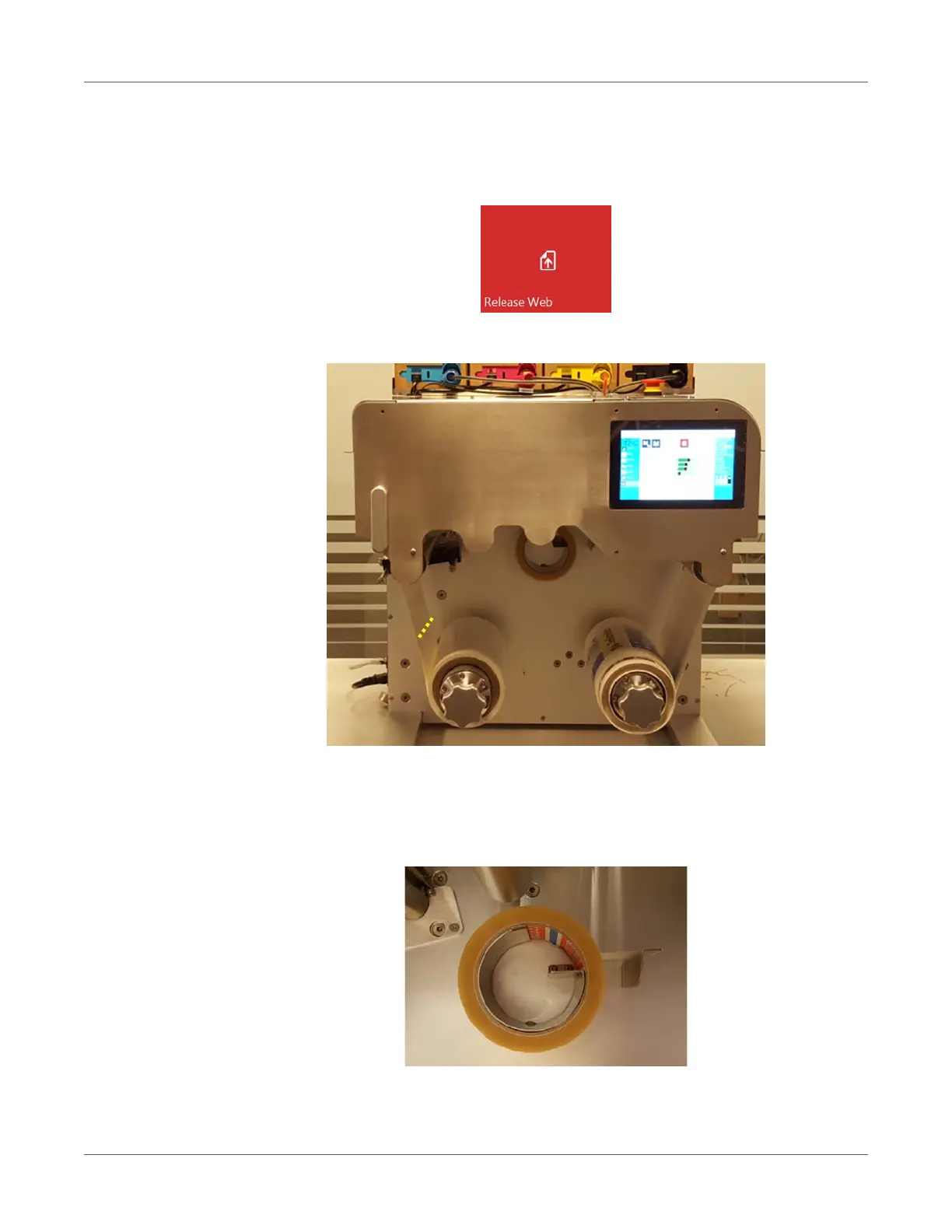
1 Go to the TrojanTwo tab > Handling menu and press the Release Web button to release
the tension for the label roll.
2 Cut the media above the unwinder shaft somewhere close to the unwinder.
3 Load the new media roll onto the Unwinder shaft. See “Rolling direction unwinder - Ink jet
coating on the inside or outside” on page 29.
4 Use the built in adhesive tape dispenser to stick the new media roll to the media that is still
threaded via the web path.
Note: Adhesive tape is not included in T2-C package.


 To Next Page