EasyManua.ls Logo

Valleylab Force FX-C - Page 9

Valleylab Force FX-C
214 pages
Print Icon
To Next Page IconTo Next Page
To Previous Page IconTo Previous Page
Loading...
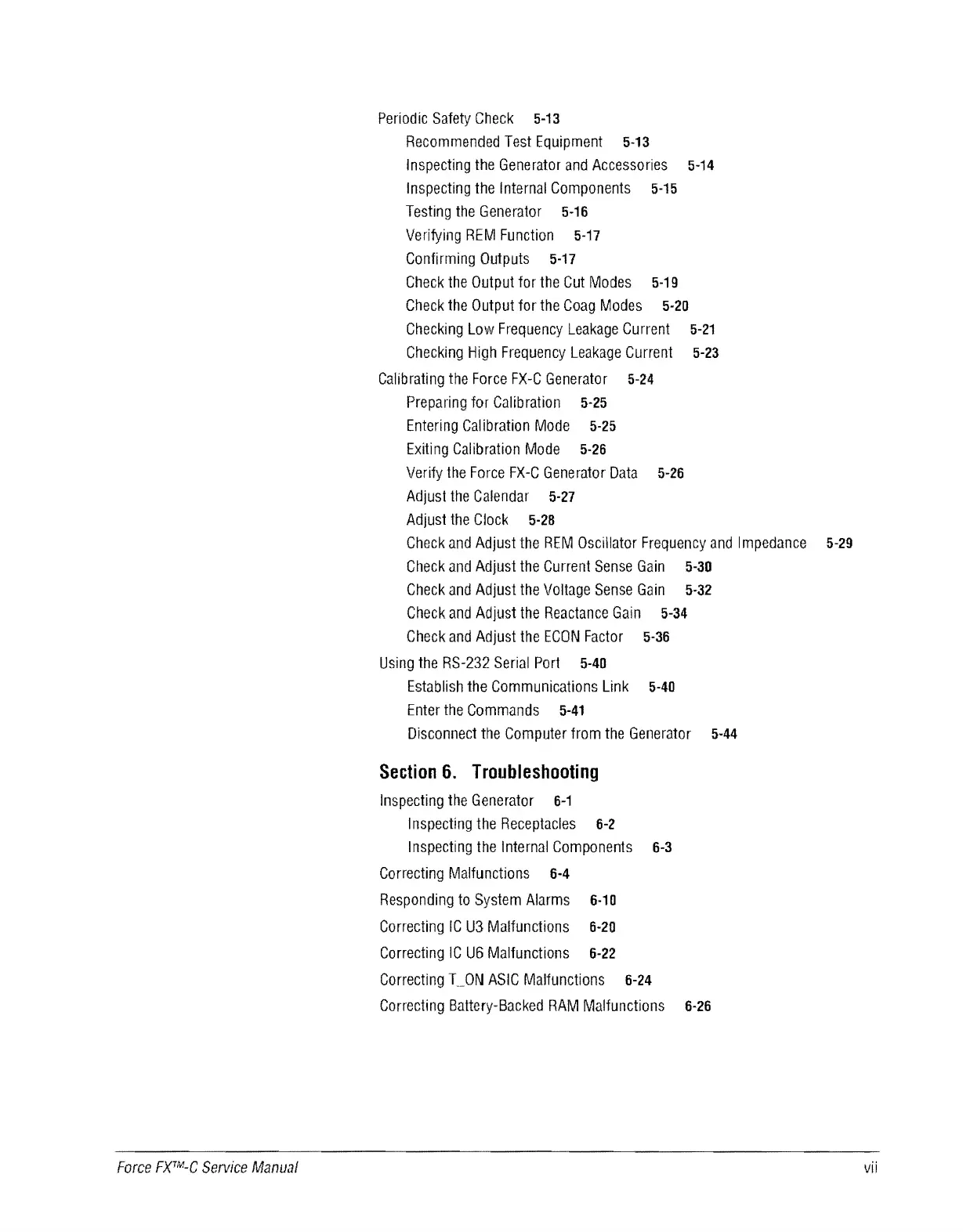
Periodic
Safety
Check
5-13
Recommended
Test
Equipment
5-13
Inspecting
the
Generator
and
Accessories
5-14
Inspecting
the
Internal
Components
5-15
Testing
the
Generator
5-16
Verifying
REM
Function
5-17
Confirming
Outputs
5-17
Check
the
Output
for
the
Cut
Modes
5-19
Check
the
Output
for
the
Coag
Modes
5-20
Checking
Low
Frequency
Leakage
Current
5-21
Checking
High
Frequency
Leakage
Current
5-23
Calibrating
the
Force
FX-C
Generator
5-24
Preparing
for
Calibration
5-25
Entering
Calibration
Mode
5-25
Exiting
Calibration
Mode
5-26
Verify
the
Force
FX-C
Generator
Data
5-26
Adjust
the
Calendar
5-27
Adjust
the
Clock
5-28
Check
and
Adjust
the
REM
Oscillator
Frequency
and
Impedance
5-29
Check
and
Adjust
the
Current
Sense
Gain
5-30
Check
and
Adjust
the
Voltage
Sense
Gain
5-32
Check
and
Adjust
the
Reactance
Gain
5-34
Check
and
Adjust
the
ECON
Factor
5-36
Using
the
RS-232
Serial
Port
5-40
Establish
the
Communications
Link
5-40
Enter
the
Commands
5-41
Disconnect
the
Computer
from
the
Generator
5-44
Section
6.
Troubleshooting
Inspecting
the
Generator
6-1
I
nspecting
the
Receptacles
6-2
Inspecting
the
Internal
Components
6-3
Correcting
Malfunctions
6-4
Responding
to
System
Alarms
6-10
Correcting
IC
U3
Malfunctions
6-20
Correcting
IC
U6
Malfunctions
6-22
Correcting
T
__
ON
ASIC
Malfunctions
6-24
Correcting
Battery-Backed
RAM
Malfunctions
6-26
Force
FXTM-C
Service
Manual
vii

Table of Contents

Related product manuals