EasyManua.ls Logo

Valleylab Force FX-C - Page 10

Valleylab Force FX-C
214 pages
Print Icon
To Next Page IconTo Next Page
To Previous Page IconTo Previous Page
Loading...
viii
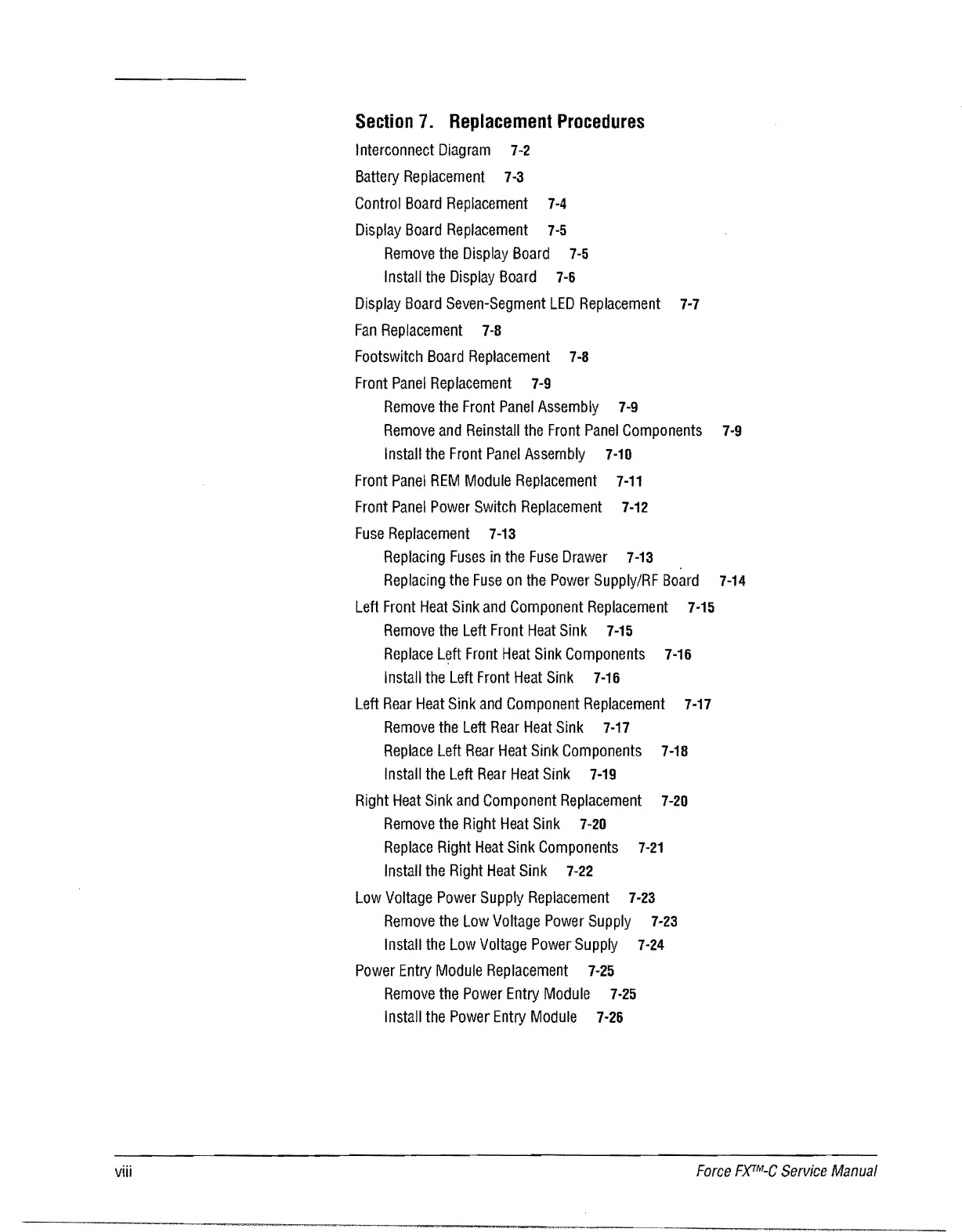
Section
7.
Replacement
Procedures
Interconnect
Diagram
7-2
Battery
Replacement
7-3
Control
Board
Replacement
7-4
Display
Board
Replacement
7·5
Remove
the
Display
Board
7·5
Install
the
Display
Board
7-6
Display
Board
Seven-Segment
LED
Replacement
7-7
Fan
Replacement
7·8
Footswitch
Board
Replacement
7-8
Front
Panel
Replacement
7-9
Remove
the
Front
Panel
Assembly
7-9
Remove
and
Reinsta"
the
Front
Panel
Components
7·9
Insta"
the
Front
Panel
Assembly
7·10
Front
Panel
REM
Module
Replacement
7-11
Front
Panel
Power
Switch
Replacement
7-12
Fuse
Replacement
7-13
Replacing
Fuses
in
the
Fuse
Drawer
7·13
Replacing
the
Fuse
on
the
Power
Supply/RF
Board
7-14
Left
Front
Heat
Sink
and
Component
Replacement
7·15
Remove
the
Left
Front
Heat
Sink
7-15
Replace
Left
Front
Heat
Sink
Components
7-16
Install
the
Left
Front
Heat
Sink
7·16
Left
Rear
Heat
Sink
and
Component
Replacement
7-17
Remove
the
Left
Rear
Heat
Sink
7·17
Replace
Left
Rear
Heat
Sink
Components
7-18
Install
the
Left
Rear
Heat
Sink
7-19
Right
Heat
Sink
and
Component
Replacement
7·20
Remove
the
Right
Heat
Sink
7-20
Replace
Right
Heat
Sink
Components
7-21
Install
the
Right
Heat
Sink
7·22
Low
Voltage
Power
Supply
Replacement
7·23
Remove
the Low
Voltage
Power
Supply
7·23
Install
the Low
Voltage
Power
Supply
7-24
Power
Entry
Module
Replacement
7-25
Remove
the
Power
Entry
Module
7·25
Install
the
Power
Entry
Module
7-26
Force
F)(TM-C
Service
Manual

Table of Contents

Related product manuals