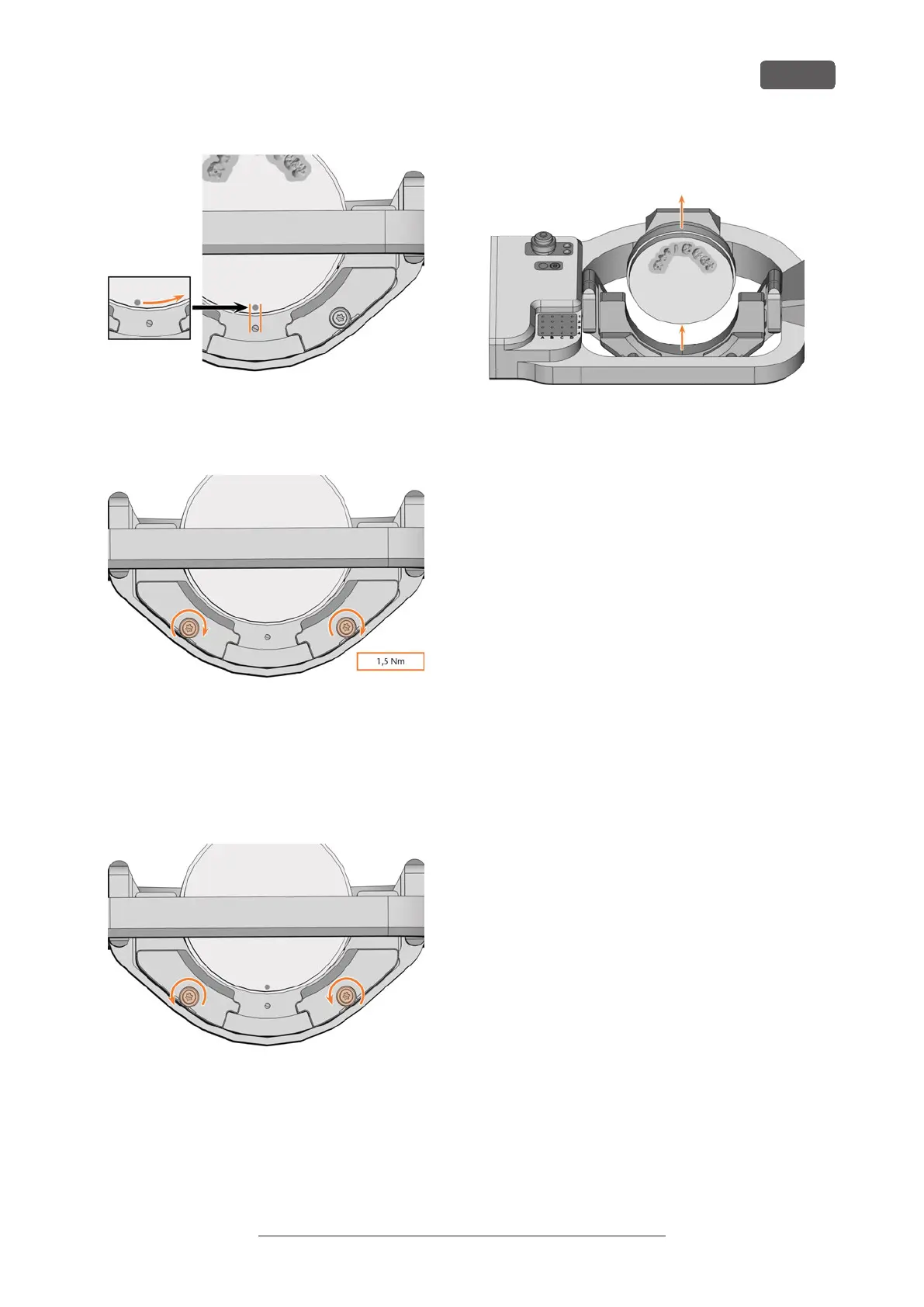
FIG. 41
7. Tighten the fixing screws with the supplied torque
screwdriver (1.5Nm).
FIG. 42
6.3.1 Removing discs
1. ⚠ CAUTION! Wear gloves.
2. Open the working chamber door.
3. Loosen the 2 fixing screws without removing them.
FIG. 43
4. Remove the disc from the blank holder.
FIG. 44
Operating the machine
EN 29
Original Operating Instructions: E5
Version: 4/27/2023



 To Next Page