6.5 Inserting and exchanging tools
NOTICE
Damaging of the spindle or the tool
positions if you use improper tools
Improper tools can damage the collet chuck of the
spindle and / or the tool positions.
Only use tools with a sufficiently large chamfer at
the tool shank.
Install a retaining ring as a stop ring according to
DIN 471-A3.
This does not apply to AirTools.
See the further instructions in chapter Technical
data.
The machine requires different tools for the different
machining strategies during a job.
n
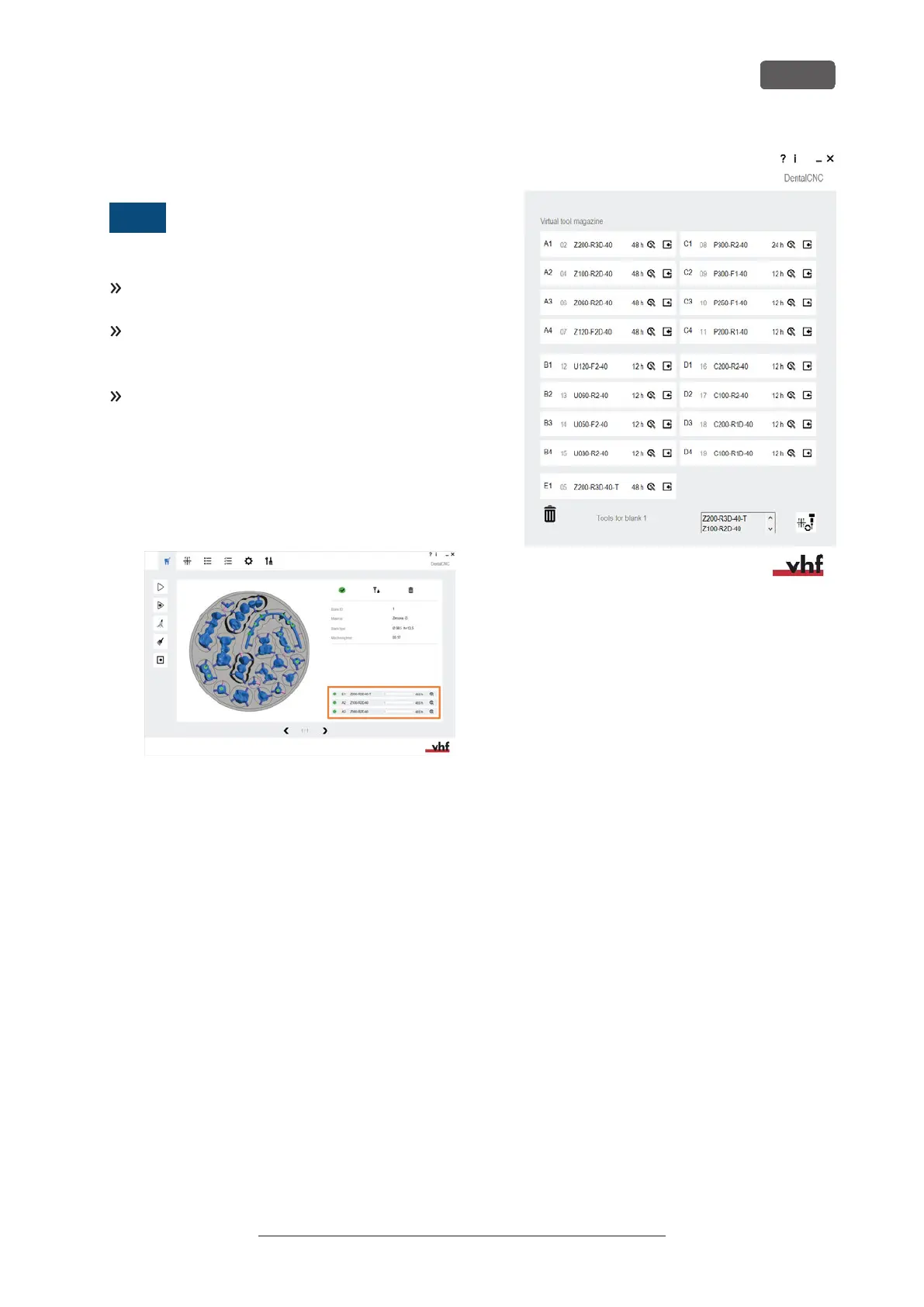
DENTALCNC shows the tools (marked orange)
needed for a job in the Machining view.
FIG. 56
n
Tools are assigned via the Virtual Tool Magazine
in DENTALCNC.
FIG. 57
6.5.1 Automatic or manual tool change
Tool change can take place automatically via the tool
magazine or manually via the collet chuck. Since each
tool position can be configured individually, automatic
and manual changes are possible in parallel.
Automatic tool change properties
n
The machine automatically loads the necessary
tools from the magazine during machining.
n
You must insert all required tools into the tool
magazine before the order begins.
n
Default case for all tool positions where no
manual change is configured in DENTALCNC.
Automatic tool change is not possible in the following
cases:
n
A tool position is worn out and can no longer
hold any tools properly.
n
You use tools which do not fit into the tool
magazine.
Manual tool change properties
n
During the application, you manually insert the
tools into the spindle’s collet chuck at the request
of DENTALCNC.
Operating the machine
EN 33
Original Operating Instructions: E5
Version: 4/27/2023



 To Next Page