5.3 Commissioning
5.3.1 Starting the machine
NOTICE
Short-circuit hazard when the machine is
too cold
If the machine is transported from a cold environment
into a warmer environment, a short circuit may occur
caused by condensate.
Before switching on the machine after trans-
portation, ensure the following:
n
The ambient air has the allowed temperature.
n
The machine has the same temperature as the
ambient air. This will take at least 48 hours.
n
The machine is completely dry.
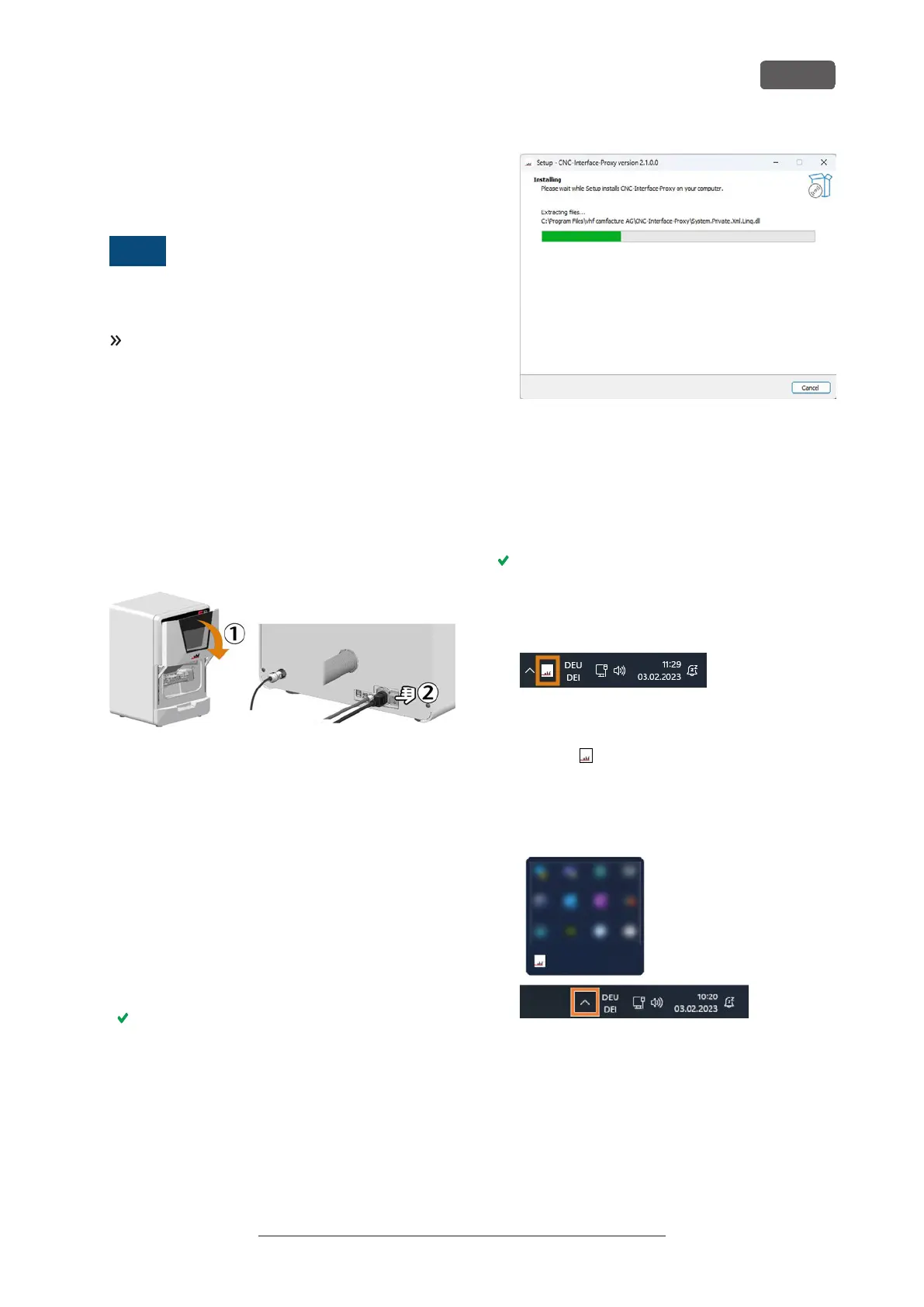
1. Close the working chamber door.
2. Switch on the machine at the main power switch.
The working chamber lighting is on. The machine
does not reference.
FIG. 19
5.3.2 Setting up a softw are connection to the
machine
CNC-Interface-Proxy installation and set up
1. Start the CAM computer.
2. Install the newest version of DENTALCAM &
DENTALCNC that is released for the machine.
n
Select New as the installation type.
n
Select the correct machine model.
3. Approve the device driver installation.
During the installation, CNC-Interface-Proxy will
be installed. CNC-Interface-Proxy establishes the
connection between the machine and
DENTALCNC.
The following window shows the installation
status:
FIG. 20
4. If CNC-Interface-Proxy is not installed, do the
following:
a. Complete the installation of DENTALCAM &
DENTALCNC.
b. Continue with step 2.
The CNC-Interface-Proxy icon is displayed in the
task bar info area on the right side of your
Windows task bar. CNC-Interface-Proxy will start
in the background every time Windows is started.
FIG. 21
5. Select the CNC-Interface-Proxy icon in the task bar
info area:
If the icon is not displayed in the position shown
above, open the grouped icons with the up arrow
icon (highlighted in orange).
FIG. 22
6. The CNC-Interface-Proxy window displays.
Installation
EN 21
Original Operating Instructions: E5
Version: 4/27/2023



 To Next Page