74
Operation
Swivelling the
knives in and out
The cutti ng l ength depends on the number of kni ves. When al l of t he
knives are connected, the crop is cut on the OptiCut 14 to a length of
70 mm by 14 knives, and on the OptiCut 23 to a l ength of 45 mm.
The knives can be swivelled in and out:
•
Swivelling in the knives: The knives swivel into the feed channel
and cut the crop.
•
Swivelling out the knives: The knives swivel out of the feed chan-
nel.
Switch on the AutoPlus-Pilotbox.
> Press the “ON/OFF” button.
> Press the “INFO” button...
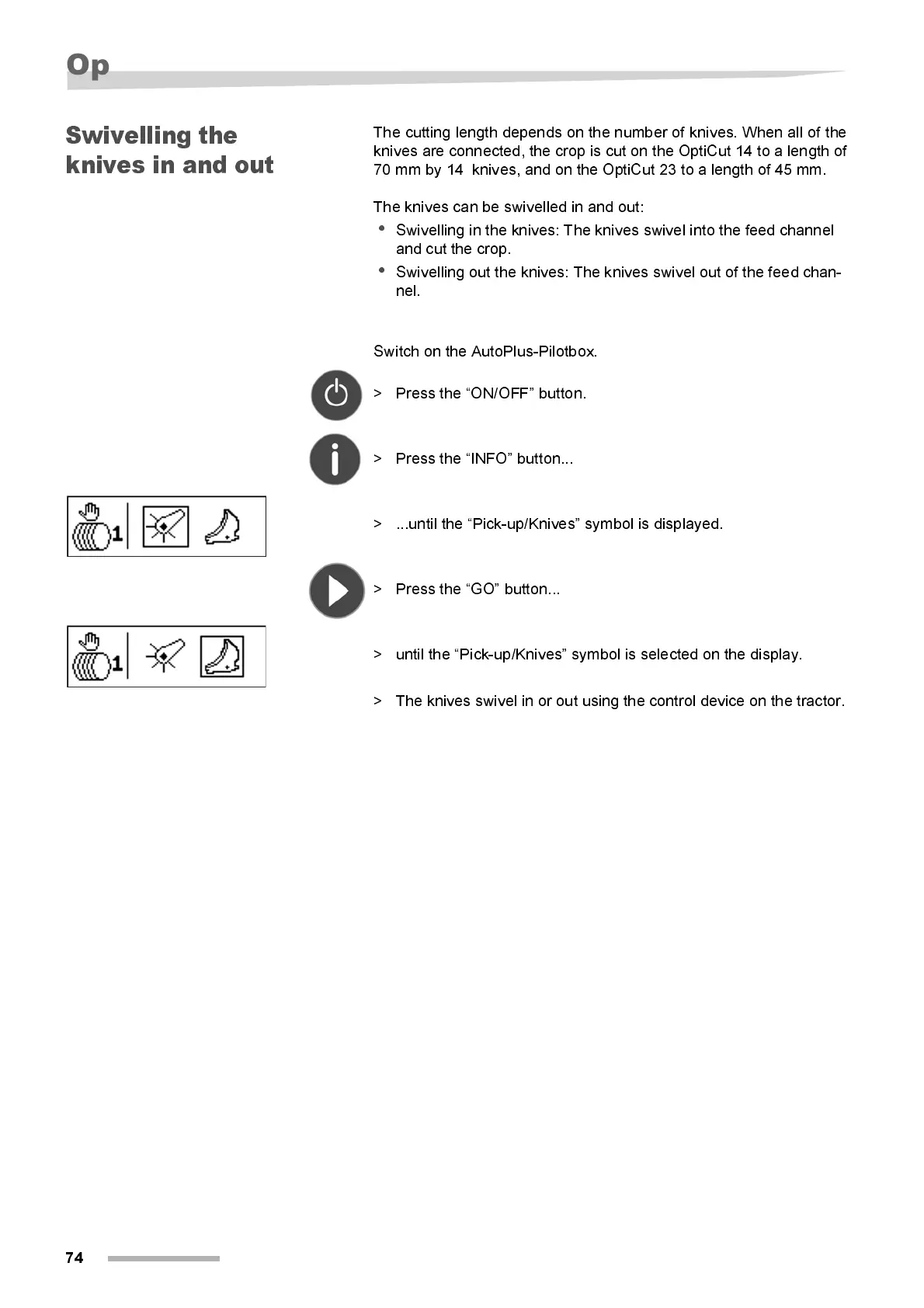
> ...until the “Pick-up/Knives” symbol is displayed.
> Press the “GO” button...
> unti l the “Pi ck-up/Kni ves” symbol is selected on the displ ay.
> The knives swivel in or out using the control device on the tractor.



 To Next Page