Operation
77
Initiating tying
The crop can be tied automatical ly or manuall y. Tying can be perfor-
med either by net or twine. The tying cycle starts when the preset bale
densit y i s reached.
→
See also »Bale density adjustment« on page 72.
Automatic
tying
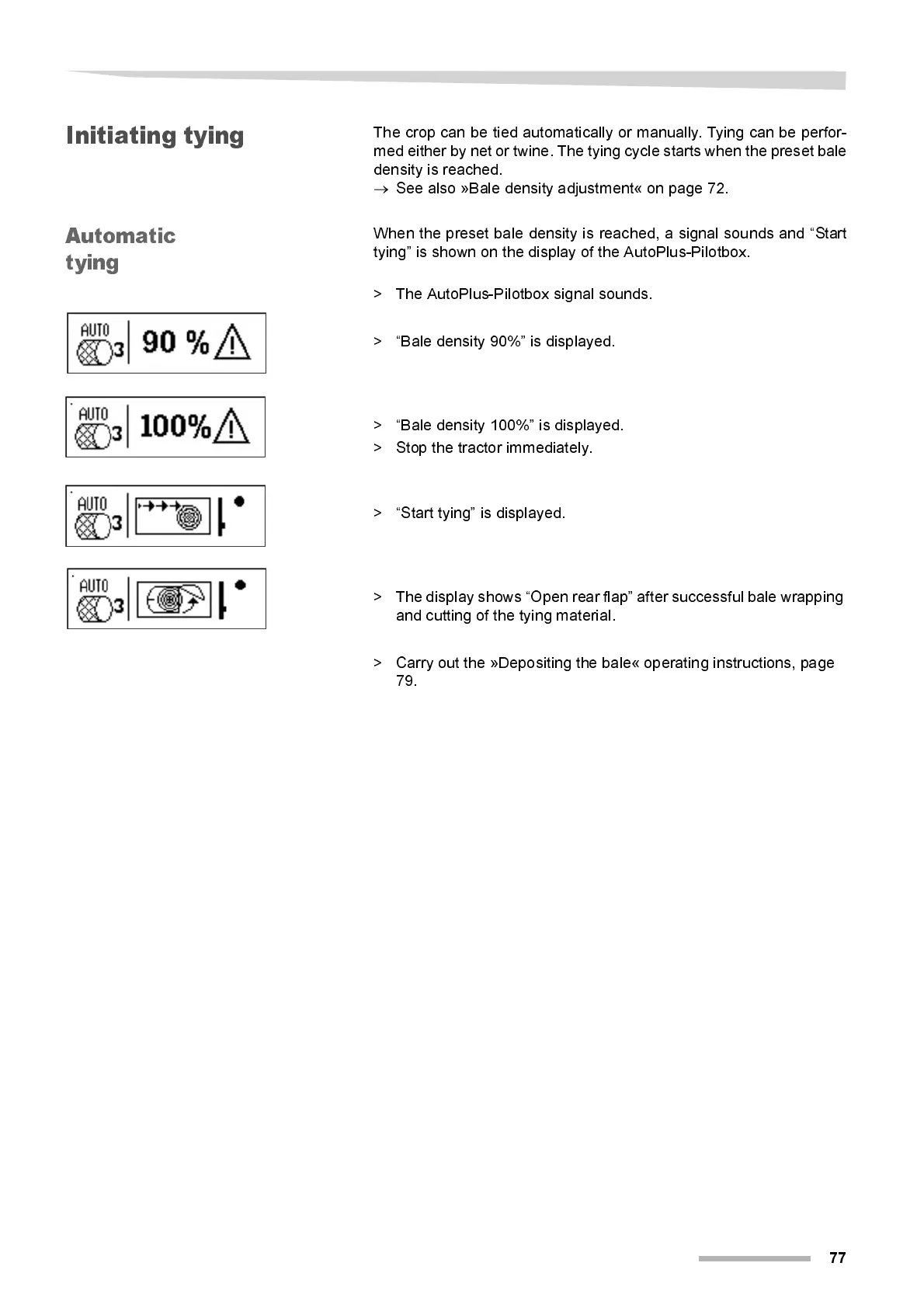
When the preset bal e density i s reached, a signal sounds and “Start
tying” is shown on the display of the AutoPlus-Pilotbox.
> The AutoPlus-Pilotbox signal sounds.
> “Bal e density 90%” i s displ ay ed.
> “Bale density 100%” is displayed.
> Stop the tractor immediately.
> “Start tying” is displayed.
> The display shows “Open rear flap” after success ful bale wrapping
and cutting of the tying material.
> Carry out the »Depositing the bale« operating instructions, page
79.



 To Next Page