58
Preparing for use
Insert the twine
Before the twine is inserted:
> Switch off the tractor's PTO shaft.
> Switch off the AutoPlus-Pilotbox.
> Switch off the tractor engine.
> Take out the ignition key.
W ear prot ective gloves
The twine knife is very sharp. Always wear protective gloves when
handli ng the knives. Failing to wear protective gloves can cause se-
rious injuries.
> For trouble-free twine tying, a high value twine must be selected.
The following is recommended:
→
»Technical specifications«, page 27
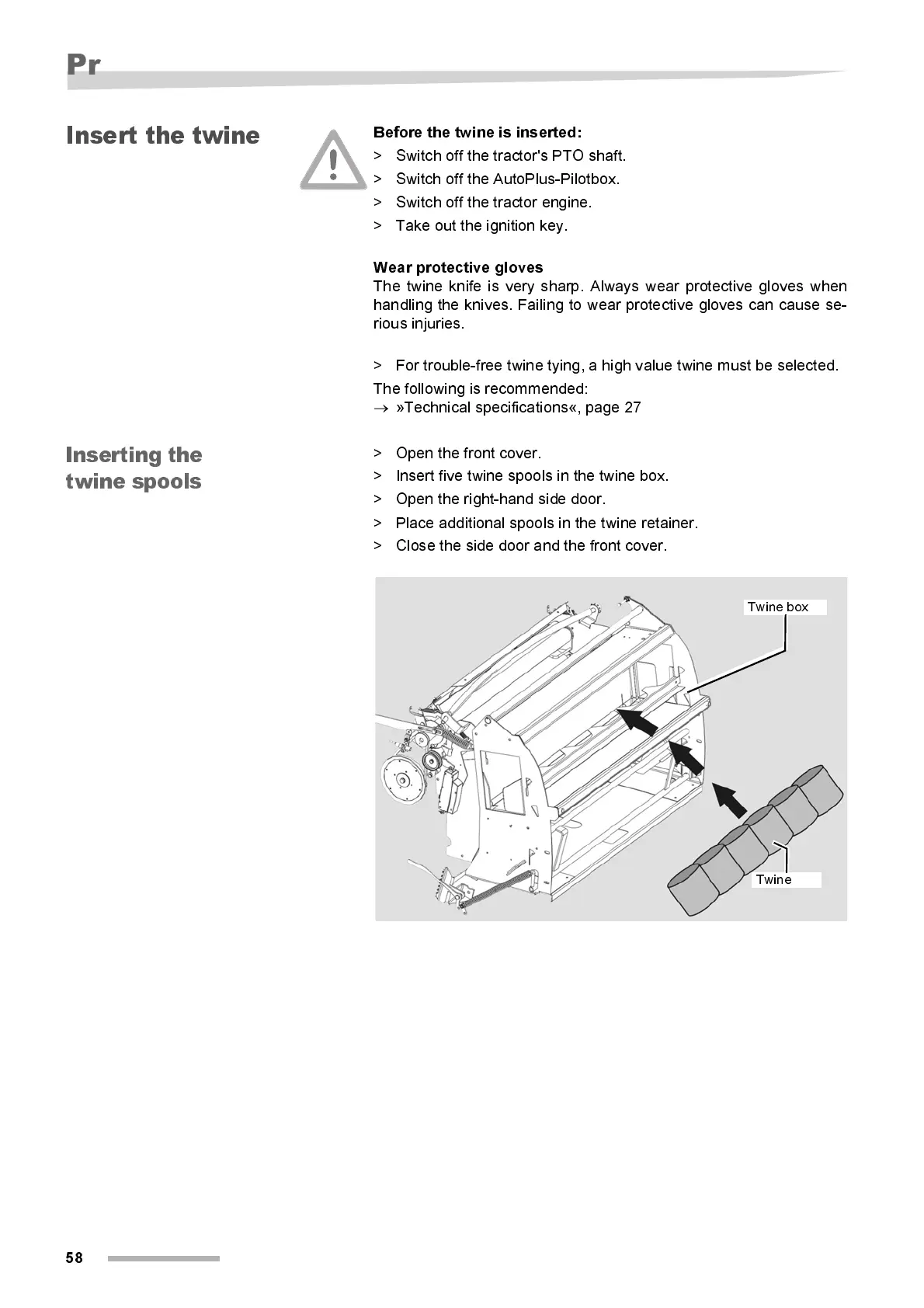
Insertin g the
twi ne sp ool s
> Open the front cover.
> Insert five twine spools in the twine box.
> Open the right-hand side door.
> Place additional spools in the twine retainer.
> Close the side door and the front cover.
Twine box
Twine



 To Next Page