Operation
75
Adjusting the tying
Different adjustments can be made for net and twine tying via the
AutoPlus-Pilotbox. This depends on the implement equipment.
Switch on the AutoPlus-Pilotbox.
> Press the “ON/OFF” button.
> Press the “NET/TWINE” button until the desired tying setting is sel-
ected.
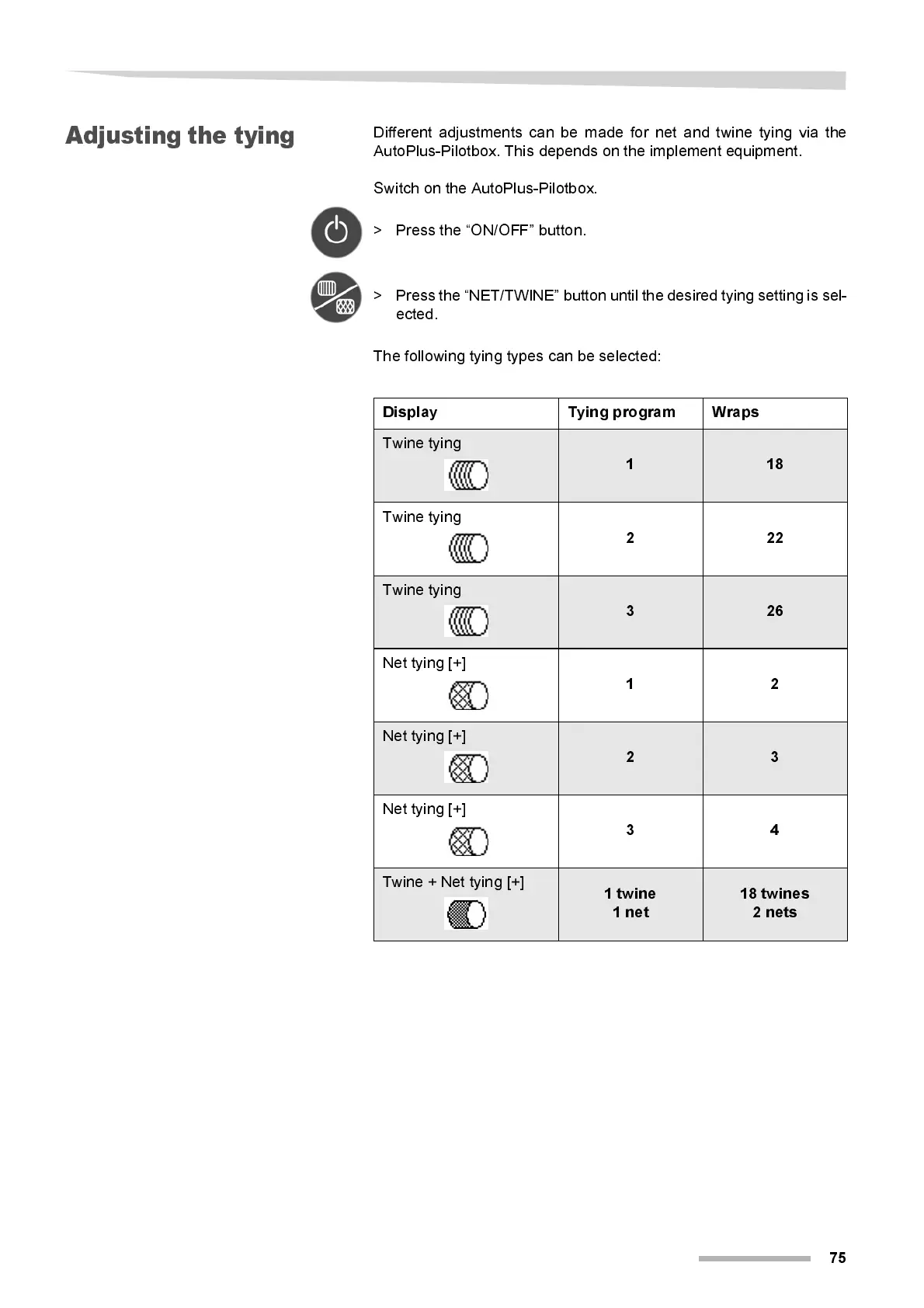
The fol l ow ing tyi ng ty pes can be selected:
Display Tying program Wraps
Twine tying
1 18
Twine tying
222
Twine tying
3 26
Net tyi ng [+]
12
Net tyi ng [+]
2 3
Net tyi ng [+]
34
Twine + Net tying [+]
1 twi n e
1 net
18 twines
2 nets



 To Next Page