Rev AB How to Download a Job File 6-7
Videojet 8520 Operator Manual
3 Select the correct printer name from the Printer Type, (see Figure 6-7
on page 6-6).
Note: The default output device that appears in the Select Output Device
list box is Videojet 8520. If you do not select the correct output device, the
image will not be correct for the printer.
4 Select the Print to File from Image Options.
5 Select the memory device (location) and the file (s) (for example,
current image, file or database record) you want to print.
Note: The Print What options will not display until a suitable memory
device is selected.
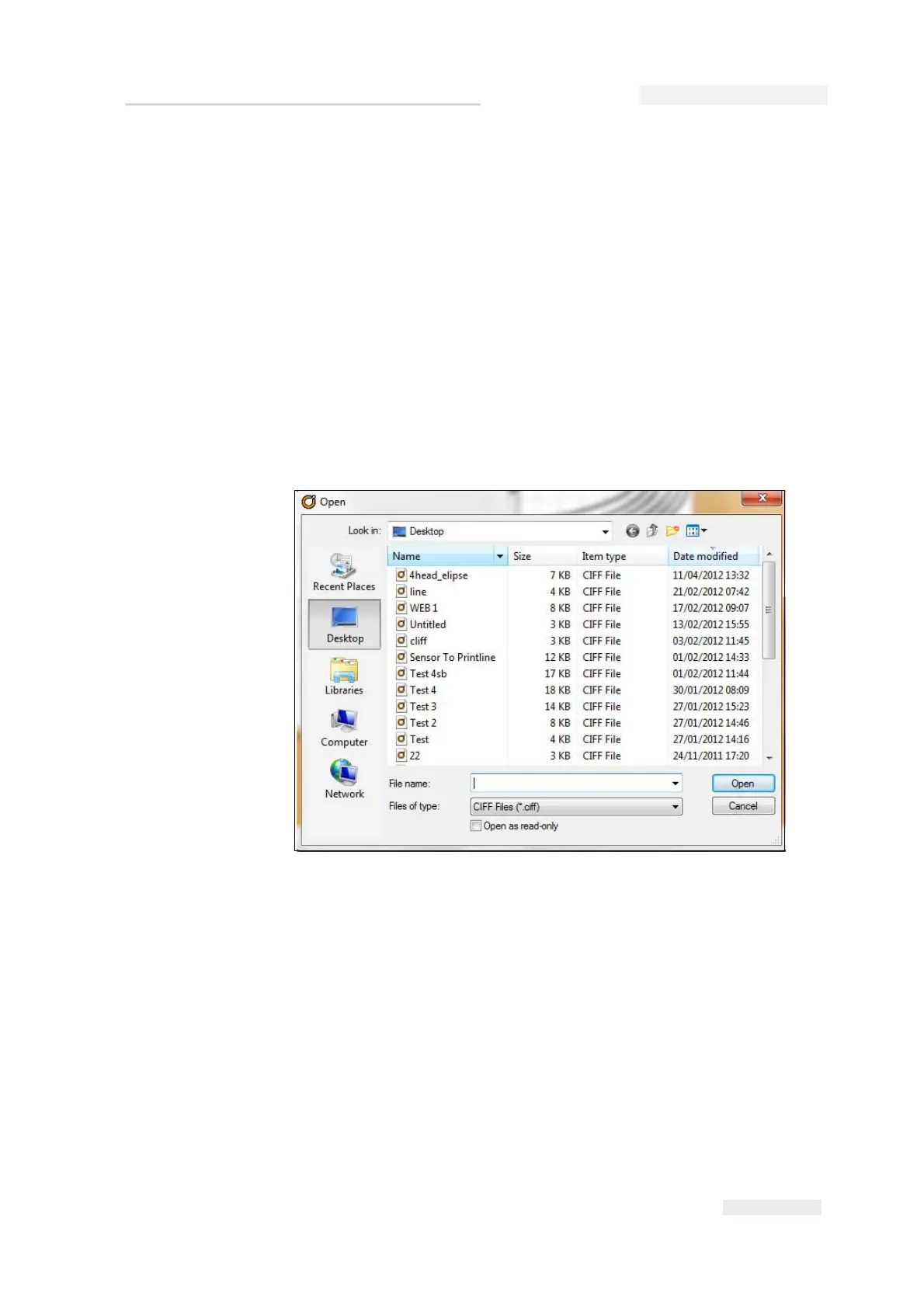
6 Click the OK button. The Open dialog box appears (see Figure 6-8).
7 Select the file (s) that you need to download to the USB memory stick.
8 Click the Open button. The confirmation window appears (see
Figure 6-9 on page 6-8).
Figure 6-8: Open Dialog Box



 To Next Page