6-14 User Editable Fields Rev AB
Videojet 8520 Operator Manual
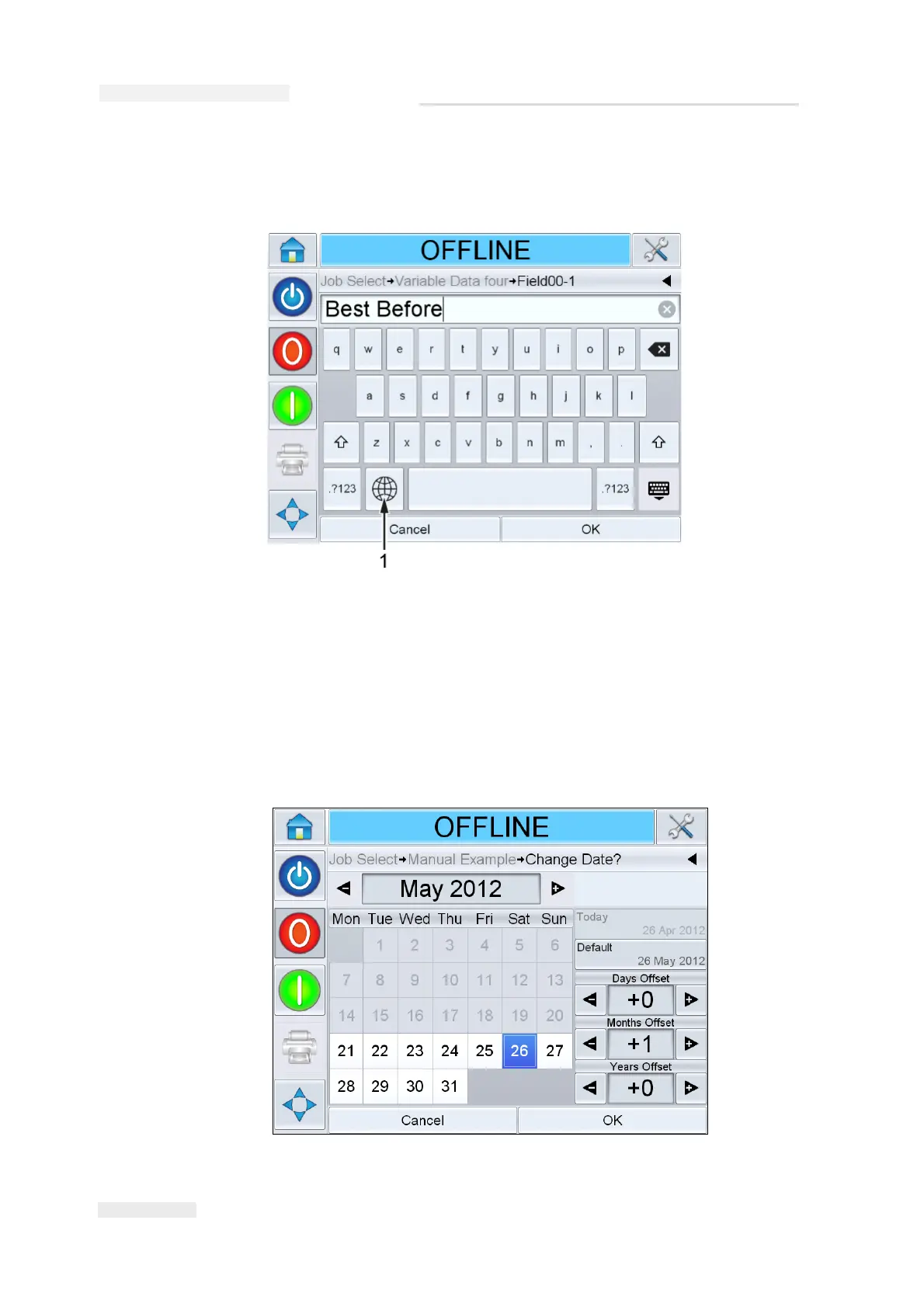
b. Touch the 'language selection key', to access the available language
selections (Figure 6-17).
c. The keypad functions the same way as the keypad on a computer.
Make the necessary changes to the information.
For date fields, do the following tasks:
d. Touch the data window to display the Calendar screen
(Figure 6-18).
Figure 6-17: Default Keypad
1. Language Selection Key
Figure 6-18: Calendar Screen



 To Next Page