6-20 Quick Position Edit Rev AB
Videojet 8520 Operator Manual
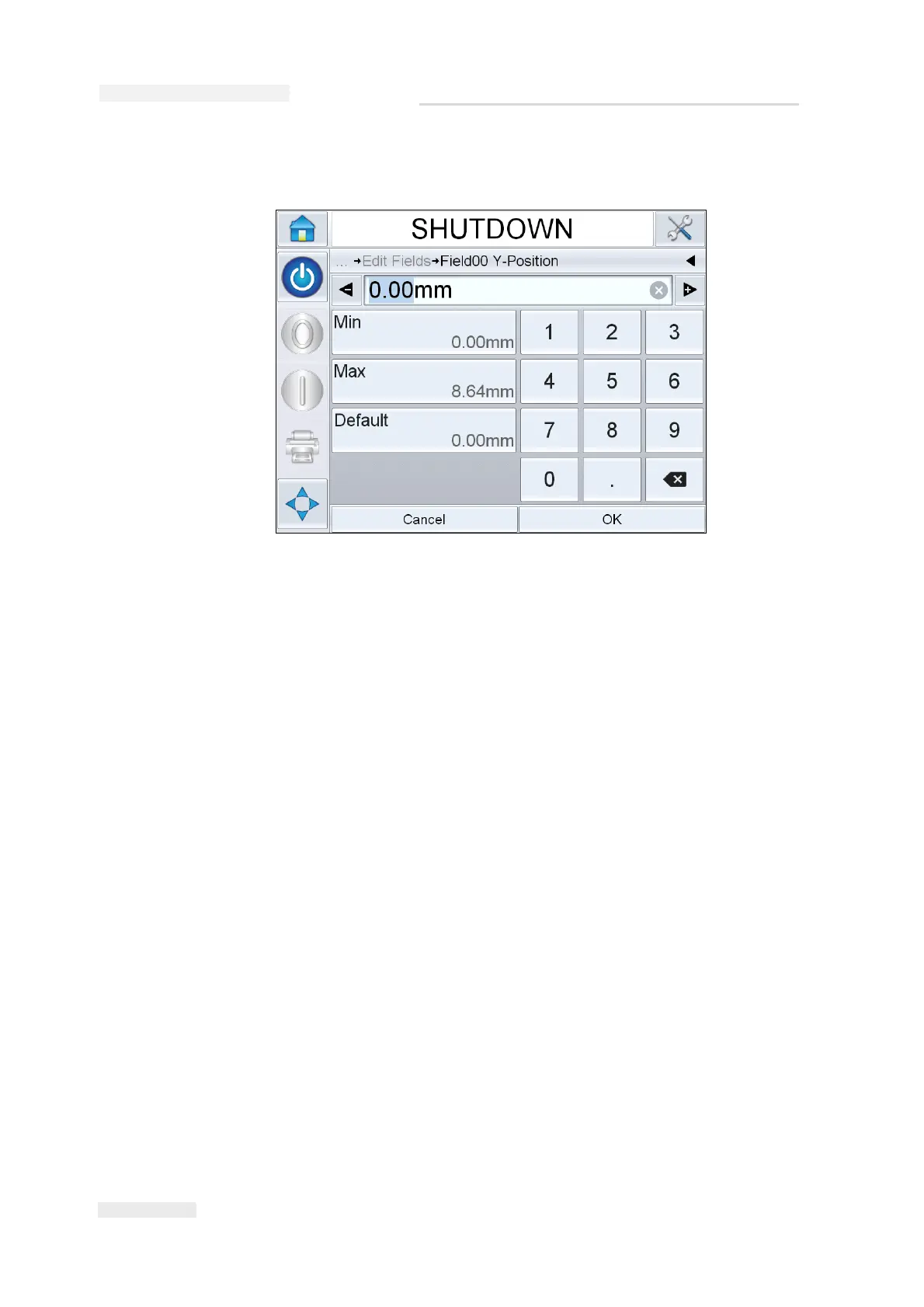
5 Touch Next to change the Y axis position.
6 Update the selected field as required and touch OK.
7 If there is a second field, repeat the steps 4 and 5.
8 Touch OK after editing all the required fields. The job will be updated
in the printer and displayed in the ‘current job details bar’.
Note: When Touch to Edit and Quick Position Edit features are enabled, the
Image Job Queue button is removed. You need to navigate to Tools > Diagnostics
> Control to access Image Update Queue.
Note: The changes made to the job using this feature are saved.
Figure 6-25: Quick Position Edit - Y Position



 To Next Page