Rev AB Quick Position Edit 6-19
Videojet 8520 Operator Manual
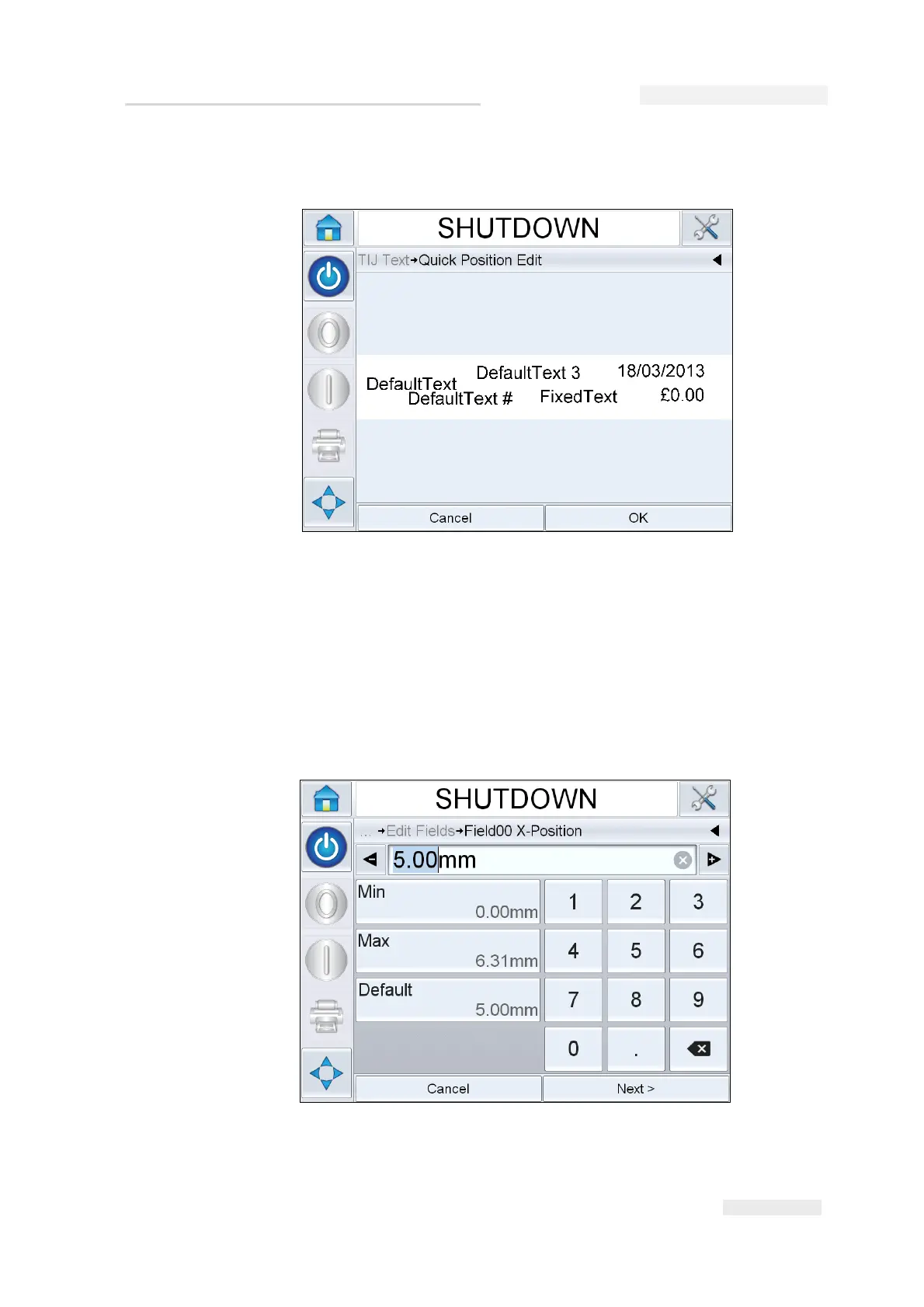
3 The quick position edit job preview opens.
Note: Unlike Touch to Edit, no fields are highlighted and all the fields in a
job can be amended using Quick Position Edit feature.
4 Select the required field to re-position, opens the X position edit
screen (see Figure 6-24 on page 6-19). Quick Position Edit allows each
field to be positioned as required in both X and Y axis.
Note: Left hand top corner of the job indicates the position X=0 and Y=0.
Figure 6-23: Message preview- Quick Position Edit
Figure 6-24: Quick Position Edit - X Position



 To Next Page