Rev AB Installation of Printhead and Ink Cartridge 3-19
Videojet 8520 Operator Manual
EQUIPMENT DAMAGE. Make sure to tighten the connector of the
photocell cable only by hand without using any tools, in order to
avoid damage.
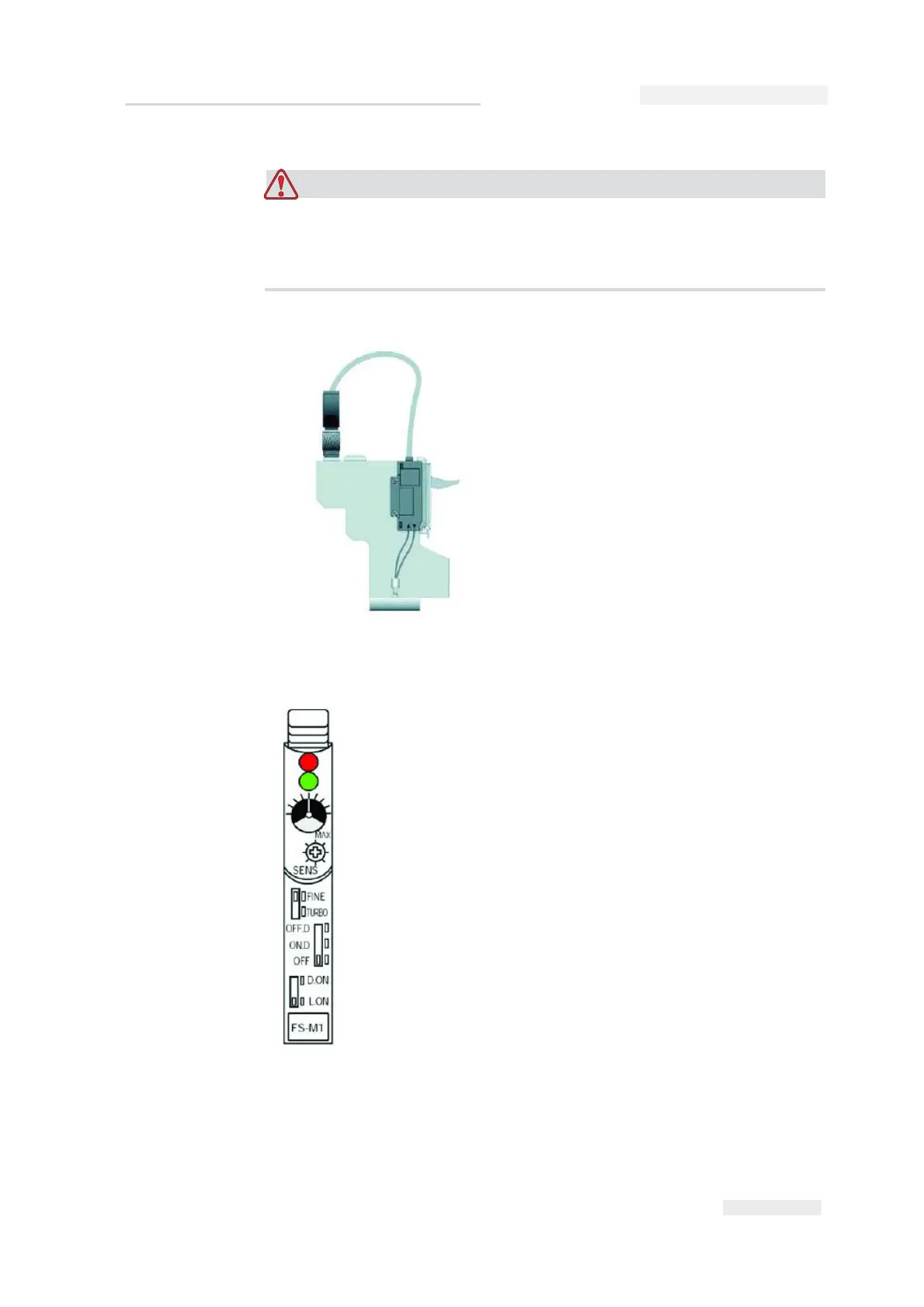
Settings of photoelectric cell
Active indicator (red)
When the switch connection is activated, the active indicator LED glows.
Figure 3-32: Adjusting Photoelectric
Active indicator (red LED)
Stability indicator (green LED)
Indicator
Sensitivity trimmer
FINE/TURBO selector switch
Output timer selector switch
Output selector switch



 To Next Page