VIVOTEK - A Leading Provider of Multimedia Communication Solutions
112 - User's Manual
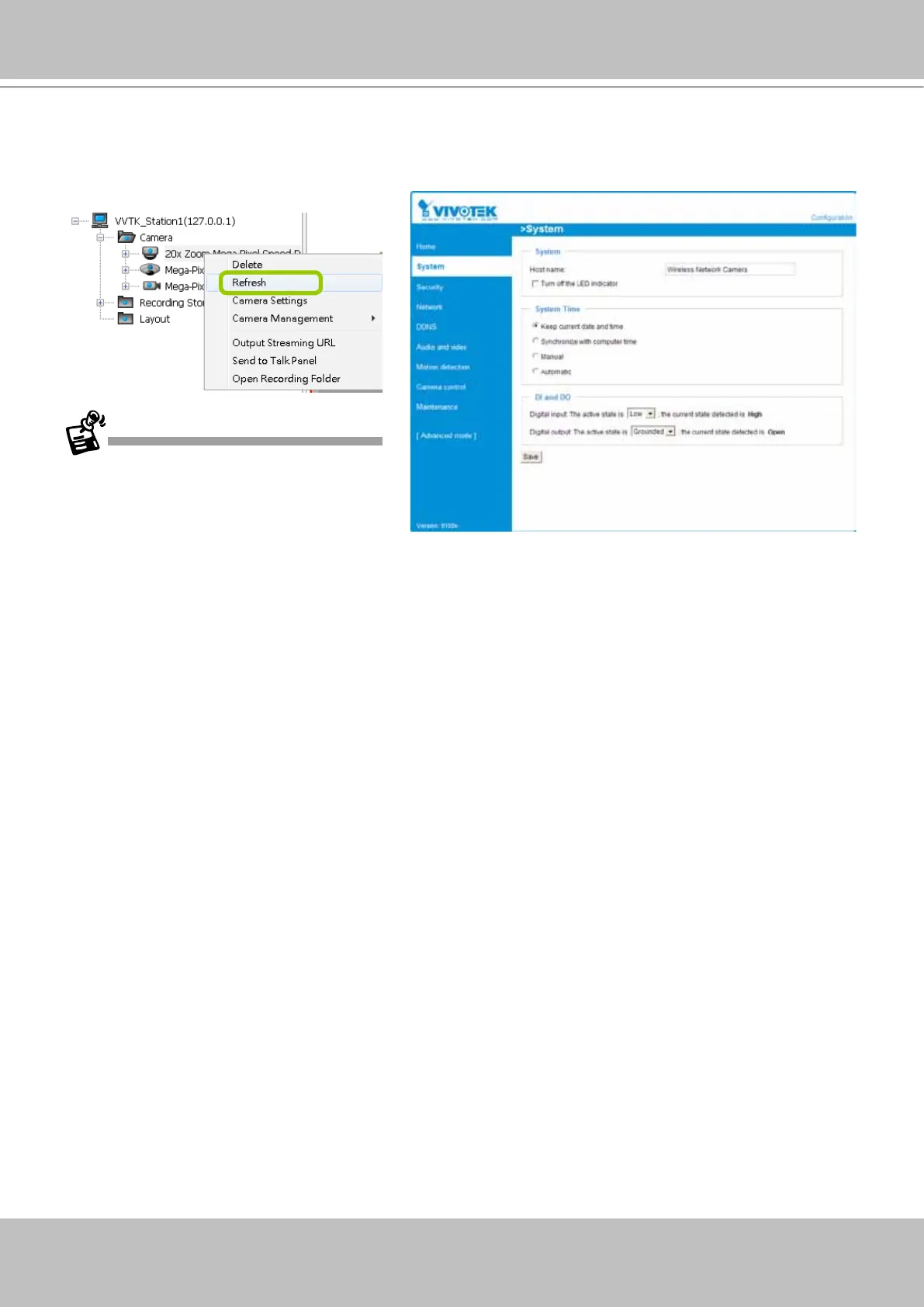
Camera Settings
Left-click to select a camera, Right-click, and then click Camera Settings to open a brower's session
to the camera.
You must have an IE browser rev. 7.0
or above for opening a management
session.
Open Recording Folder
Click on this button, and the default recording folder will prompt. The specific folder for a specific
camera will be opened.



 To Next Page