VIVOTEK - A Leading Provider of Multimedia Communication Solutions
User's Manual - 199
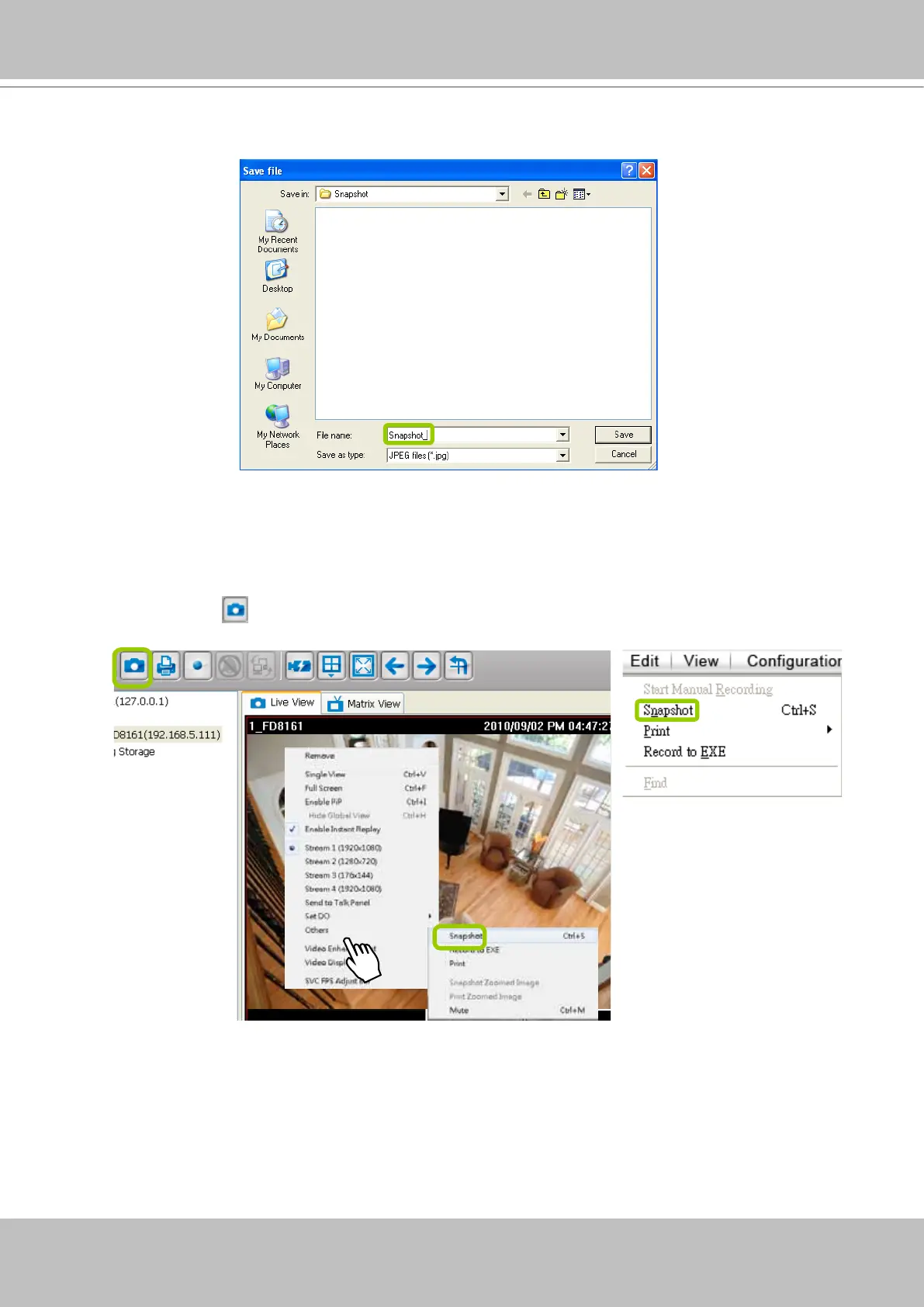
If you uncheck Generate a le name automatically, the Save le dialog box will pop up when you
take a snapshot. The le name prex will automatically be displayed in the Save File dialog box.
Take a Snapshot
Please follow the steps below to take a snapshot of the live video stream:
a. Select the video cell of which you want to take a snapshot.
b. Click Snapshot
on the quick access bar, or
right-click the video cell and select Others >
Snapshot from the popup menu. You also can click Edit > Snapshot to take a snapshot.
c. The snapshots will be found in the preset storage folder on your local computer.



 To Next Page