VIVOTEK - A Leading Provider of Multimedia Communication Solutions
User's Manual - 63
Dongle license users
Scenario Need Action
Need more CHs 1. Help > License > export license.
2. Send license file to VIVOTEK to
purchase more dongle license.
New users preferring
more than 32 CHs
Need more than
32 CHs.
1. Install the 256 CH trial VAST.
3. Send request file to VIVOTEK to
purchase software license.
2. Help > License > Generate license
update request.
New users fine with
32 CHs
Fine with less than
32 CHs.
1. Install the 32 CH free VAST.
VAST Software License
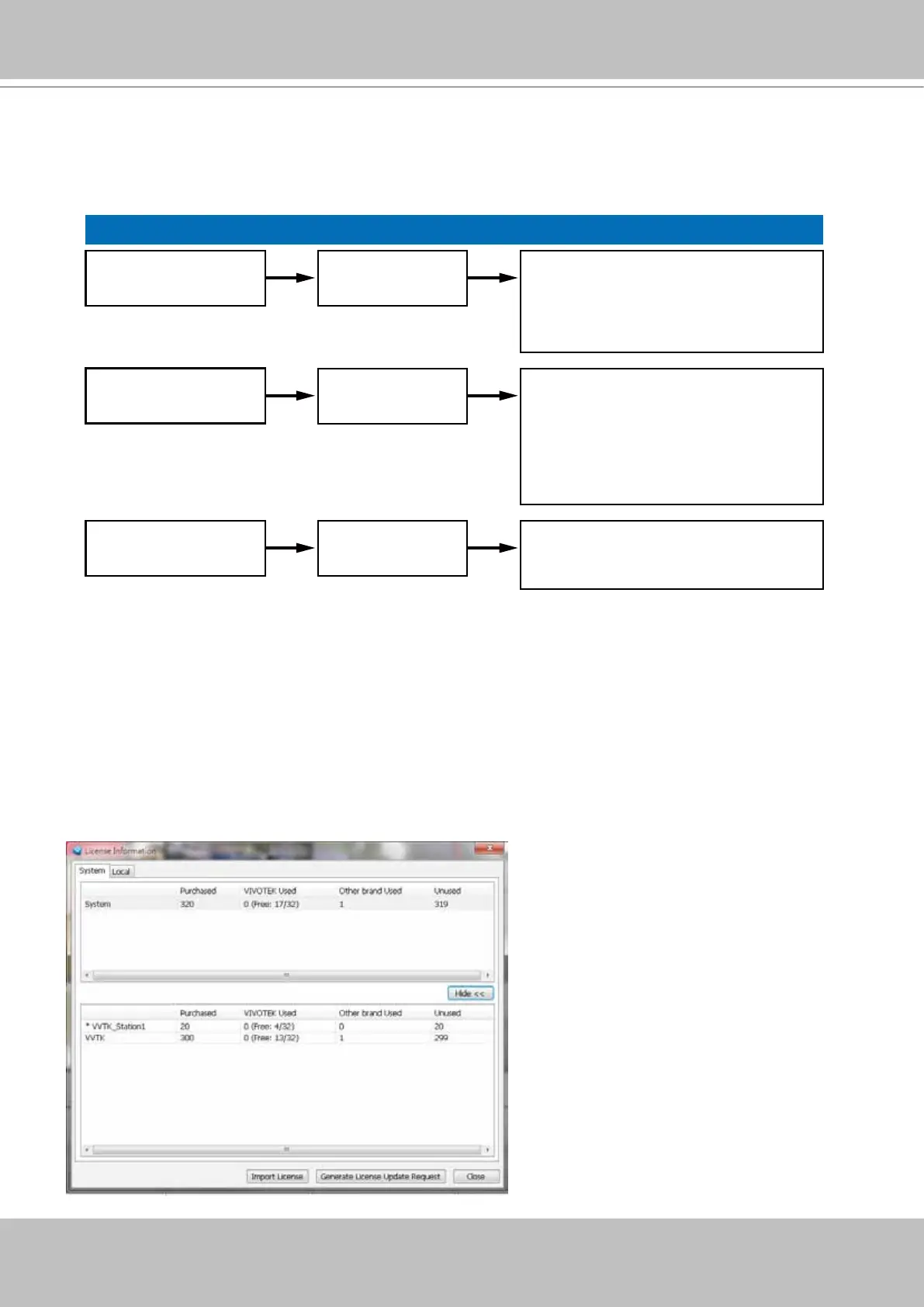
To activate the software, refer to the ow chart below:
The VAST software provides 32 free channels. Since revision 1.11, the VAST software is
activated using a software license instead of the original hardware dongle.
For users running the previous dongle version, there is no need to upgrade their original license.
If they need the license for more channels, They can export their license le, and purchase more
dongle licenses.
For users who require more than 32 channels, they can install the 256 channel trial version rst,
and go to Help > License page, and click on Generate License Update Request. Send the
request back to VIVOTEK to purchase more channel licenses.
When you purchased and received the
official software license, use the Import
License function to activate the official
license.
When importing purchased licenses, you
can manally select which station/license
le to update, or click the Auto Dispatch
button and let system decide the
distribution of license updates especially
when there are substations under a
managing VAST server.
Before the Auto Dispatch function is
available, license has to be individually
updated on every substations.



 To Next Page