VIVOTEK - A Leading Provider of Multimedia Communication Solutions
192 - User's Manual
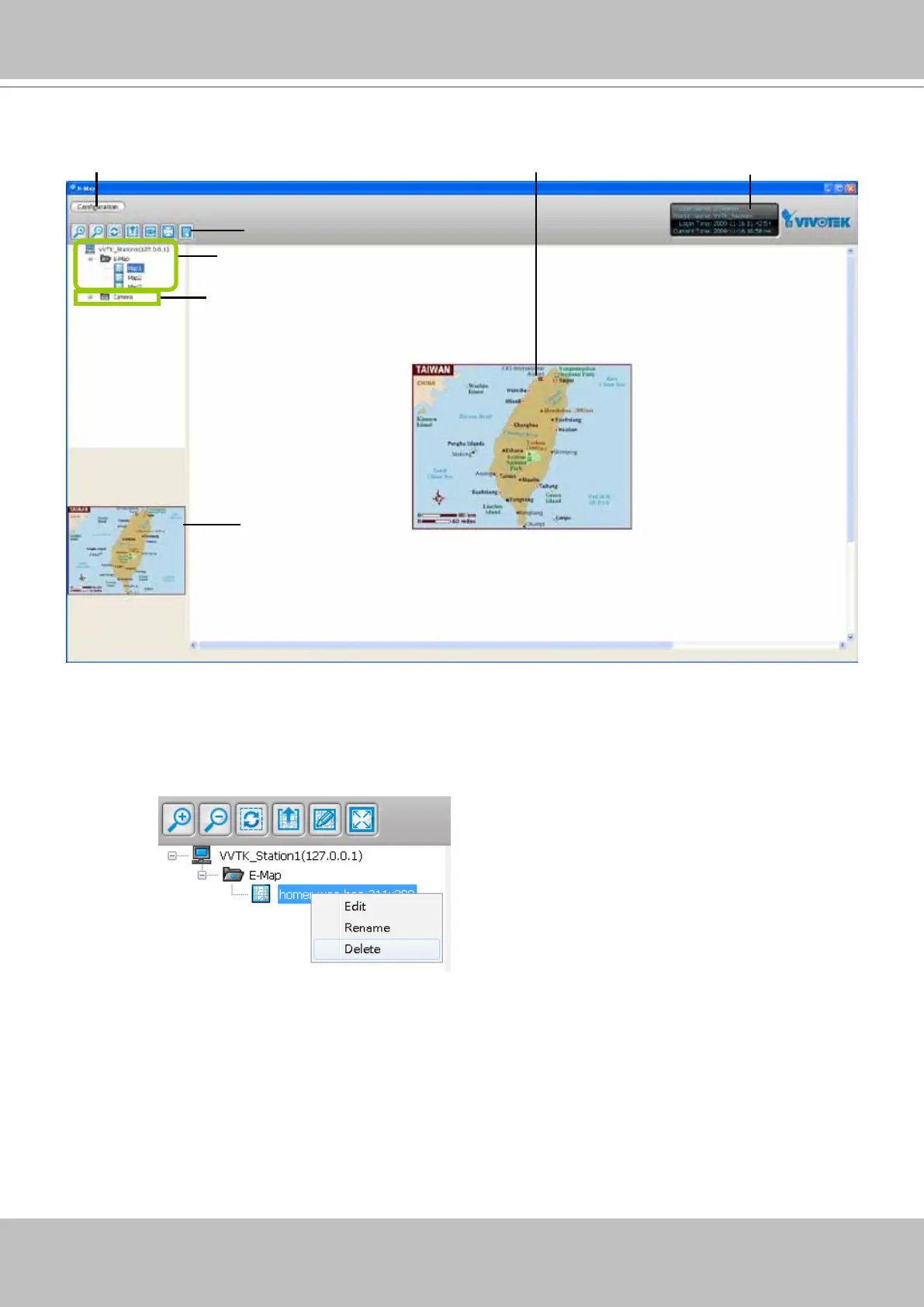
User Interface of E-map Settings Page (Edit Mode)
A. Menu bar B. Quick access bar C. E-map list tree D. Device tree
E. Map preview F. E-map window G. Status panel
Right-click the E-map, you can Edit, Rename, or Delete the E-map.
B
A
C
D
E
G
F



 To Next Page