VIVOTEK - A Leading Provider of Multimedia Communication Solutions
114 - User's Manual
How to Change the VAST LiveClient Layout
Changing the Layout of the Live Video Monitoring Window
VIVOTEK VAST LiveClient supports up to 32-CH simultaneous video viewing on a single
monitor and allows you to change the layout of the live video monitoring window based on the
number of inserted devices.
Switch Video Channels
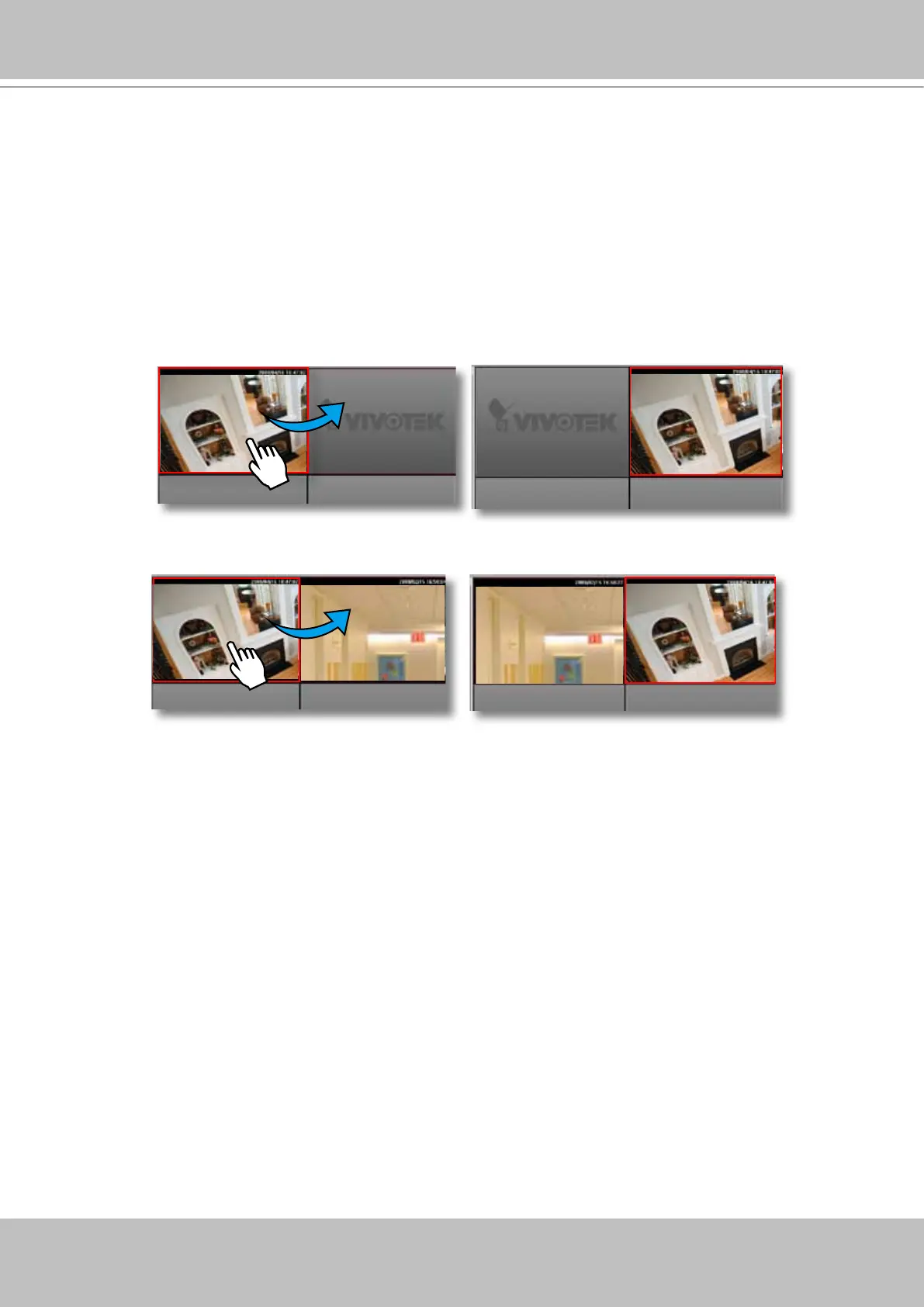
To move a video channel to another empty video cell, drag-and-drop the view to the target video cell.
To switch two different channels, drag-and-drop one view to the other, then the two different channels
will be switched to the opposite.



 To Next Page