VIVOTEK - A Leading Provider of Multimedia Communication Solutions
208 - User's Manual
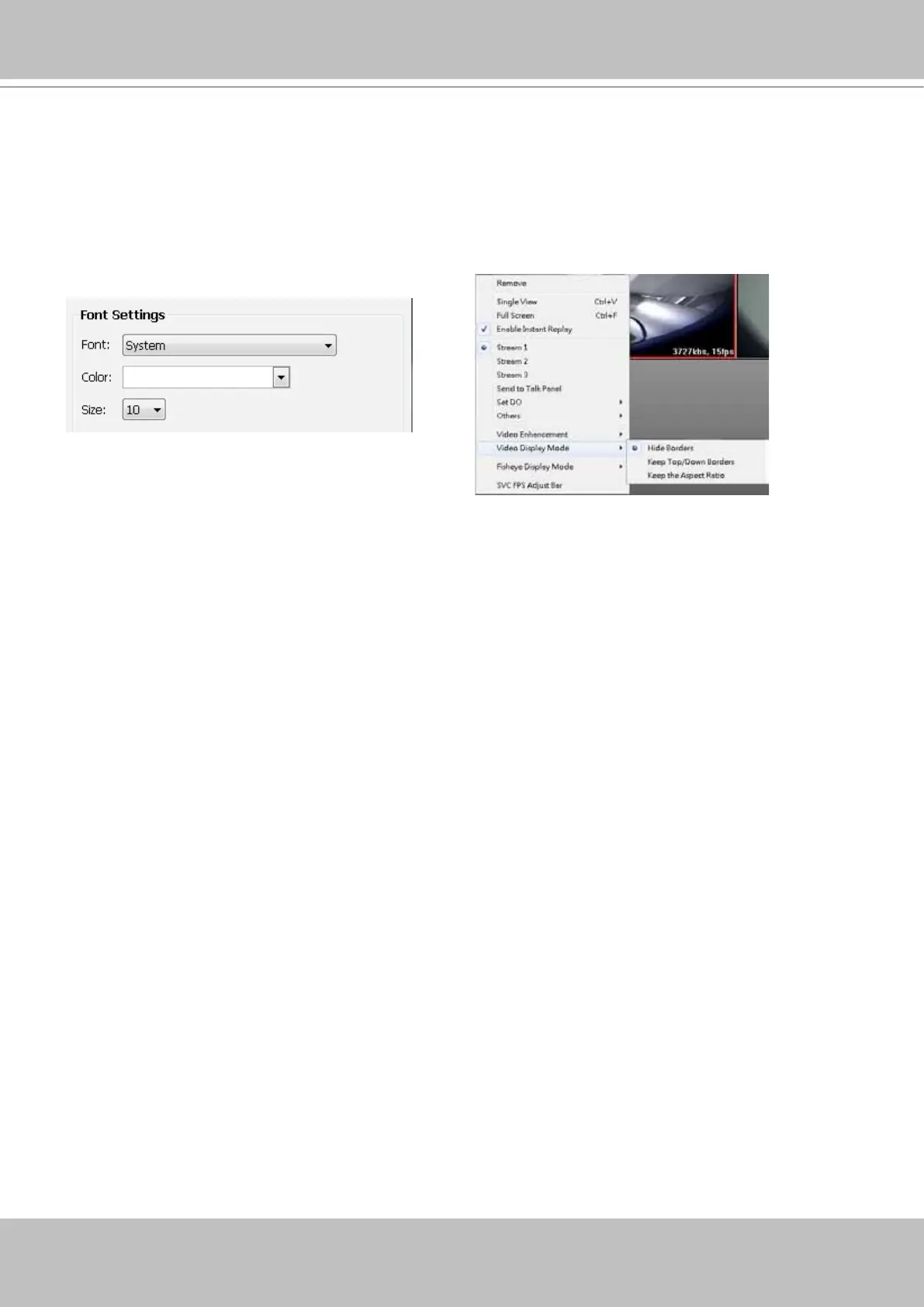
Font Settings
This function allows you to change the font on the video cell.
Font: Automatically lists all fonts installed on your operating system. Select the desired type.
Color: Select a desired font color (white, red, green, blue).
Size: Select a desired font size (8, 10, 12, 14).



 To Next Page