VIVOTEK - A Leading Provider of Multimedia Communication Solutions
User's Manual - 293
Enable or Disable the Panoramic PTZ Functions
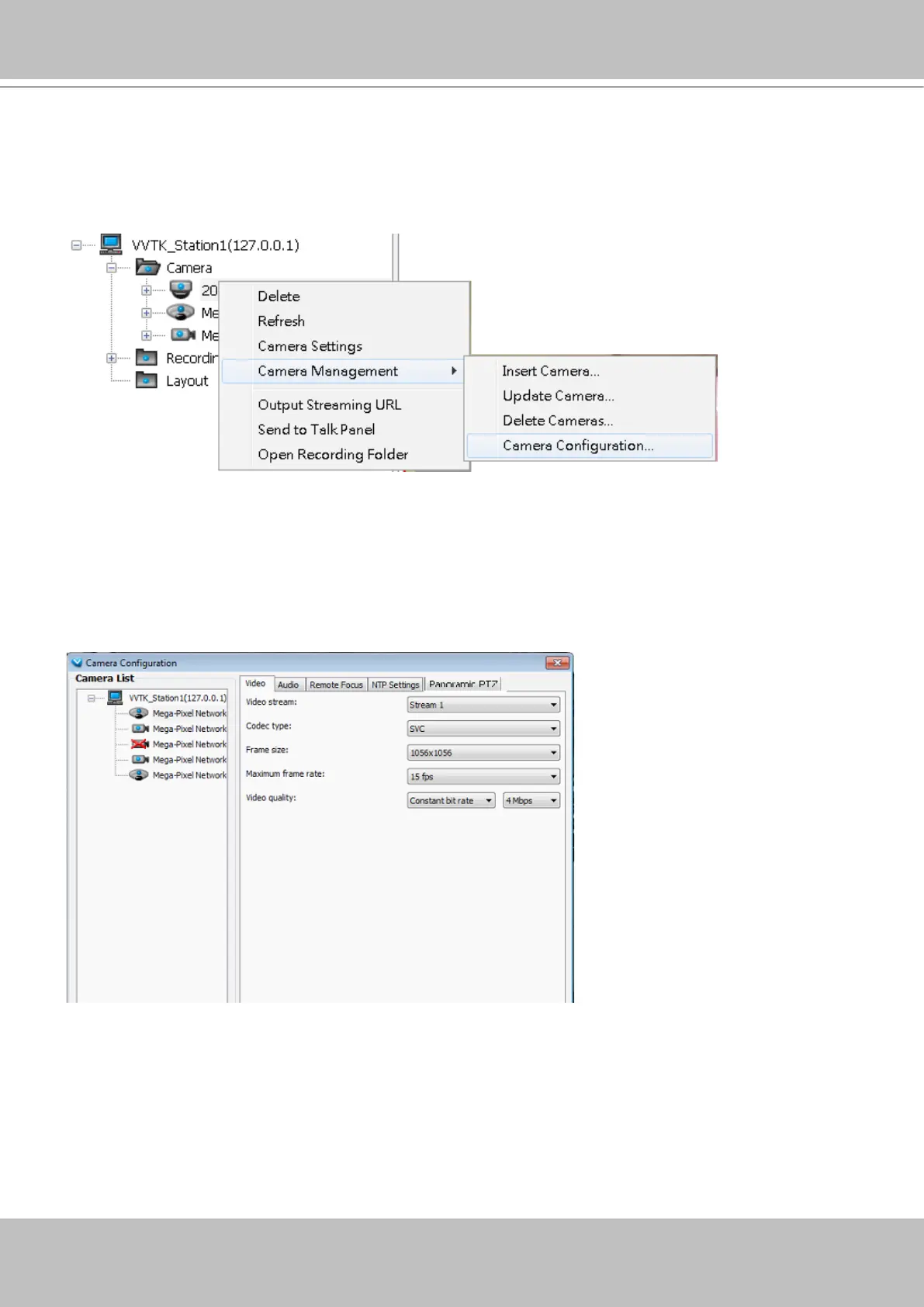
You can manually enable or disable the Panoramic PTZ function in Conguration > Camera
Management > Camera Conguration:
1. Select the sheye camera by a single click, and then open the panoramic PTZ panel from the tabbed
menu.
2. You can enable or disable the panoramic PTZ or the Auto Tracking functionality using the checkboxes.
3. Click the Save button, and the saving progress window will prompt.
4. Click Close to end the conguration process.



 To Next Page