VIVOTEK - A Leading Provider of Multimedia Communication Solutions
User's Manual - 23
• Refer to VIVOTEK's website for the hard disk compatibility information.
• Avoid touching the hard drive's circuit board or connector pins. Doing so can damage the
hard drive by electro-static discharge.
IMPORTANT:
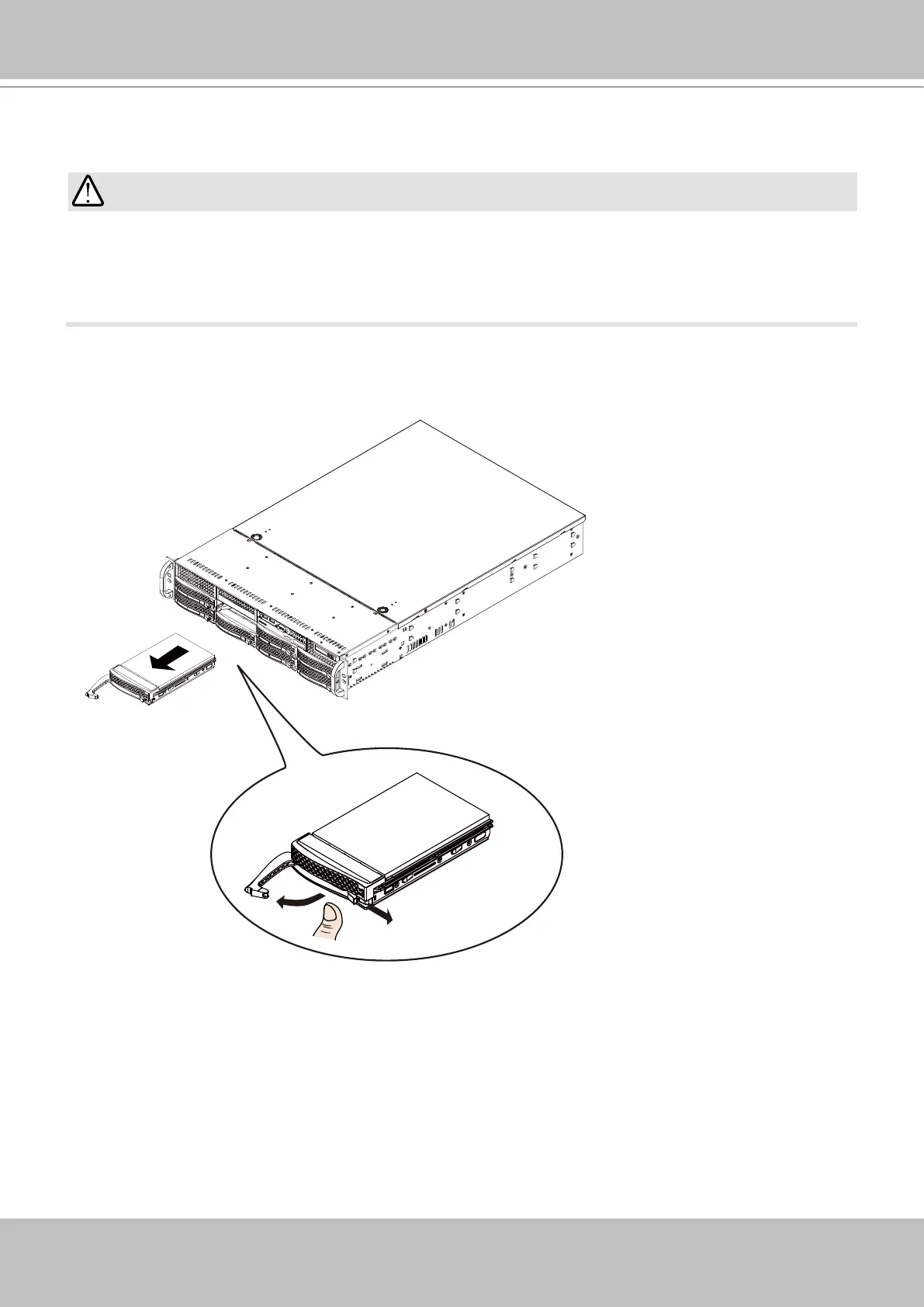
Installing Hard Disk Drives
1. Remove drive trays from the chassis. Push the release tab to the side, the tray lever will pop
out. Pull the lever to remove drive trays.



 To Next Page