VIVOTEK - A Leading Provider of Multimedia Communication Solutions
User's Manual - 17
Rack-mounting
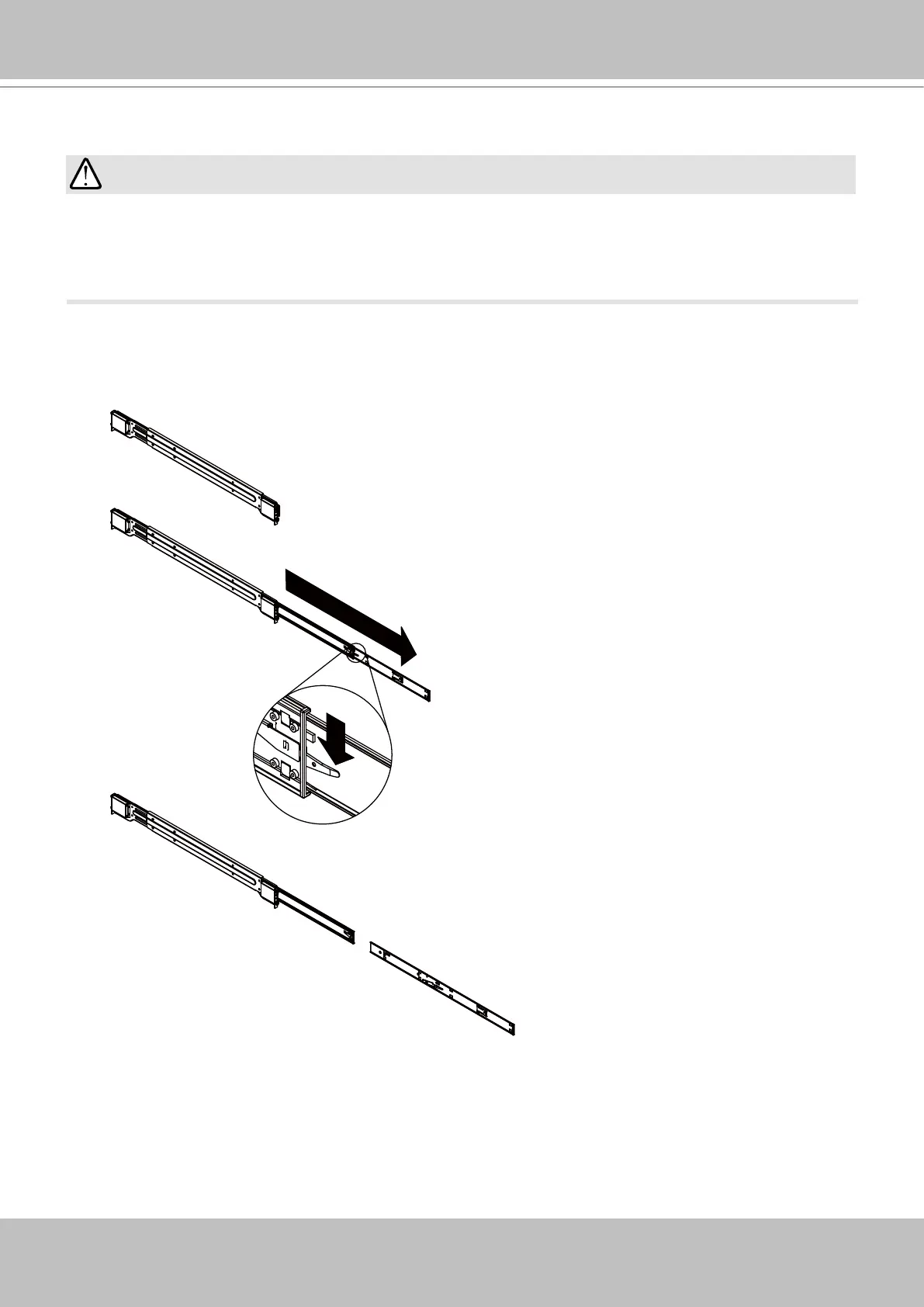
1. Remove the inner rails from the slide rail assembly. Pull the inner rail out of the assembly
untill it is fully extended and press the retention tab to release the inner rail.
If you have either a round-holed or square-holed rack, install cage nuts or clip nuts to the
desired positions on the rack posts.
The instructions below are based on the installation to a 4-post equipment rack.
IMPORTANT:
PULL
Outer Rail
Middle Rail
Inner Rail



 To Next Page