VIVOTEK - A Leading Provider of Multimedia Communication Solutions
User's Manual - 281
How to Congure Client Settings
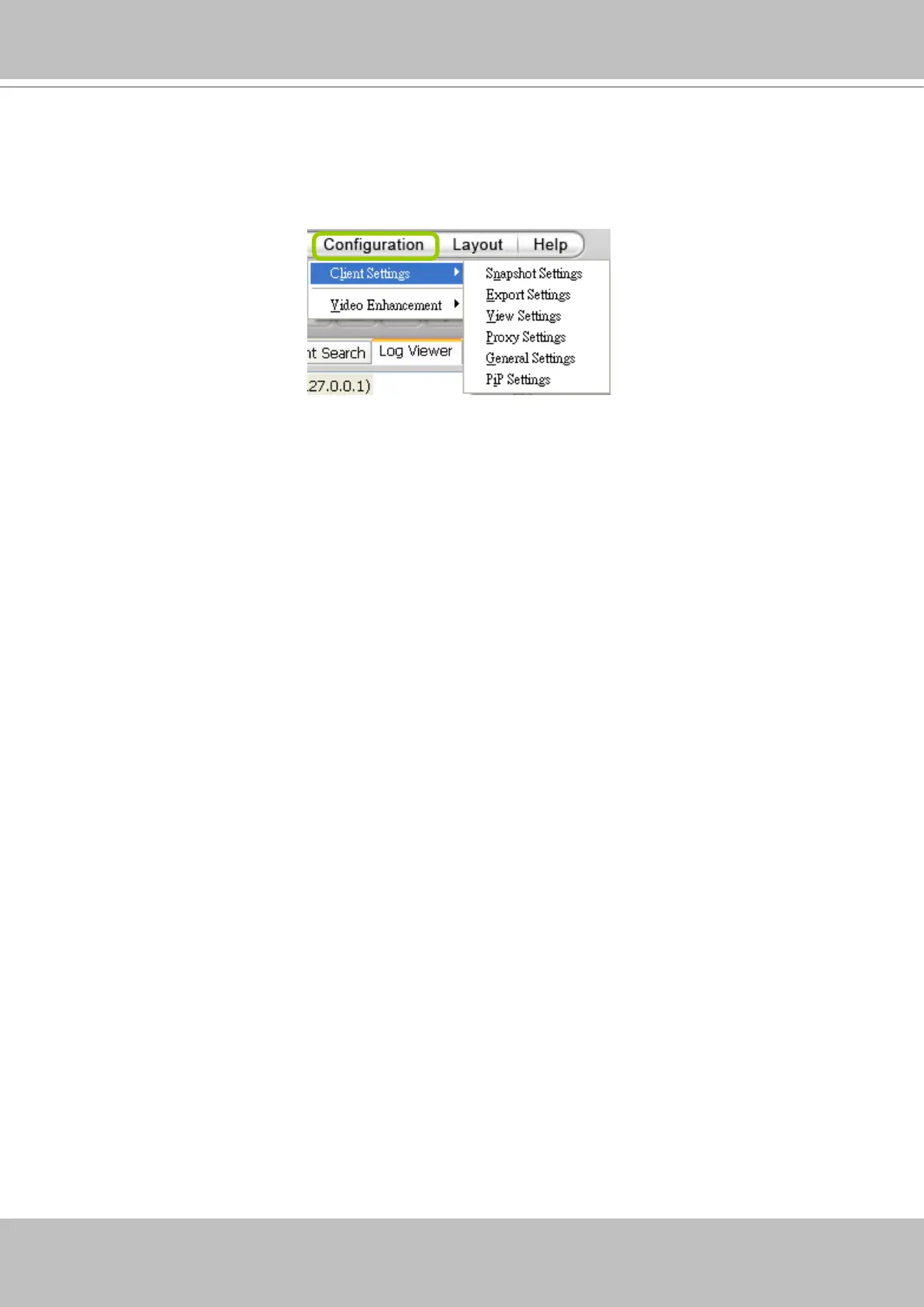
On Client Settings, you can congure Snapshot Settings, Export Settings, View Settings, Proxy
Settings, and General Settings. It allows you to save snapshots and media files on the local
computer.
Snapshot Settings
When you play a recorded video, VAST Playback also allows you to take snapshots. For
detailed information about Snapshot Settings, please refer to page 198.
Export Settings
When you playback a recorded video, the VAST server allows you to export part of the recorded
video in EXE, 3GP, or AVI format to your local computer. Before exporting a media le, please
set up Export Settings first. For detailed information about how to set up EXE, 3GP, and AVI
Export Settings, please refer to Record Settings on page 200.
The default exporting path is: C:\ProgramData\VIVOTEK Inc\VAST\Client\PlayBack\Export
Limitations
1. The size of exported footage depends on the file size limitation. When the limitation is
reached, les will be concluded regardless of the length of your selection.
2. The Export button will not be available when there is another exporting task.
3. If the time settings on camera and VAST server are inconsistent, the export task will generate
les of unexpected length.
4. The minimum export length is 1 minute. The maximum is 150 minutes. However, due to the
embedded limitation, the approximate max. le size is 3.7GB.



 To Next Page