VIVOTEK - A Leading Provider of Multimedia Communication Solutions
80 - User's Manual
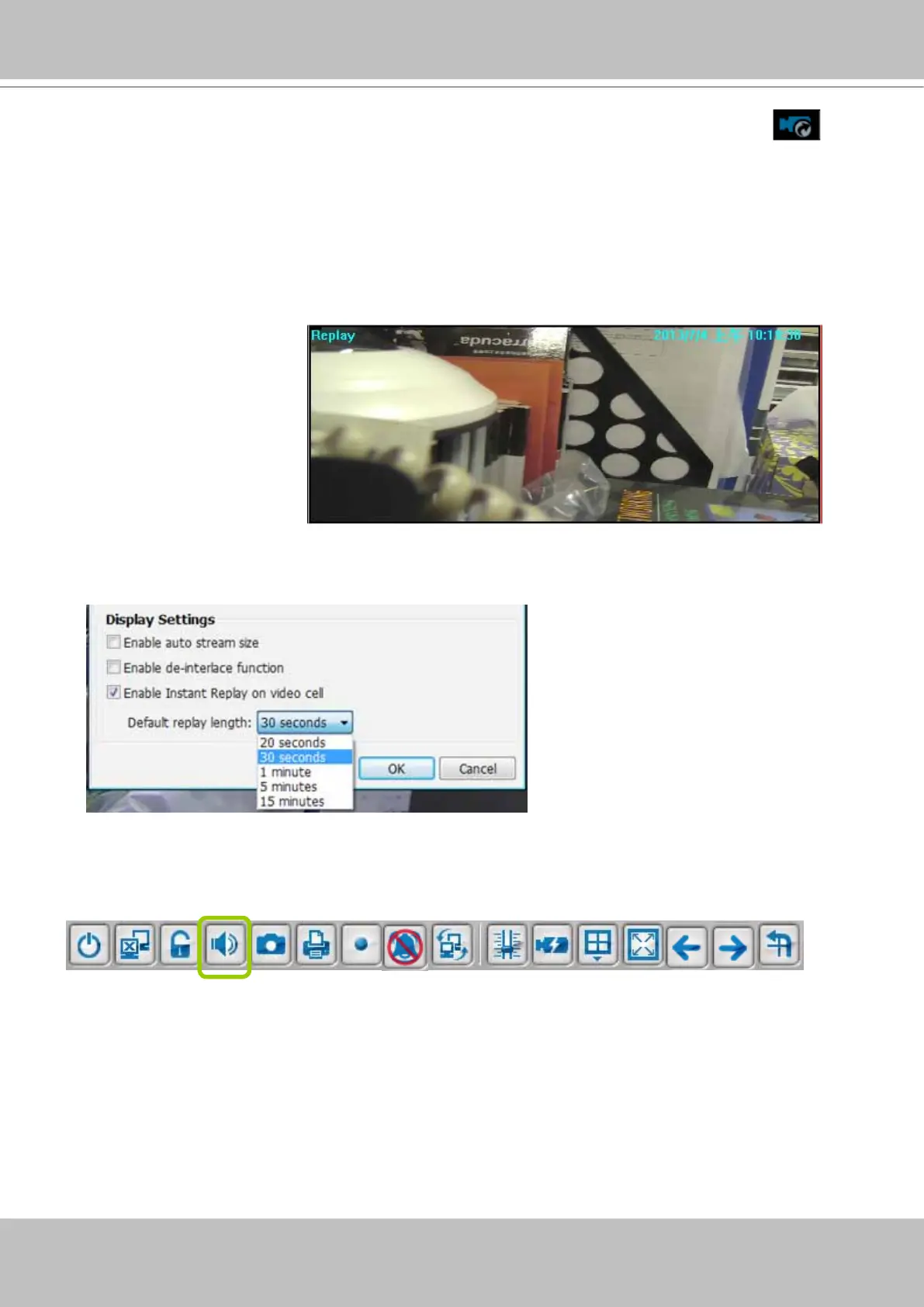
Audio Control
The audio function will be enabled if the device is equipped with an internal or external
microphone. For detailed audio control settings, please refer to page 138.
An active Replay view cell is indicated by the Replay text indicator and the time of occurrence
of the current playback.
To change the default Replay settings, open the Conguration > Client Settings > General
Settings menu.
4. To stop the Replay and return to the Live View, click on the Return to Live button.
5. On a Replay view cell, you can apply the same Snapshot, Print, Single view and Full screen
control as those on a normal view cell. You can also right-click to display the Display Mode
and Video Enhancement functions.
Click and drag the playhead to skip or move to a different point in time on the playback.



 To Next Page