VIVOTEK - A Leading Provider of Multimedia Communication Solutions
User's Manual - 25
Connecting Interfaces
Refer to page 15 for the interface connections.
1. Make sure all cameras have been properly installed, either they are powered by 12V power
lines or using one or several PoE switches. Refer to the cameras' documentation for details.
2. Connect all other interfaces to USB mouse/keyboard, one or two monitors, and audio input/
output devices.
3. Make sure you connect both power supplies to power mains.
Initial Conguration
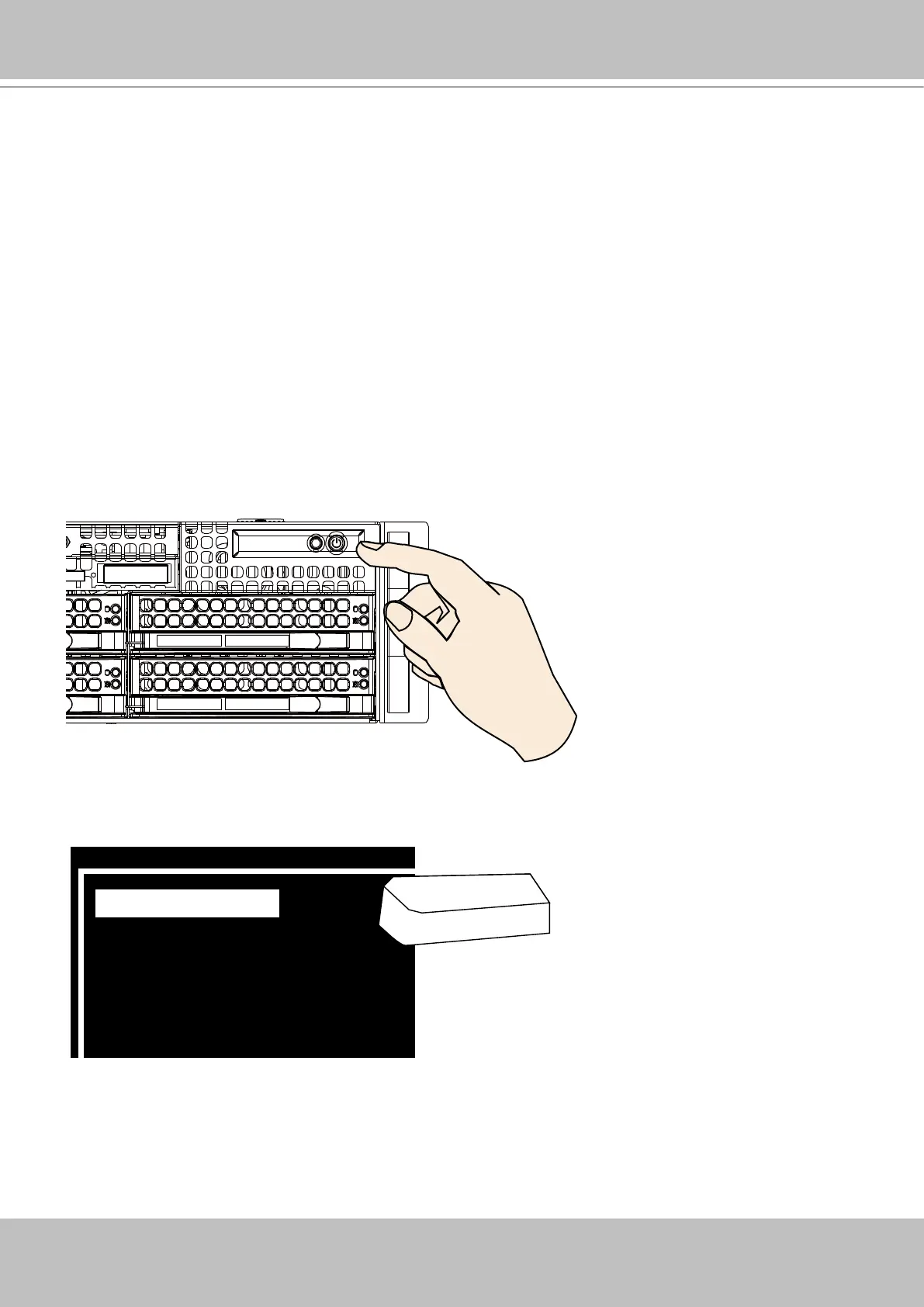
1. Power up the system by pressing the power on button.
2. Skip the BIOS screens and select Enter NVR at the selection screen. The system will start.
Wait for the start-up process to complete.
0 Enter NVR
1 Restore to default
2 Reboot
3 Shutdown
Enter



 To Next Page