VIVOTEK - A Leading Provider of Multimedia Communication Solutions
116 - User's Manual
Some layout modes (1x1, 2V, 3V, 2x2, 4V, 2V+3, 1+5, 3x3, 1+12, 4x4) will spread all video channels
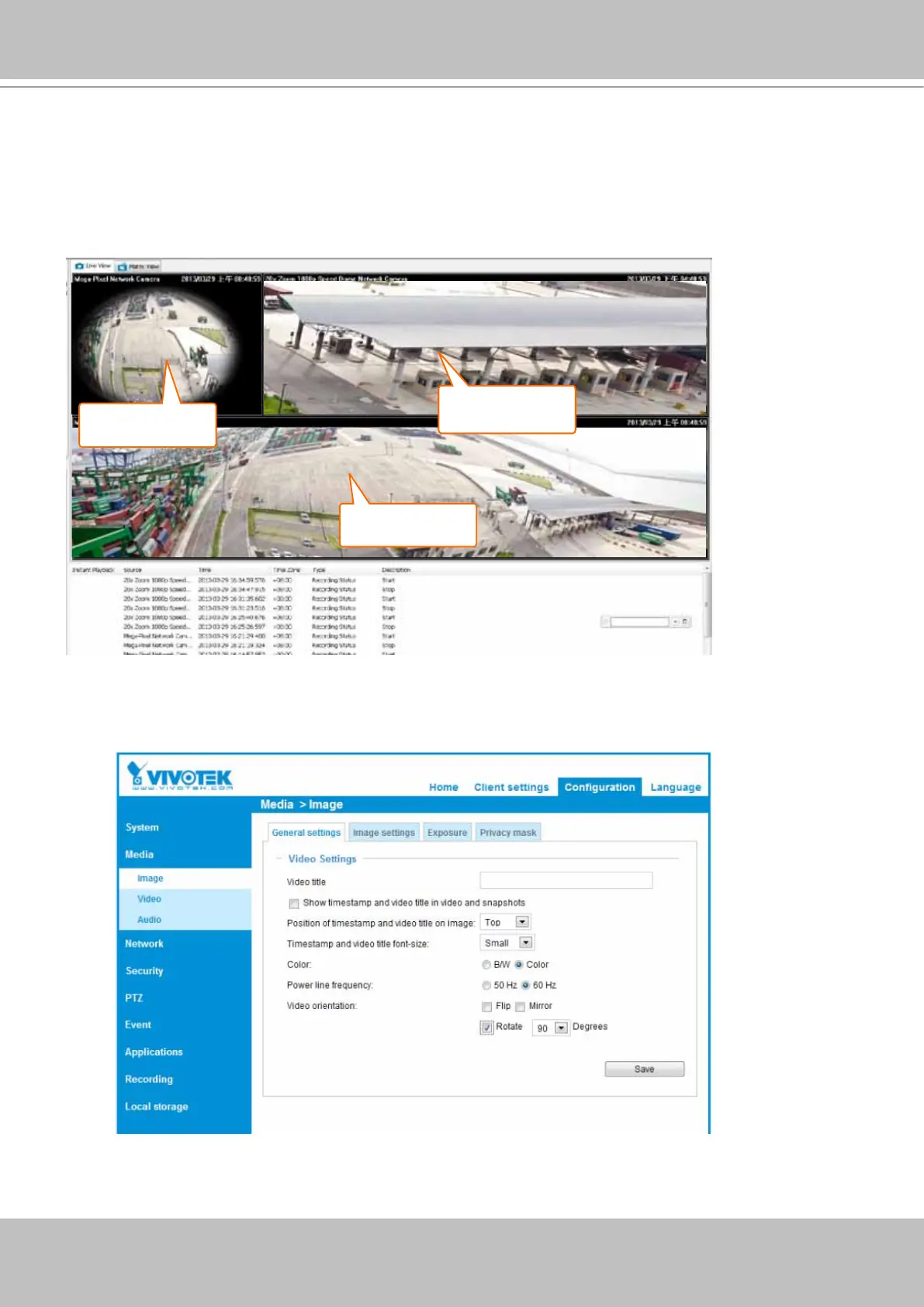
into several pages. Some cameras support the video Rotation function for scenarios such as a tall, long
corridor or the inside of a vehicle. The Rotation conguration is made through a web console with such
cameras.
The 1P+2, 1P+6, and 1P+8 layouts apply exclusively to the Panoramic PTZ congurations. Please refer
to page 287, Appendix A Panoramic PTZ Conguration, for details.
Normally, a Panoramic PTZ layout will consist of 1 sheye Original view, 1 speed dome eld of view, and
1 sheye Panoramic view as shown below. Note that the interactive click-on-image control only takes
place on the Original and the Panoramic views.
Fisheye
panoramic view
Fisheye Original
view
Speed dome
view window



 To Next Page