VIVOTEK - A Leading Provider of Multimedia Communication Solutions
144 - User's Manual
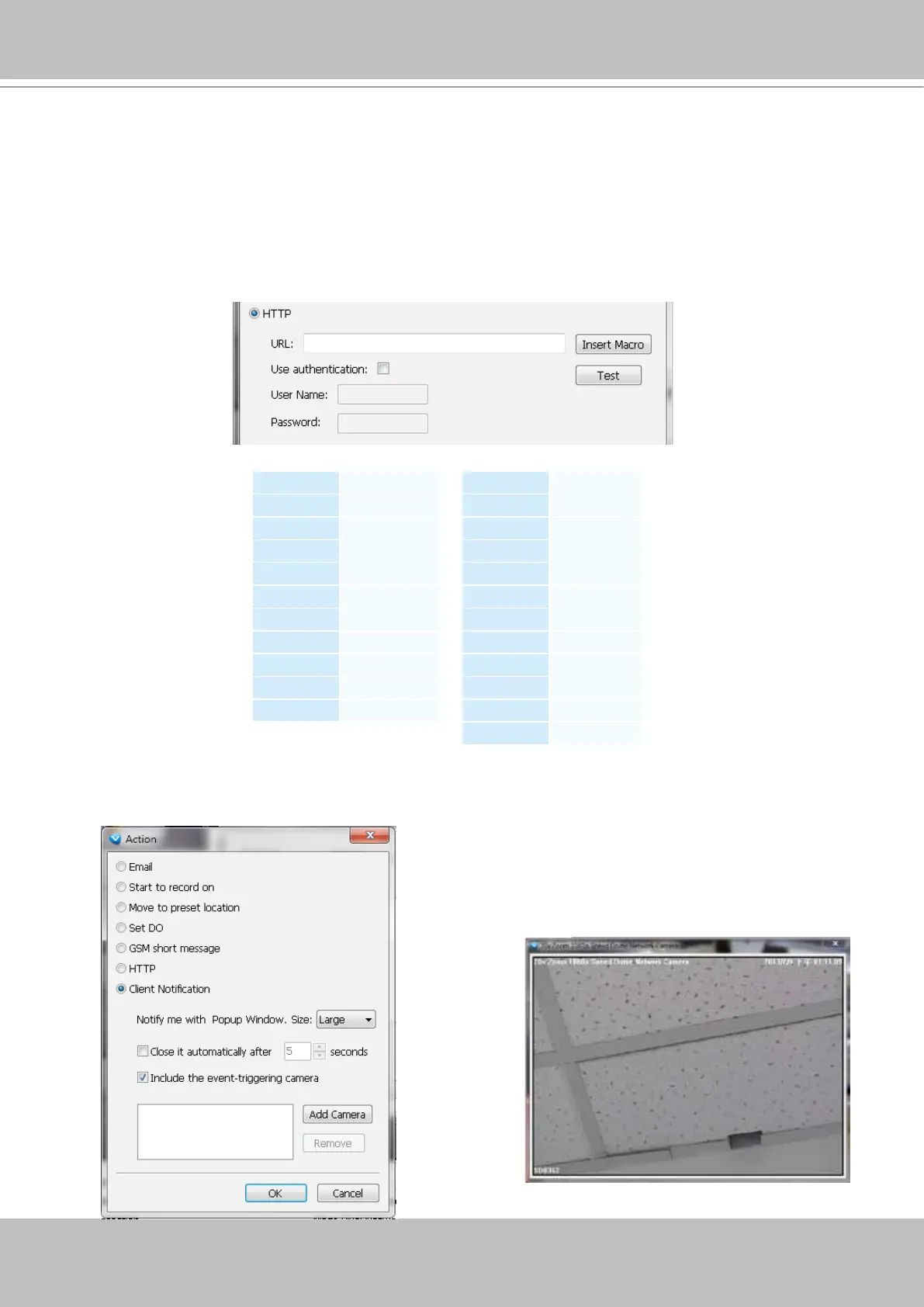
Client Notification: On the occurence of an event, a pop-up window will display to show what is
triggering the current event. Select the window size, and select the display duration of the notication
window. If not selected, the notication window is manually closed.
HTTP: This function allows user to send a CGI command to the linked network camera, such as pan/
tilt/zoom function or enable DO devices.
r. You can click Insert Macro to select the parameter. Please enter authentification information
if necessary. For example: http://192.168.3.66/cgi-bin/admin/setparam.cgi?system_
hostname=$(EventTime) $(CameraName)
If you want to use special characters such as $-_.+!*'(),#%+$,@:;/?=&, please refer to the
following table to transfer the Code (Hex).
For example: http://192.168.3.66/cgi-bin/admin/setparam.cgi?system_hostname=123&456
--> http://192.168.3.66/cgi-bin/admin/setparam.cgi?system_hostname=123%26456
Character Code (Hex)
! 21
# 23
$ 24
% 25
& 26
' 27
( 28
) 29
* 2A
+ 2B
Character Code (Hex)
, 2C
- 2D
. 2E
/ 2F
: 3A
; 3B
= 3D
? 3F
@ 40
_ 5F
~ 7E
Include the event triggering camera: You can select to
display the screens of other cameras (e.g., adjacent
cameras) when the notication prompts.



 To Next Page