VIVOTEK - A Leading Provider of Multimedia Communication Solutions
168 - User's Manual
q. Click Apply to conrm the settings. Then close the window when you nish the recording schedule
settings.
The Digital Input signal triggers can be congured as follows:
1. Traditional Recording: can be triggered when the DI enters the Trigger State or the Normal
State. If thus configured, the recording task will end when the post-event recording time is
reached.
2. The recording starts when DI is triggered, and will end when the DI signal returns to Normal.
3. The recording starts when DI is Normal, and will end when the DI signal returns to Triggered.
An example for the conguration can be: the recording starts when a door is opened (DI triggered),
and the recording stops when the door is closed (DI returns to normal).
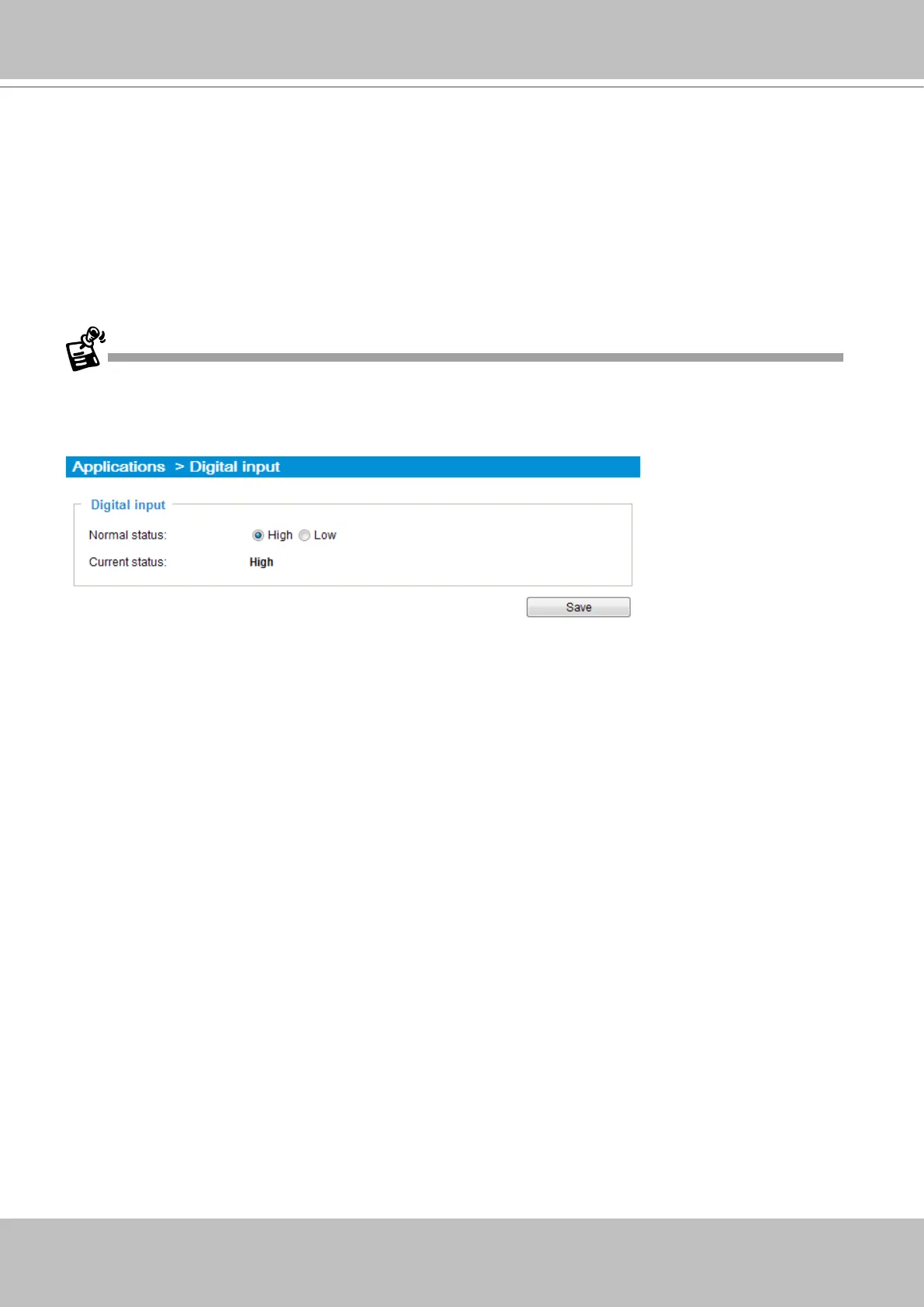
When connected, a camera's Digital input signal is automatically detected as pulled-high or pulled-low.
Users should then designate the current state as Normal or Trigger. The conguration page is found in
Conguration > Application > Digital Input on a web console.



 To Next Page