VIVOTEK - A Leading Provider of Multimedia Communication Solutions
User's Manual - 175
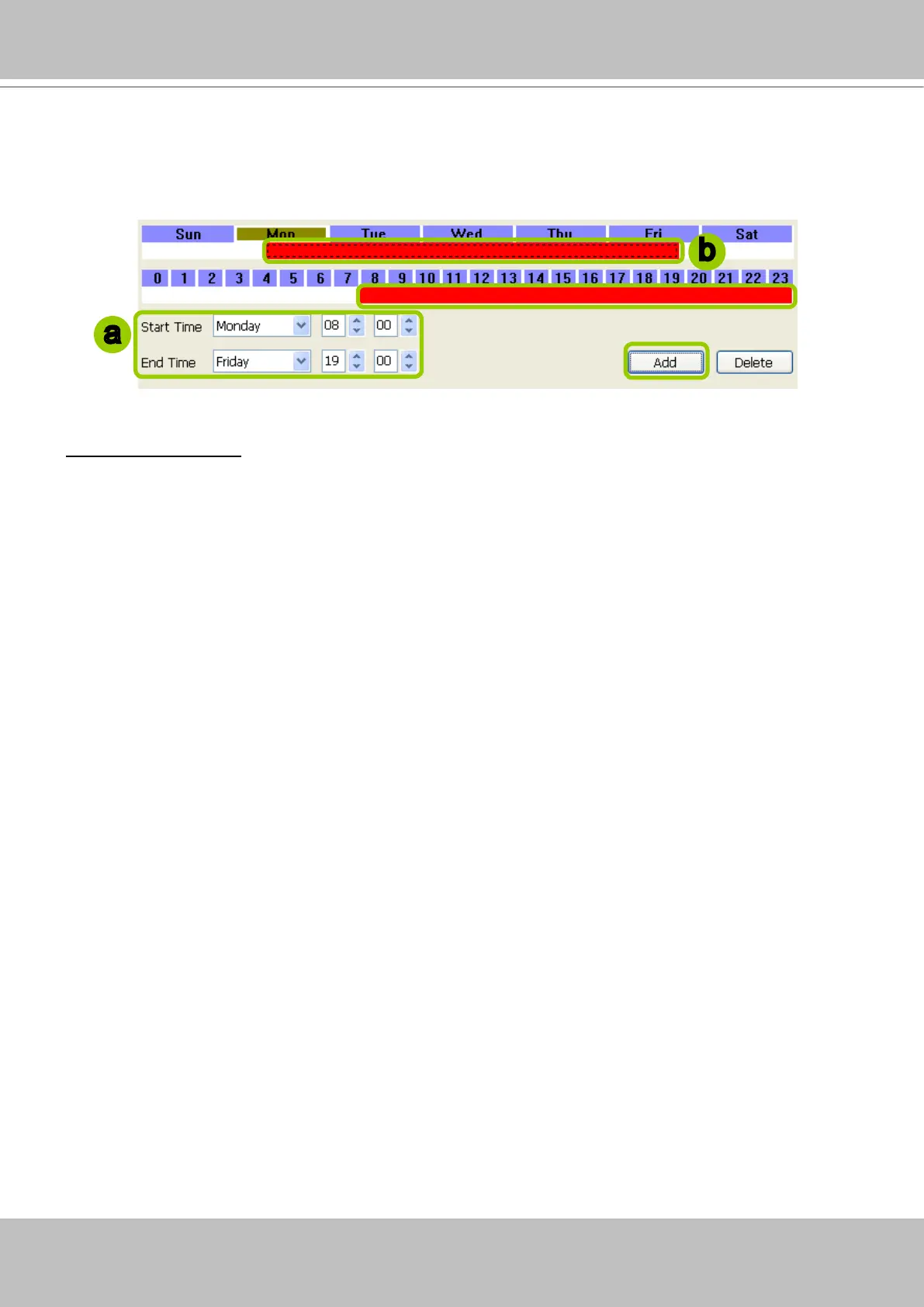
2. Fill in a precise Start Time and End Time:
a. Directly select a day and enter the value in the Start Time and End Time fields, then click Add.
b. The corresponding red timeline bars will automatically appear as shown below.
The following is an example of an extended time segment from Mon. 8:00 to Fri. 19:00.
Delete time segments: Please refer to page 171 for detailed instructions.
Set up applicable period of time
Please refer to page 172 for detailed instructions.
Set up repeat time interval
Please refer to page 173 for detailed instructions.
a
b



 To Next Page