VIVOTEK - A Leading Provider of Multimedia Communication Solutions
212 - User's Manual
Enable de-interlace function: Select this option if your connected device does not support de-interlace
function. For example: VS7100.
Enable Instant Replay on video cell: Here you can change the duration of a playback that happened
immediately before a user utilizes the instant playback function.
Local streaming buffer time: Video frames can be temporarily stored on the cache memory of the
VAST server for a short, configurable period of time before they are displayed on the Liveview. If the
networking condition is less than ideal, this can help delivering a smooth video stream. Note that this
feature is not available on a Matrix view and the web console.
Limitations:
• For older, single-stream cameras, the Auto Stream Size feature does not take effect.
• When the Auto Stream Size feature is enabled, the NR and ND series NVR configured under the
VAST server will be considered as substations. The stream configuration of cameras managed by
these NVR substations will not be changed. Only the video codec, bit rate, and frame rate of the
video feeds directed through these NVR substations will be changed into a more economic setting.
• For the NVR, the Auto Stream Size function may not fully apply. For cameras managed by the
NVR, the following will apply:
Large view cell: default viewing stream.
Medium view cell: stream #2.
Small view cell: the last stream.
• a user disables the Auto Stream Size function later, the frame size of stream #4 will not be
restored to the previous configuration.
• The frame size of stream #1 is user-configurable. The VAST server only resizes stream #4.
• If a user disables the Auto Stream Size function later, the frame size of stream #4 will not be
restored to the previous configuration. Stream jump takes place on the display of all connected
cameras once the function is enabled.
• The Auto Stream Size function does not apply to the Matrix view.
• If users configured a region of interest before the Auto Stream Size function is applied, e.g., via
the ePTZ control, the view cell might display a different live view.
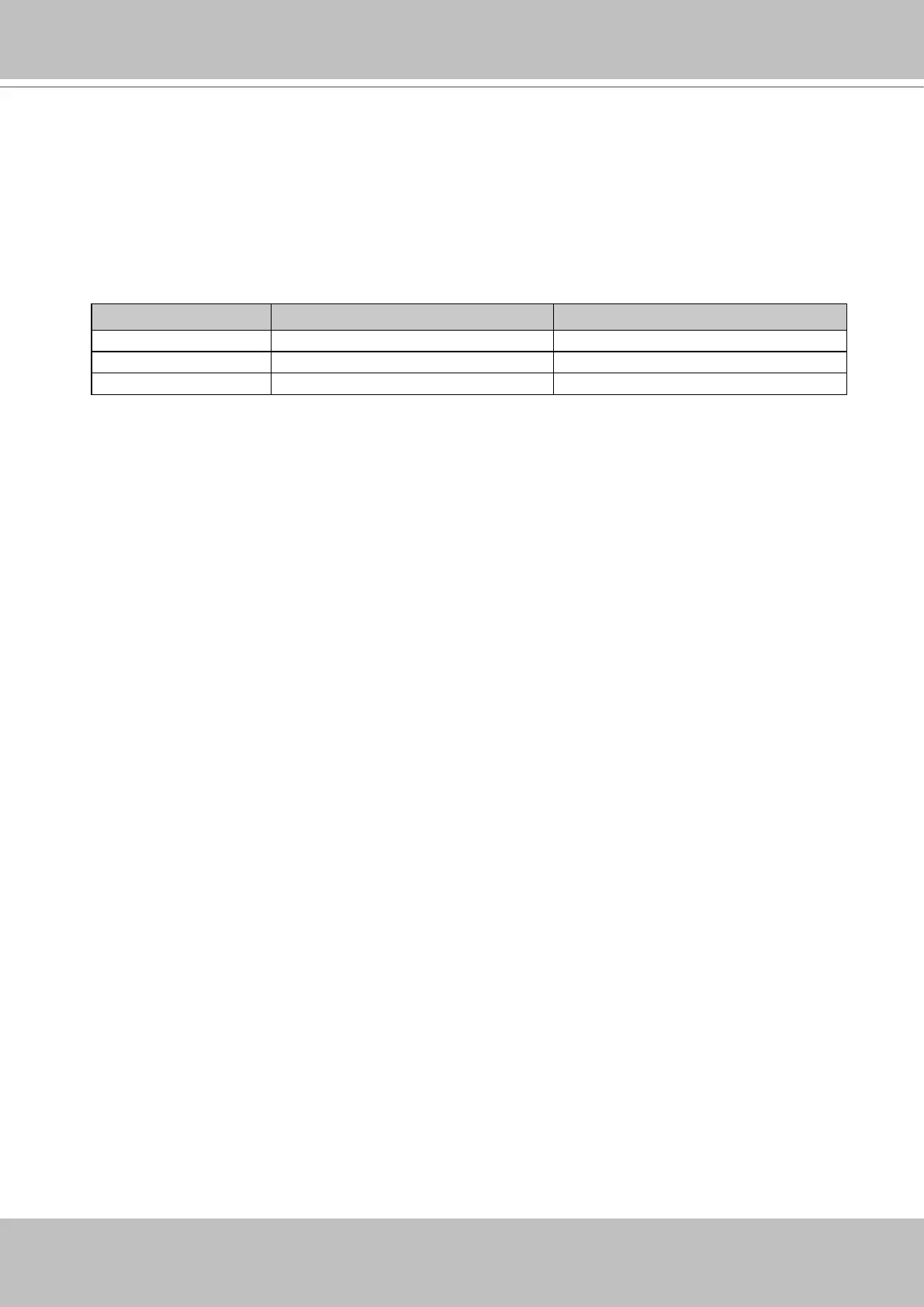
• Below is the general rule for stream selection:
stream # congured into VGA stream # congured into CIF
4 streams cameras Stream 2 Stream 4
3 streams cameras Stream 2 Stream 3
2 streams cameras none Stream 2
• When a smaller stream is selected, the video quality is set to fixed quality as Good.
• The Maximum frame rate is not configured.
• The VAST server automatically selects a video resolution of a specific aspect ratio that best fits
the current view cell, and places the video into the view cell.



 To Next Page