VIVOTEK - A Leading Provider of Multimedia Communication Solutions
User's Manual - 265
Model-specic Functions (FE Series Fisheye)
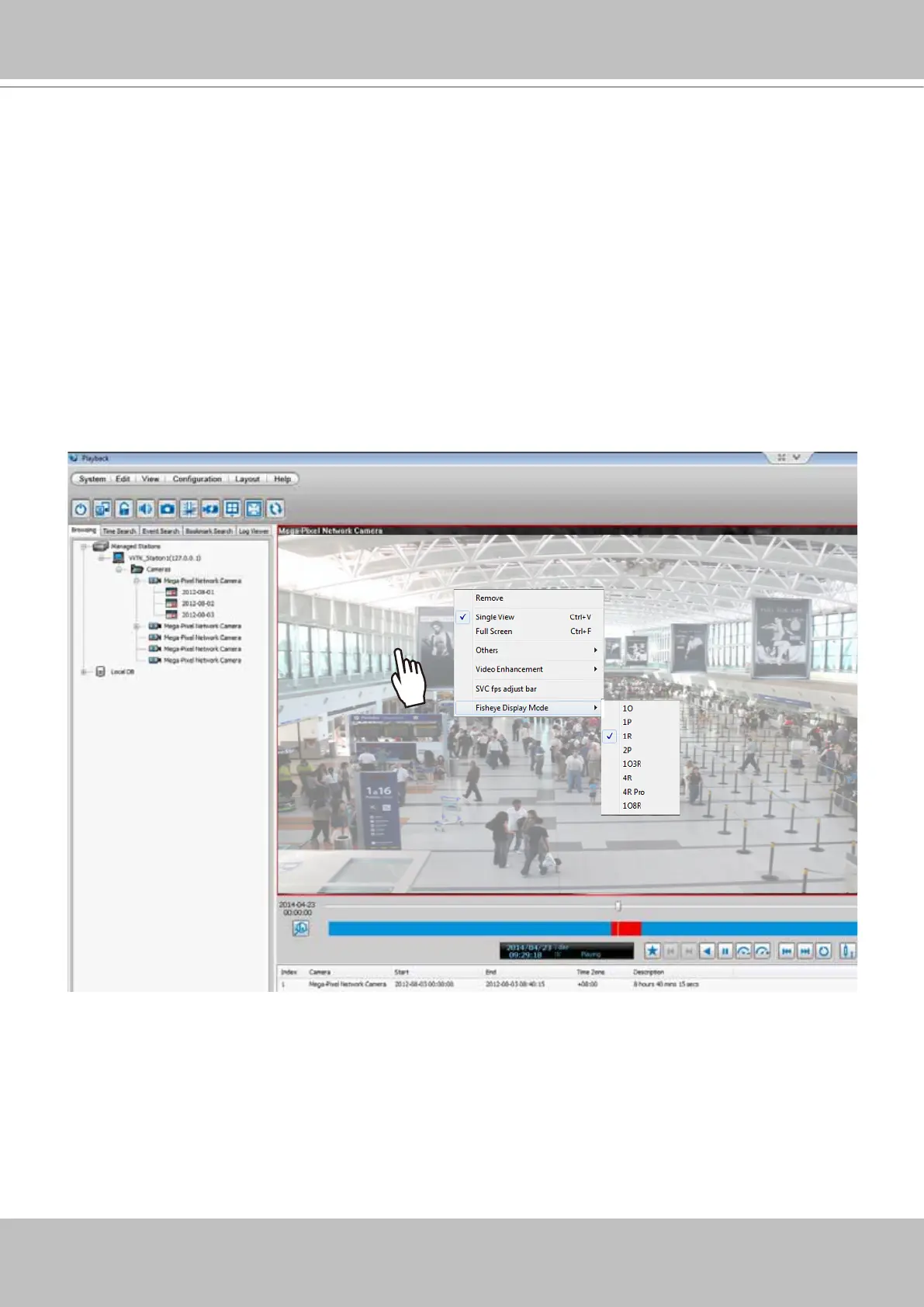
The VAST Playback program offers model-specific functions through a right-click menu. For
example, if you playback a video clip made from an FE8171V sheye camera, a right-click on
the playback screen will bring up the Display mode options. You can even exert mouse control
while playing a recorded video. You can zoom in, zoom out, and change the view angle as if you
are investigating a 3D scenario kept in a recorded point in time.
Note that ePTZ functions via the mouse control only takes place in a Regional view, e.g., the 1R
or 1O3R mode.
The Display mode options and mouse control methodologies are identical to those described on page
107 and the following pages.



 To Next Page