If the unit is on, it is automatically buffering video to the hard drive.
When you press the RECORD key, it then begins recording to the
DVD from that point in time forward. If a Pre-Event Time is set up, it
will first burn that buffered amount of time onto the DVD and then
catch up to near real-time. When the STOP/QUIT key is pressed,
this ends an event (title) on the DVD.
The DV-1 can be set to record using various methods. The available
methods for beginning or ending a DVD title are:
Start Triggers (see Setup START Triggers on page 36):
o Record key
o Emergency lights activation
o Emergency siren activation
o Wireless microphone activation
o Auxiliary trigger activation
o Crash detection
Stop Triggers (see Setup STOP Triggers on page 38)
o STOP/QUIT key
o Auto STOP trigger (timed)
If DVD capacity is reached while recording, the title is ended, but
recording does not stop. The DVD is ejected, and the recording will
continue onto the next DVD.
See Automatic Disc Overflow Recording on page 54 for further
details.
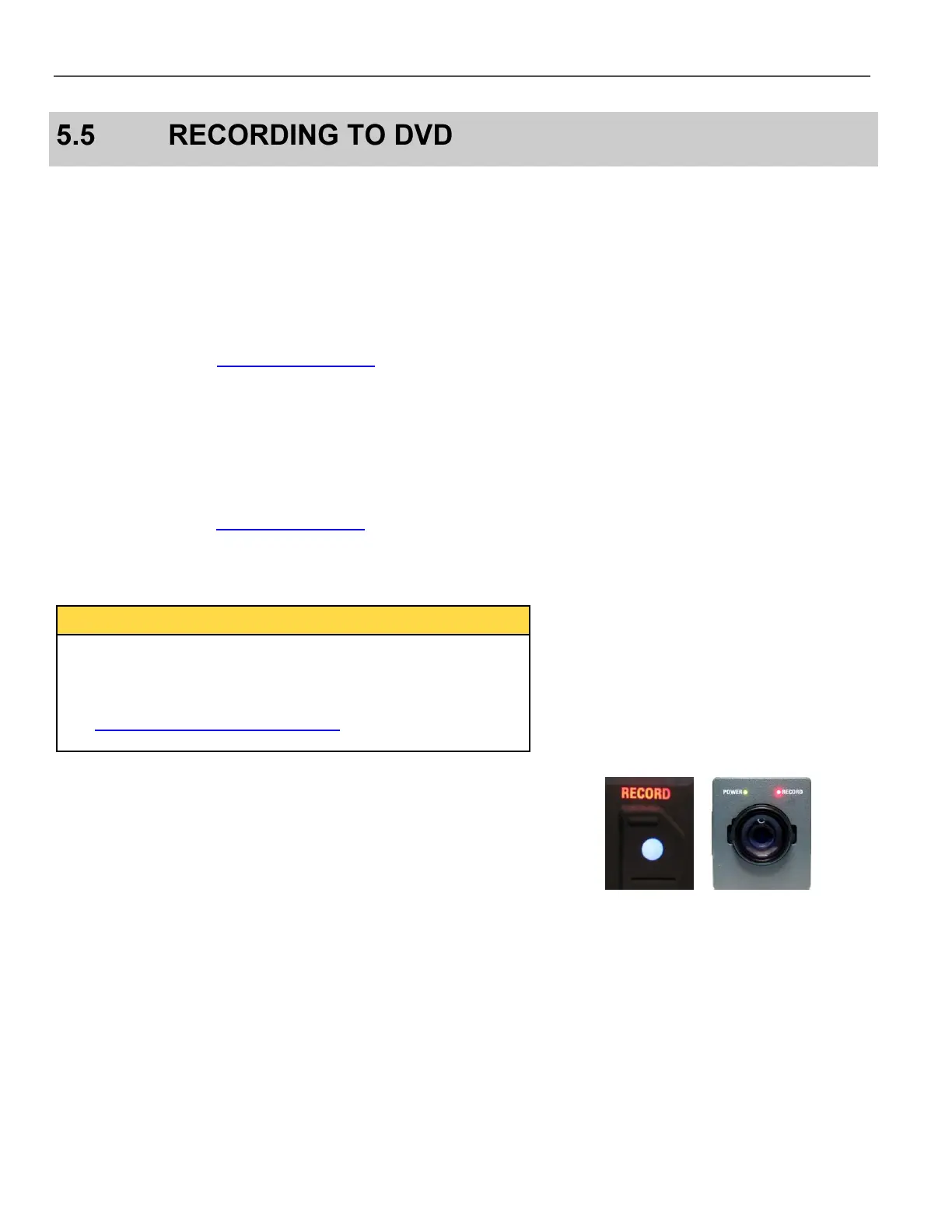
When actively recording, the Front Panel RECORD LED glows red,
and the red LED by the camera lens is activated.



 To Next Page