Chapter 4
4-18 Printer-Applicator User’s Manual
Low Label Sensor Trigger Point
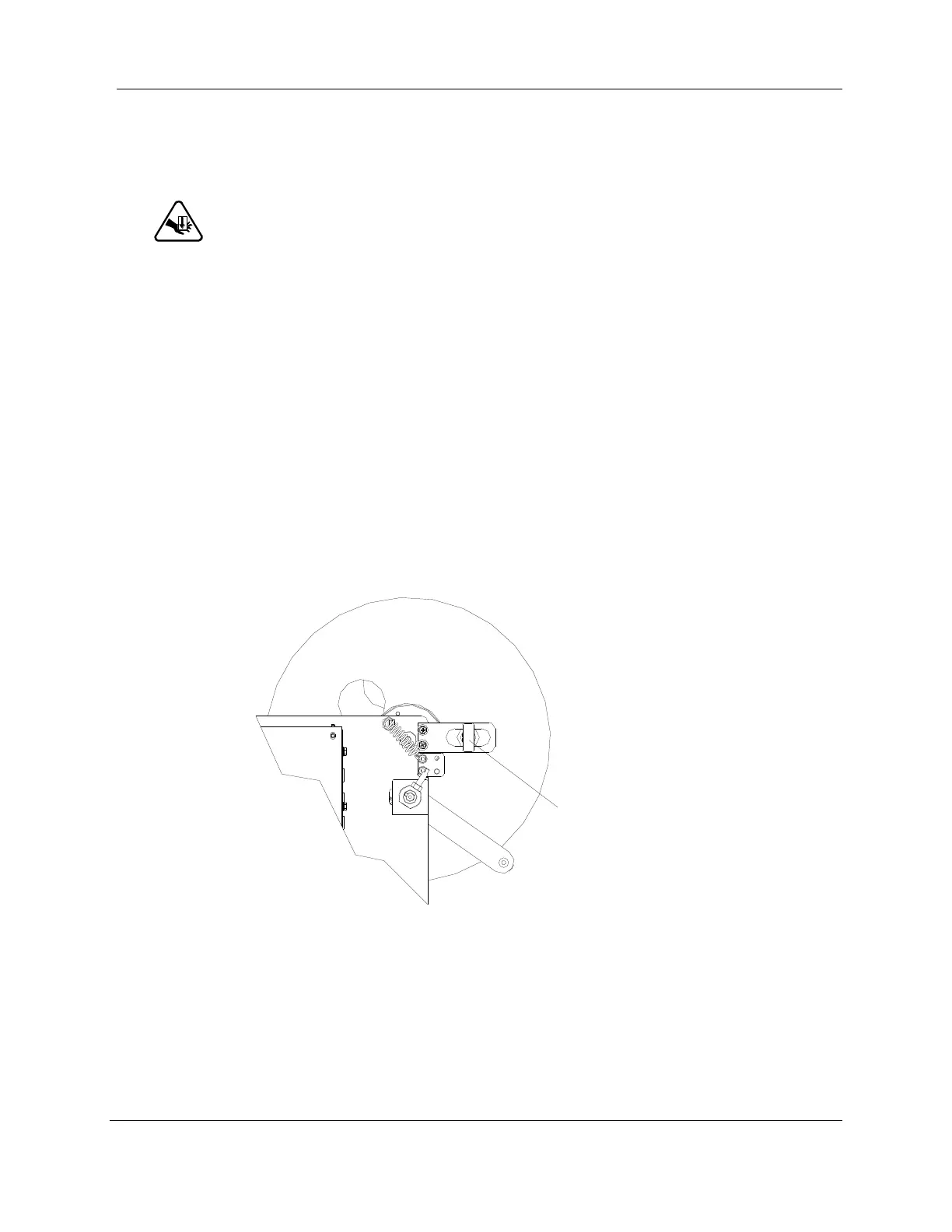
The low label sensor trigger point is the level of label supply that will activate the sensor light.
! CAUTION ! Use caution when cycling the machine. Keep hands away from
the tamp.
To adjust the sensor trigger point:
1. Move the unwind roller dancer arm toward the printer.
2. Rotate the unwind roller until the opening in the inner unwind disk is in front of the low
label sensor. Make note of the red spot on the label supply. The spot is the trigger point
where the sensor will turn off when the supply roll is depleted below the spot.
3. Loosen the low label sensor’s front mounting nut and slide the sensor horizontally on
the bracket to the desired trigger point. (see).
4. Tighten the front mounting nut.
Figure 4-12: Low Label Sensor Trigger Point



 To Next Page