44 2599440000/00/04.2019
Touchscreen display
The user can control the operation of the printer with the control panel, for example:
• Issuing, interrupting, continuing and canceling print jobs,
• Settingprintingparameters,e.g.heatleveloftheprinthead,printspeed,interfaceconguration,language
andtimeofday(→CongurationManual),
• Controlstand-aloneoperationwithamemorymodule(→CongurationManual),
• Updatethermware(→CongurationManual).
Many functions and settings can also be controlled by software applications or by direct programming with a
computerusingtheprinter’sowncommands.→ProgrammingManualfordetails.
Settings made on the touchscreen display make the basic settings of the label printer.
It is advantageous, whenever possible, to make adaptations to various print jobs in the software.
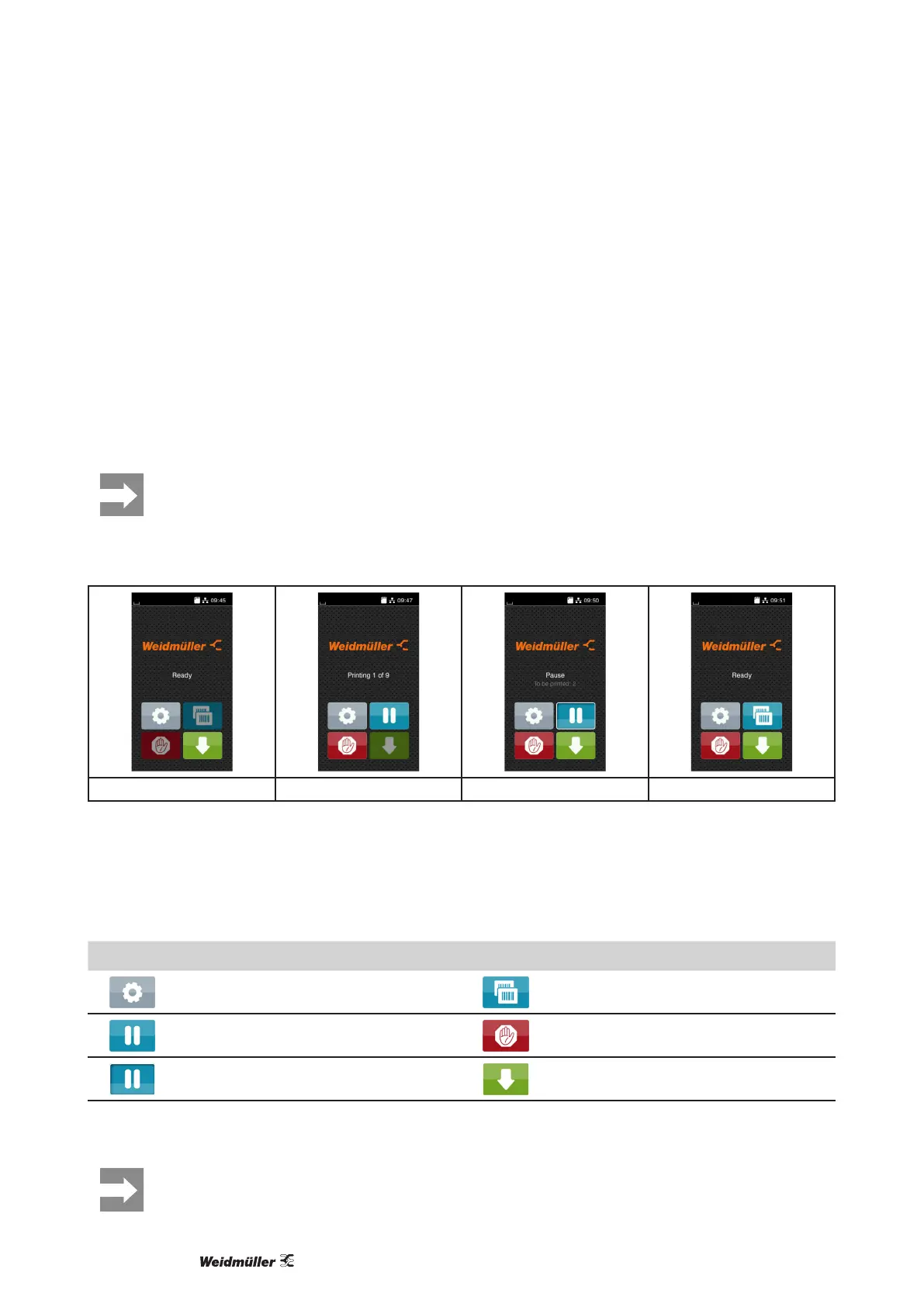
3.1 Start screen
After switching on During printing In pause state After print job
Figure 5 Start screen
The touchscreen display is operated directly by touch:
• To open a menu or select a menu item lightly touch the corresponding symbol.
• Toscrollinlistsslidengerupordownonthedisplay.
Symbol Function Symbol Function
Open the menu Repeat the last printed label
Interrupt the print job Cancel all print jobs
Continue the print job Feed a blank label
Table 1 Symbols
Inactive symbols are shaded.
3 Touchscreen display



 To Next Page
 Loading...






