The EASY-Display
90 Operating Manual
7.3 The accompaniment in the EASY Mode
Styles Settings
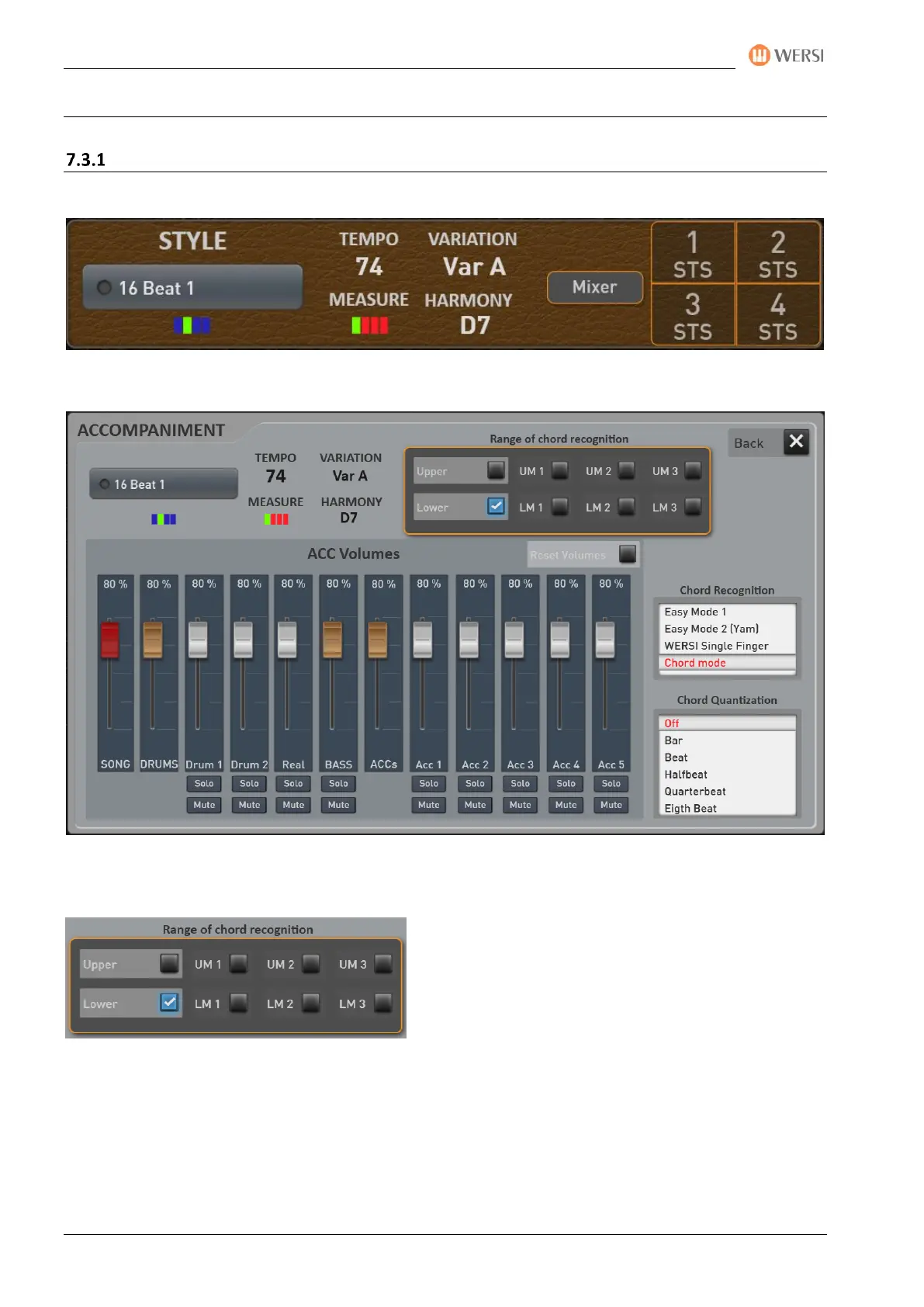
Once you have selected a style, the important necessary information will appear in the ACC area.
The MIXER display button takes you to the style settings.
7.3.1.1 Chord recognition
Area of chord recognition
Here you can set the keyboard area in which
chord recognition for the styles works:
In the case of upper manual or lower manual, the complete lower or upper manual for chord
recognition is evaluated.
However, you can also limit the range of chord recognition by specifying a playing area for lower manual
1, for example, and by selecting "UM1" only this area is used for chord recognition.



 To Next Page
 Loading...