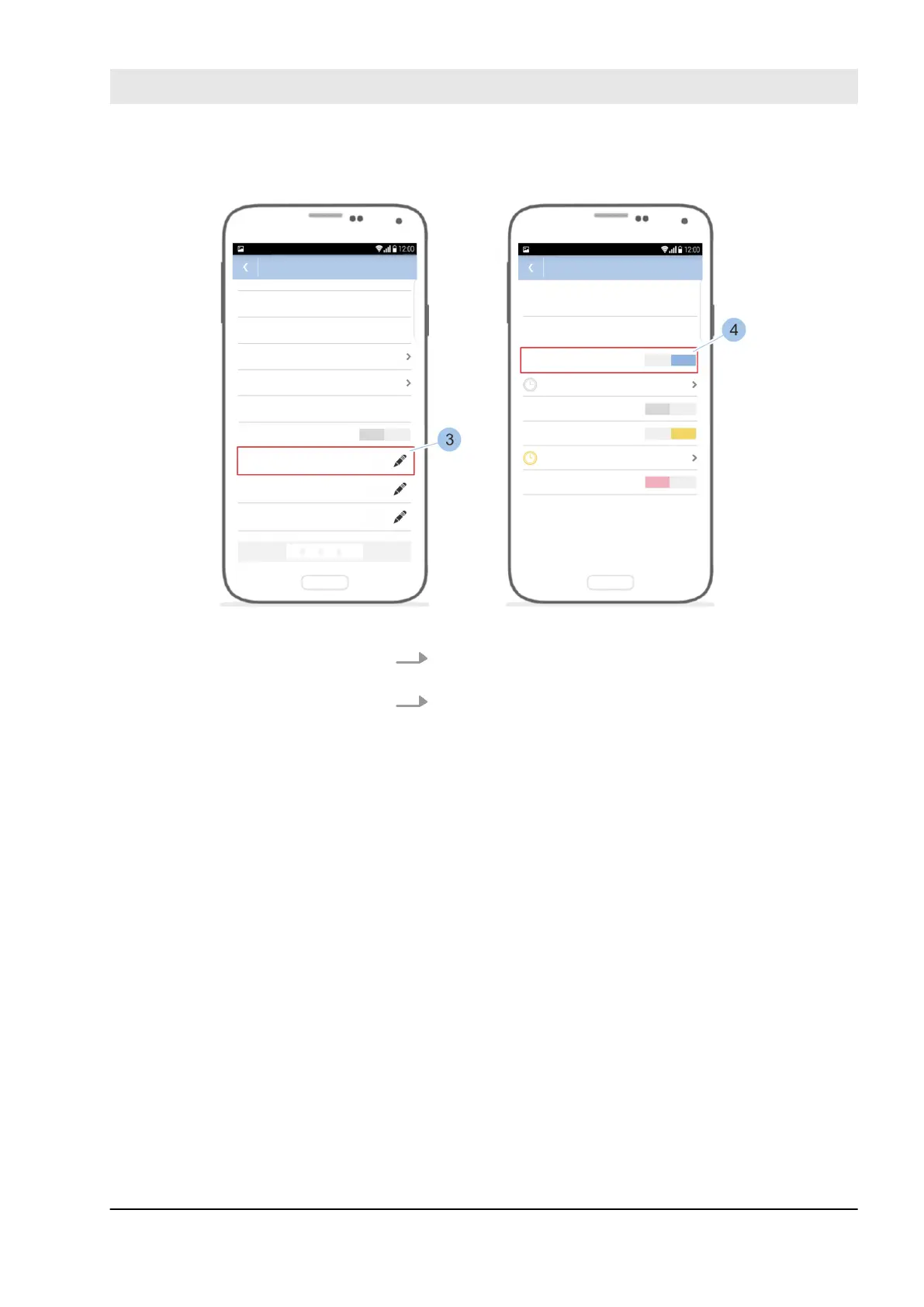
Fig. 81: Manage locking authorisations on the reader
3. Touch the required key group (4) in Access authorisa-
tions (3).
4. Assign or withdraw locking authorisations for the keys
in the selected key group (4).
Manage locking authorisations
Manage locking system
23.03.2020 blueCompact electronic locking system 105



 To Next Page