7.4.4 Check the cylinder battery charge status
Prerequisites:
n Masterkey has been linked to the app.
–
Ä
Chapter 7.2 “Register” on page 79
n User is in the Cylinder menu.
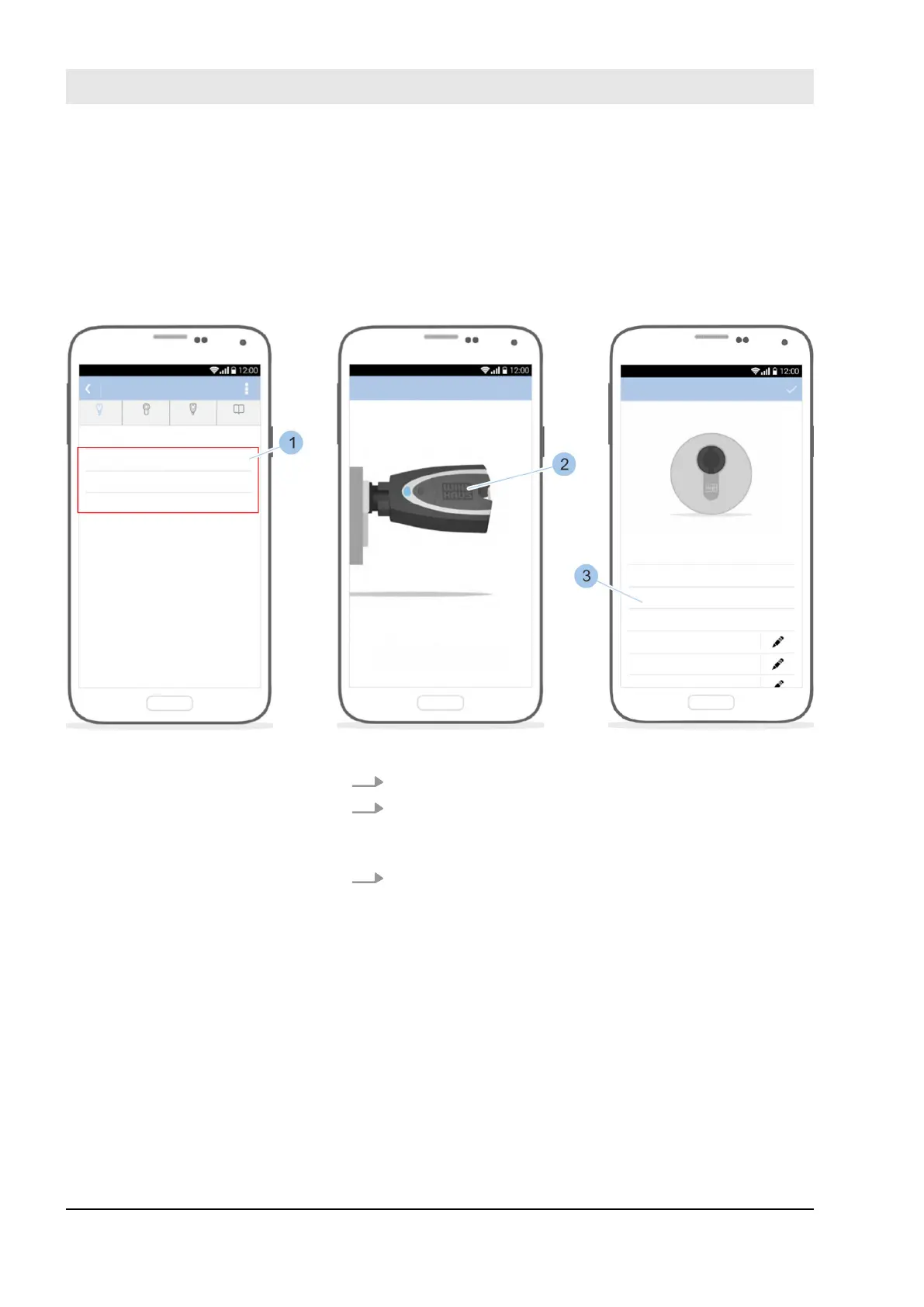
Fig. 66: Check the cylinder battery charge status
1. Select cylinder (1).
2. Insert Masterkey (2) in the cylinder.
ð
The Masterkey (2) is linked to the cylinder and the
cylinder overview is shown.
3. Check the cylinder battery charge status (3). Replace
the cylinder battery if the display says low or replace.
Ä
Chapter 10.3.1 “Replace the battery in an active key”
on page 156
Open cylinder overview
Manage locking system
23.03.2020blueCompact electronic locking system90



 To Next Page