1.2.1.1 Use user key function
An active key can be used in the same way as
a passive key (= user key). The button does
not need to be activated with the button to
do so.
Ä
Chapter 1.2.3 “Passive keys” on page 22
Prerequisites:
n Battery is suciently charged.
n The active key features the corresponding locking rights.
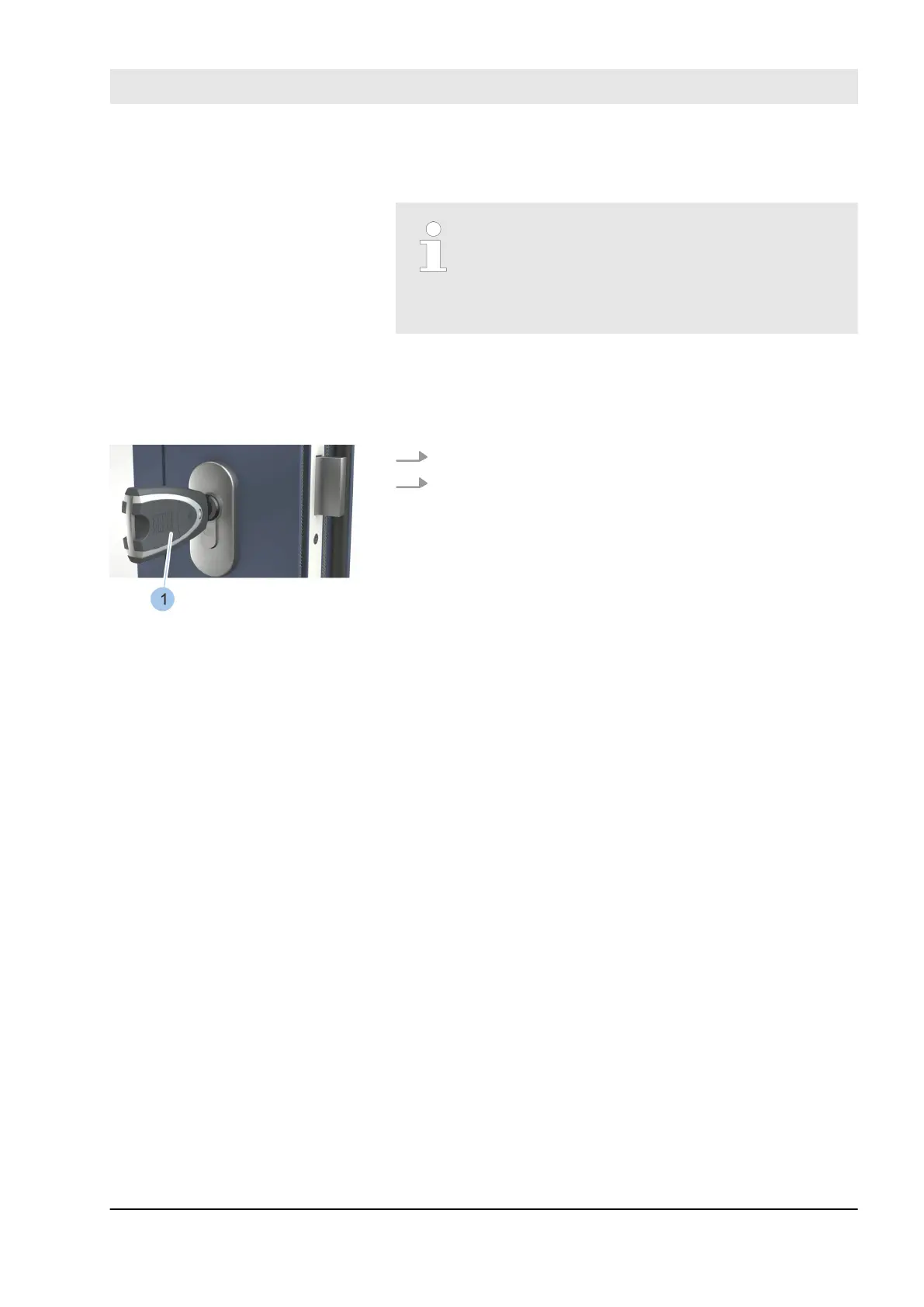
1. Insert active key (1) into the cylinder.
2. Lock cylinder.
Operate the cylinder
Fig. 6: Operate the cylinder
Product overview
23.03.2020 blueCompact electronic locking system 19



 To Next Page