7.4.6 Delete cylinder
Prerequisites:
n Masterkey has been linked to the app.
–
Ä
Chapter 7.2 “Register” on page 79
n User is in the Cylinder menu.
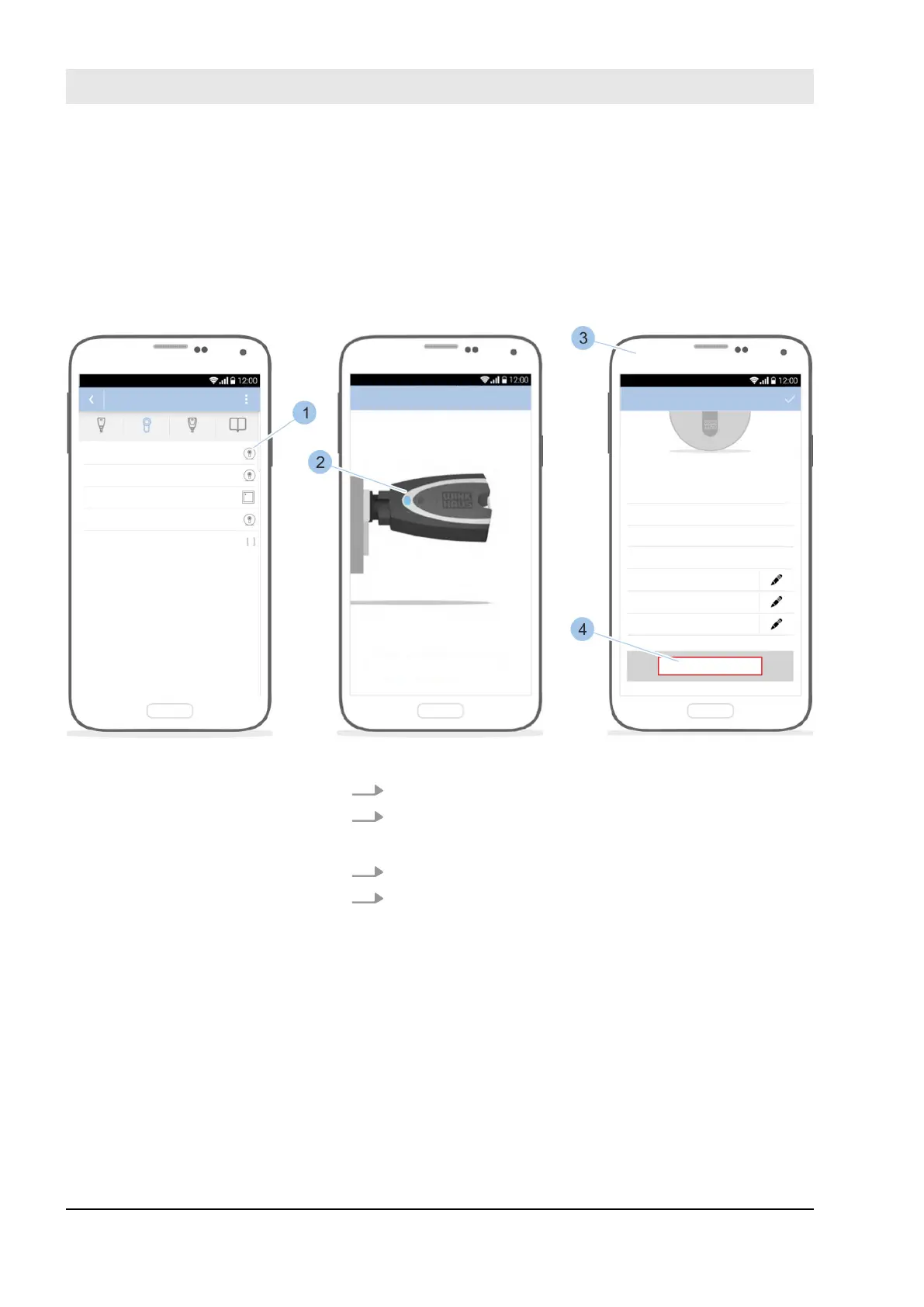
Fig. 74: Select cylinder
1. Select cylinder (1).
2. Insert Masterkey (2) in the cylinder.
ð
The cylinder details are displayed (3).
3. Scroll down in the cylinder details.
4. Touch Delete (4).
Connect Masterkey to cylinder
Manage locking system
23.03.2020blueCompact electronic locking system98



 To Next Page