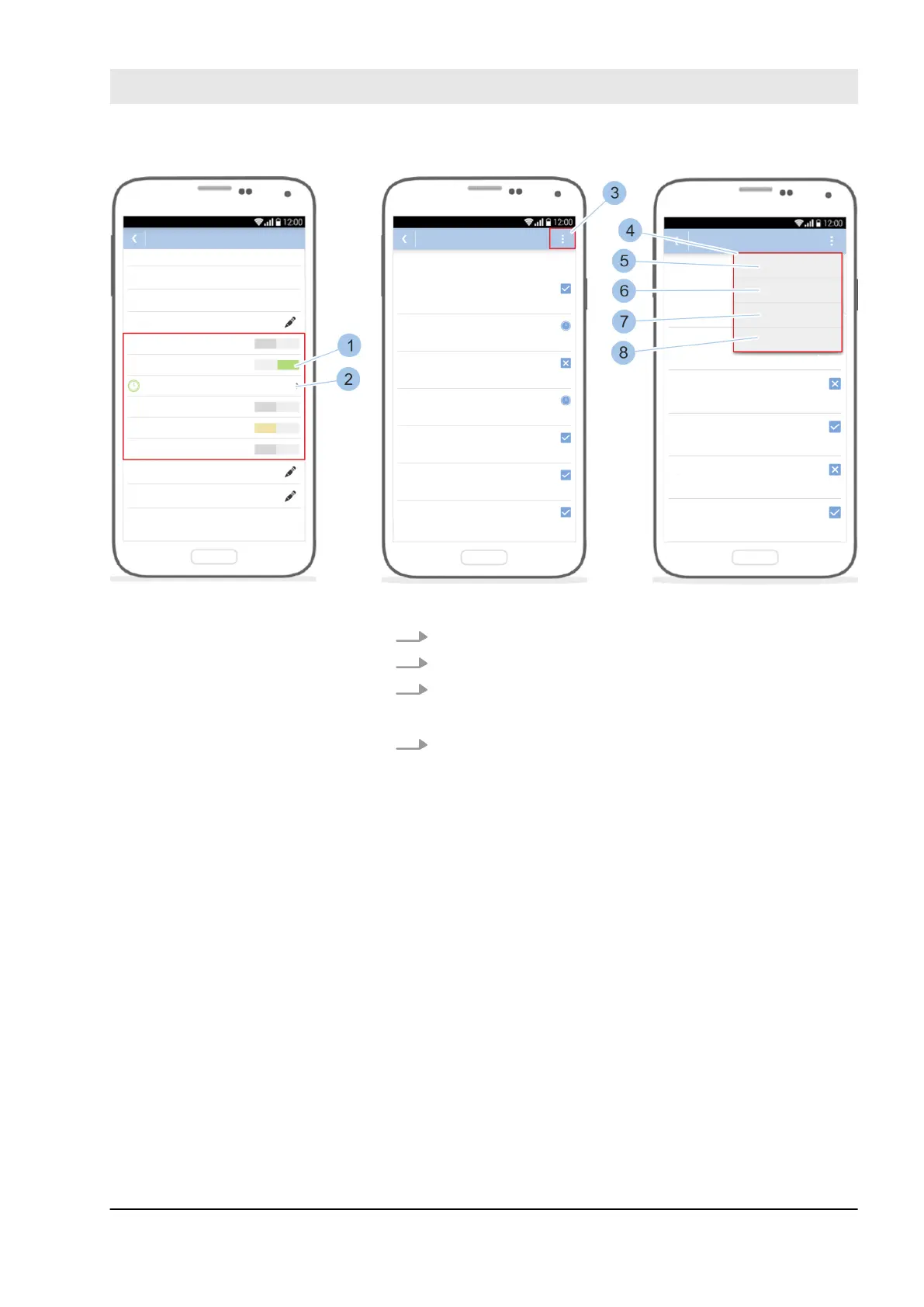
Fig. 73: Use quick administration
4. Issue locking authorisations for the key (1).
5. Touch the Time profiles (2) menu.
6. Touch the Options menu (3).
ð
The Quick administration (4) opens.
7. To issue the key locking authorisations on all week-
days, touch always (5).
To withdraw the locking rights from the key on all
weekdays, touch not (6).
To use the same time profile as Monday for every
weekday, touch Every day like Monday (7).
To use the last time profile set with this smartphone,
touch Keep most recent (8).
Manage locking system
23.03.2020 blueCompact electronic locking system 97



 To Next Page