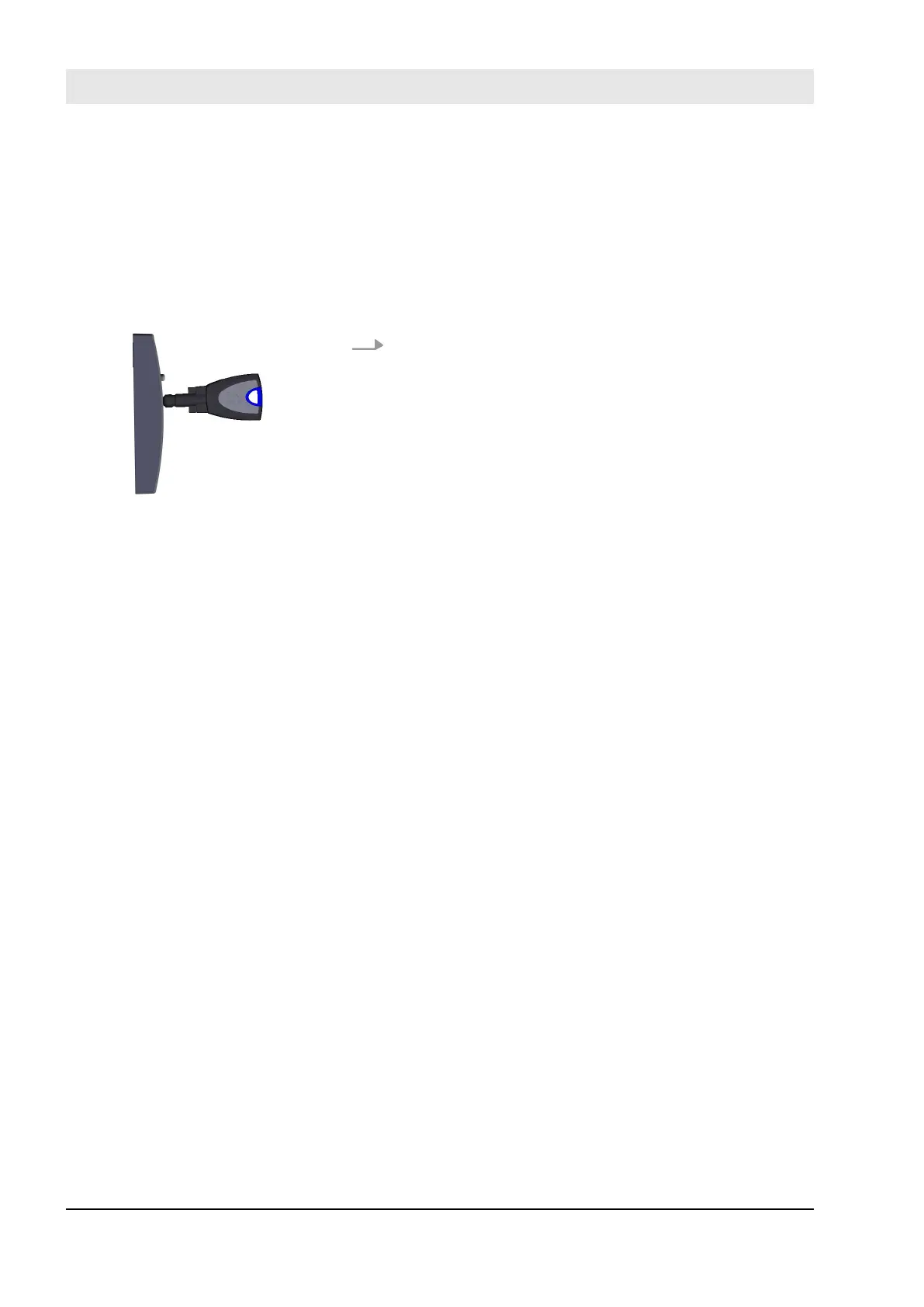
8.2 Lock on the reader
Prerequisites:
n The administrator has instructed key holders on how to
use the locking system.
n The key is authorised to lock.
Ä
Chapter 7.5.4 “Issue and withdraw locking authorisa-
tions on the reader” on page 104
Hold the key in the centre in front of the reader.
n Presenting the key for a short time opens the door
once for the duration of the release time. An author-
ised locking is indicated with a short beep and a
green LED light.
n Presenting the key for an extended period of time
activates or deactivates the permanent release.
Fig. 112: Lock on the reader
Lock
23.03.2020blueCompact electronic locking system138



 To Next Page