7.8.2 Create a locking plan change reminder
If this setting is enabled, the user is reminded
of the change to the locking plan, so that
they export the change manually.
Prerequisites:
n Masterkey has been linked to the app.
–
Ä
Chapter 7.2 “Register” on page 79
n User is in the Master key menu.
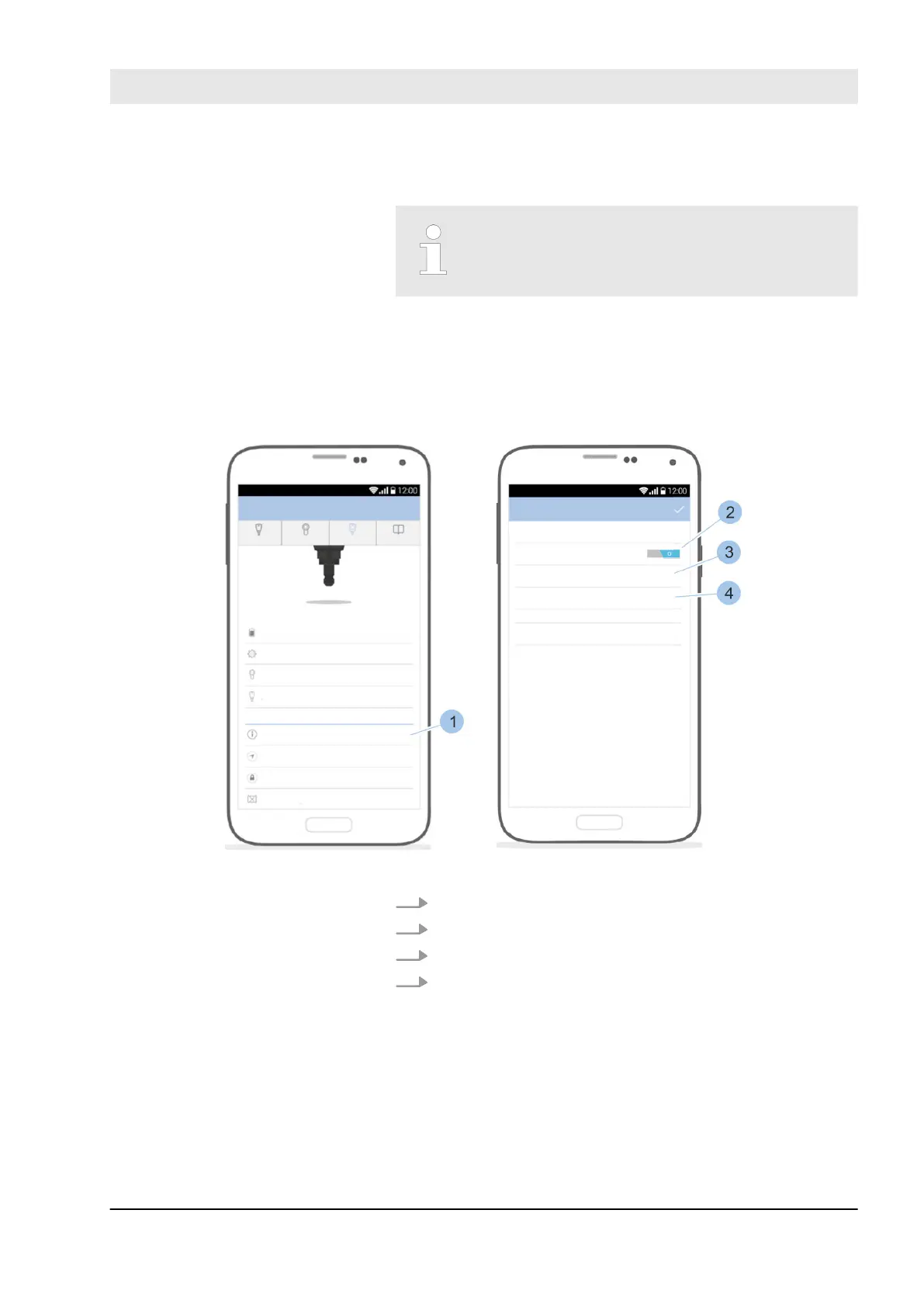
Fig. 104: Locking plan change reminder
1. Touch Locking plan (1).
2. Activate reminder (2).
3. Save or change email address(es) (3).
4. Determine file format (4).
ð
The user is advised of the locking plan change
within the app in the event of changes to locking
authorisations. The Masterkey symbol is given a red
mark and a red line of text appears.
Activate locking plan change
reminder
Manage locking system
23.03.2020 blueCompact electronic locking system 129



 To Next Page