4. Confirm prompt (3) by pressing Update (4) and switch
on the active key.
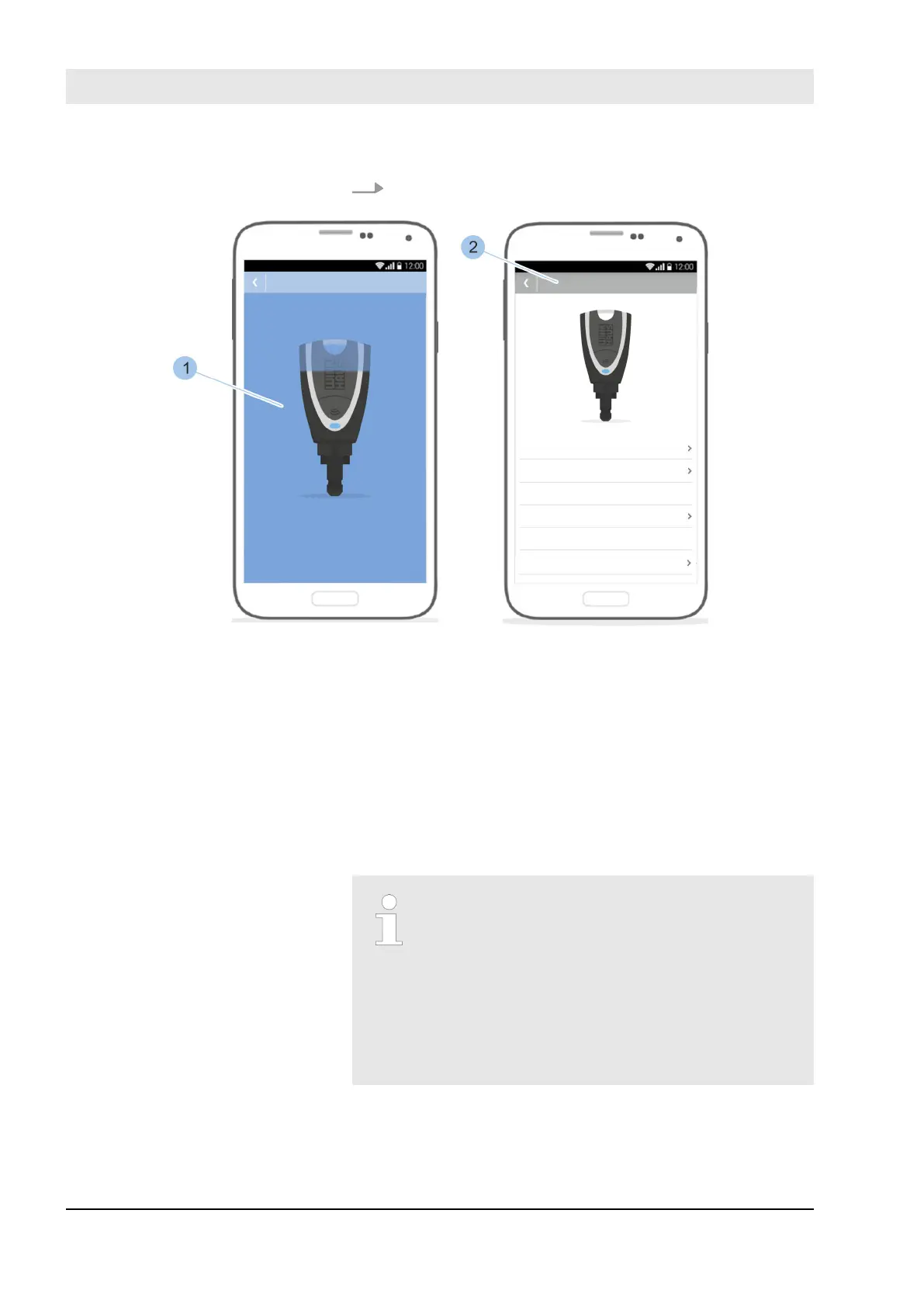
Fig. 116: Complete software update
ð
The software update is installed (1).
The active key flashes yellow for a few seconds and
the key details (2) are shown.
Once the installation is complete, the active key
switches o automatically. The software update is
complete.
9.3 Transfer data to cylinder
A software update can install optimisations
on the Masterkey, cylinder, reader and all
active keys.
The required data are provided via the app.
If it is detected during the identification of
the cylinder or when adding in the locking
system that the software of the cylinder is
out of date, the software update can be car-
ried out.
Install software updates
23.03.2020blueCompact electronic locking system144



 To Next Page