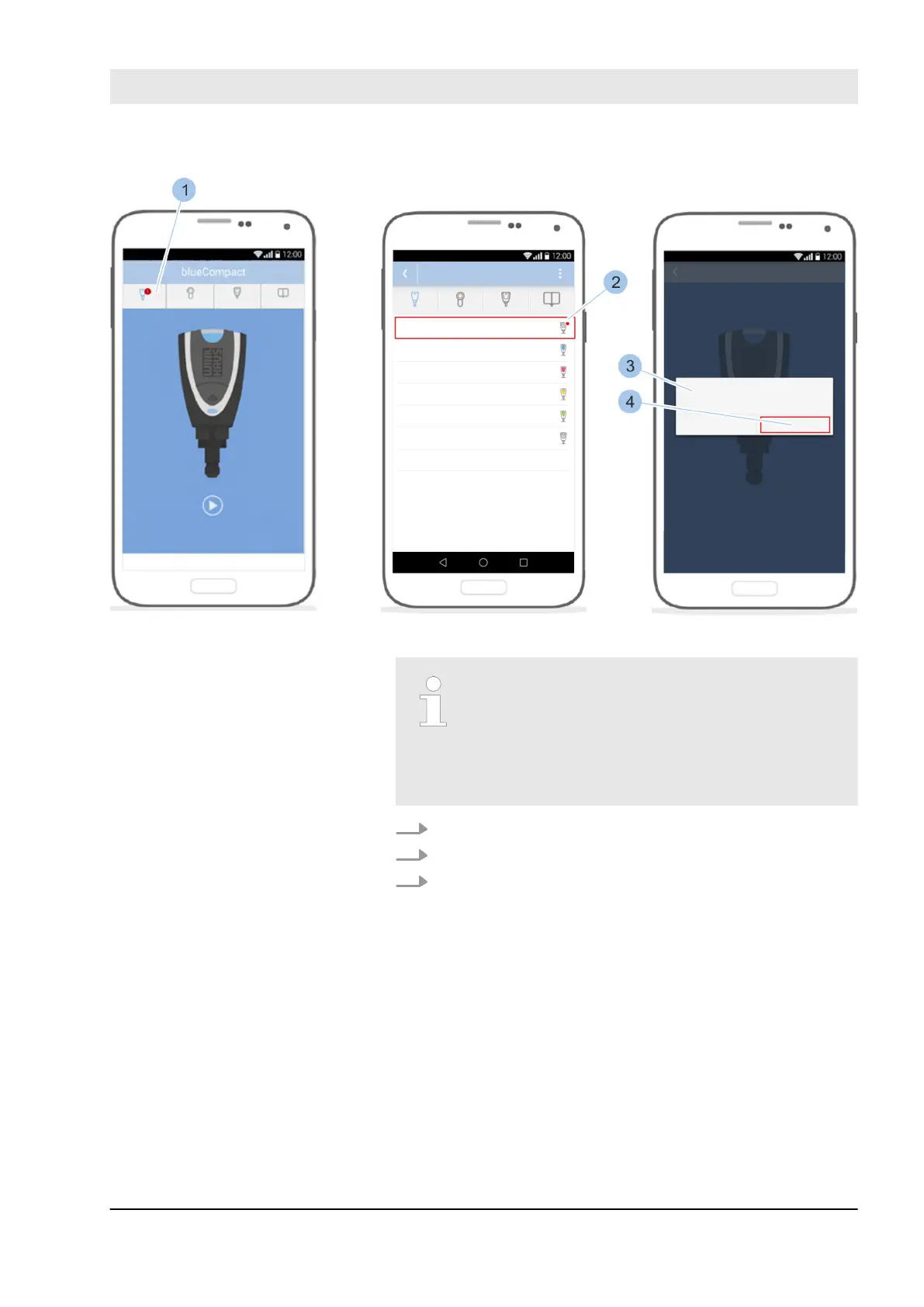
Fig. 115: Install software update on active keys
Once the update of the Masterkey is com-
plete, the menu bar shows which locking
system components (1) the software update
can be installed on.
A software update is available for active keys
marked in red in the Key menu (2).
1. Use the adapter to connect Masterkey and active key.
2. Call up the Key menu (1).
3. Touch the active key concerned (2).
Install software update on the
active key
Install software updates
23.03.2020 blueCompact electronic locking system 143



 To Next Page