11.3 Activation card loss
Prerequisites:
n Activation card has been lost.
n Masterkey is linked to the app.
–
Ä
Chapter 7.1 “Initialise Masterkey” on page 77
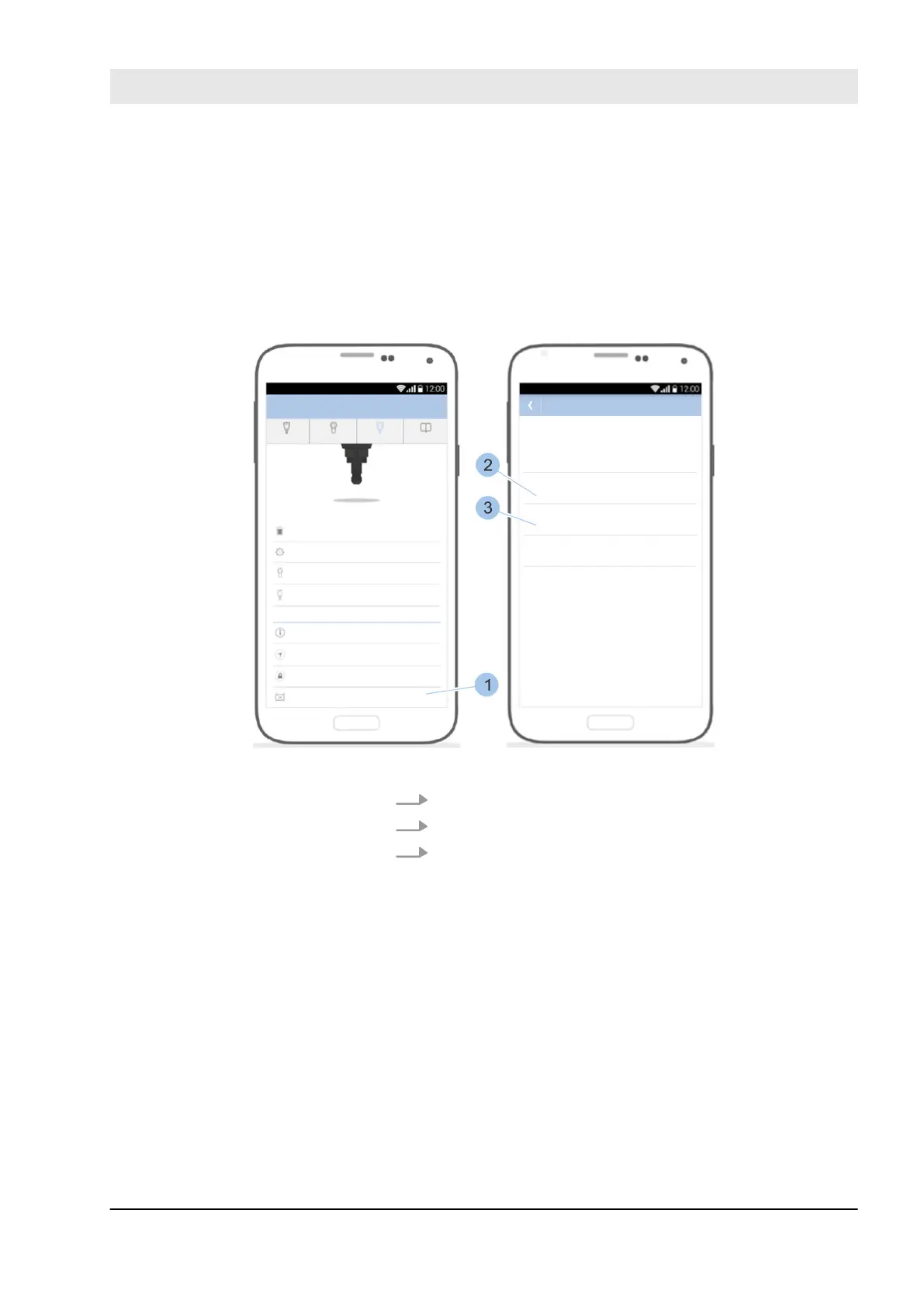
Fig. 154: Display reorder code and system number
1. Open Master key menu.
2. Scroll down in the menu.
3. Touch Activation card lost (1).
ð
The order code (2) and system number (3) are
shown. You can use this information to order a new
activation card from your specialist dealer. The new
activation card (with new PUK card) is sent by
post.
Display reorder code and system
number
Fault repair
23.03.2020 blueCompact electronic locking system 173



 To Next Page