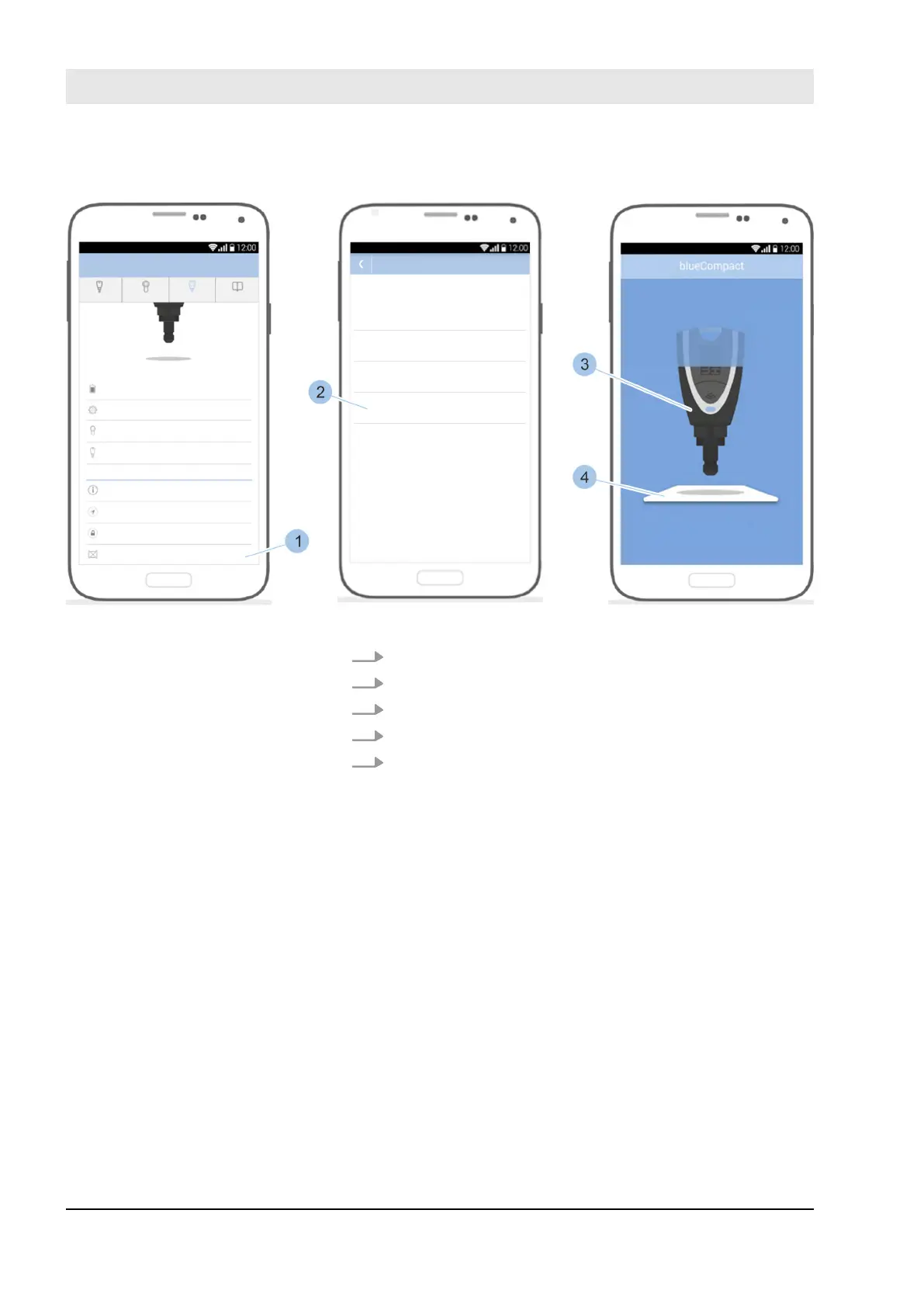
Fig. 155: Read in activation card
4. Open the Master key menu.
5. Scroll down in the menu.
6. Touch Activation card lost (1).
7. Touch Read in new card (2).
8. Place Masterkey (3) on the activation card (4).
Read in new activation card
Fault repair
23.03.2020blueCompact electronic locking system174



 To Next Page