7.4.3 Identify cylinder
You can identify the cylinder if you do not know which cyl-
inder it is. The information about the cylinder is displayed
once it is identified.
Precondition:
n Masterkey has been linked to the app.
–
Ä
Chapter 7.2 “Register” on page 79
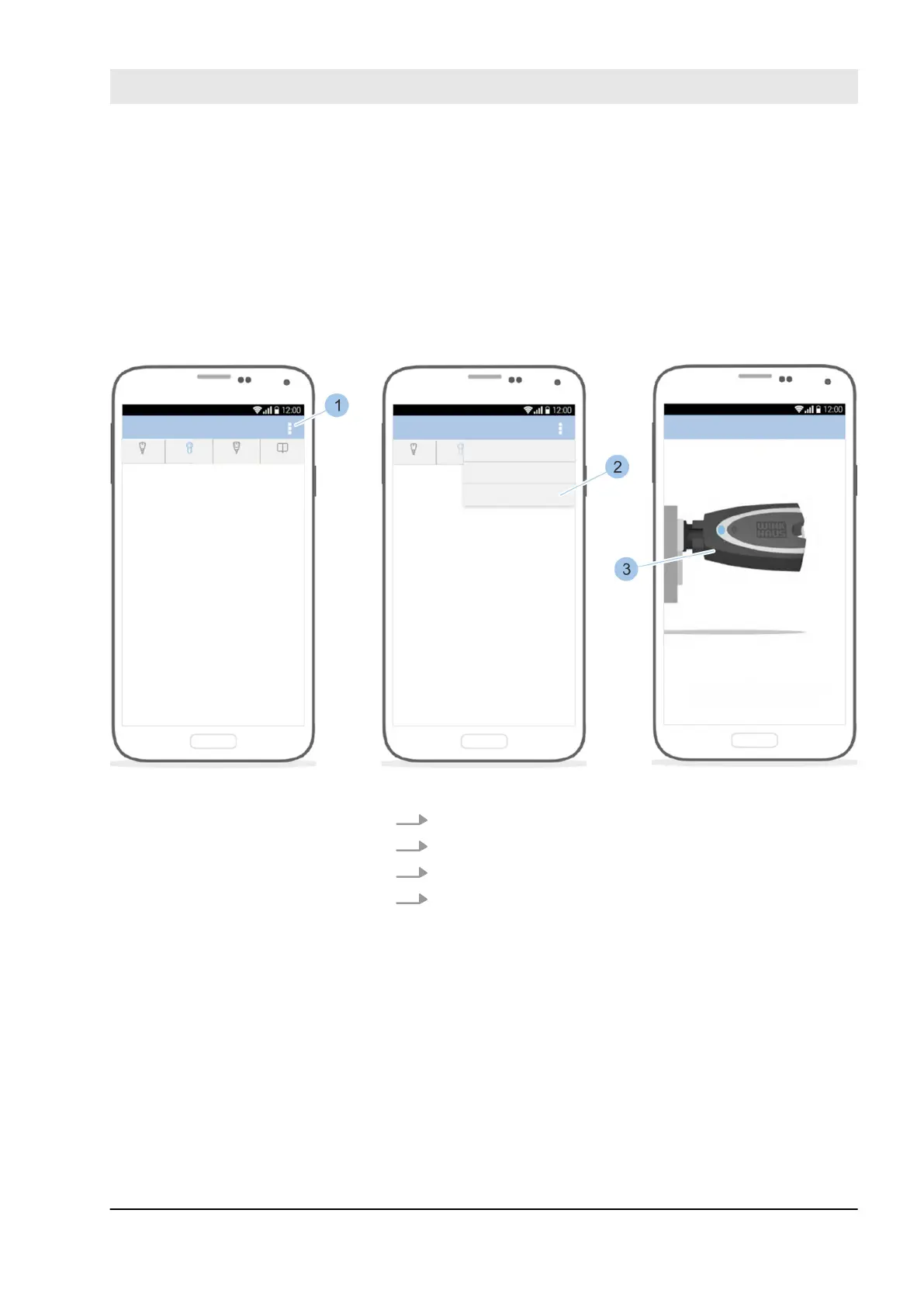
Fig. 65: Identify cylinder
1. Call up the Cylinder menu.
2. In the Cylinder menu, touch the Options menu (1).
3. Touch Identify (2).
4. Insert Masterkey (3) in the cylinder.
ð
The cylinder specifications are shown after the key
has been scanned.
Show cylinder
Manage locking system
23.03.2020 blueCompact electronic locking system 89



 To Next Page